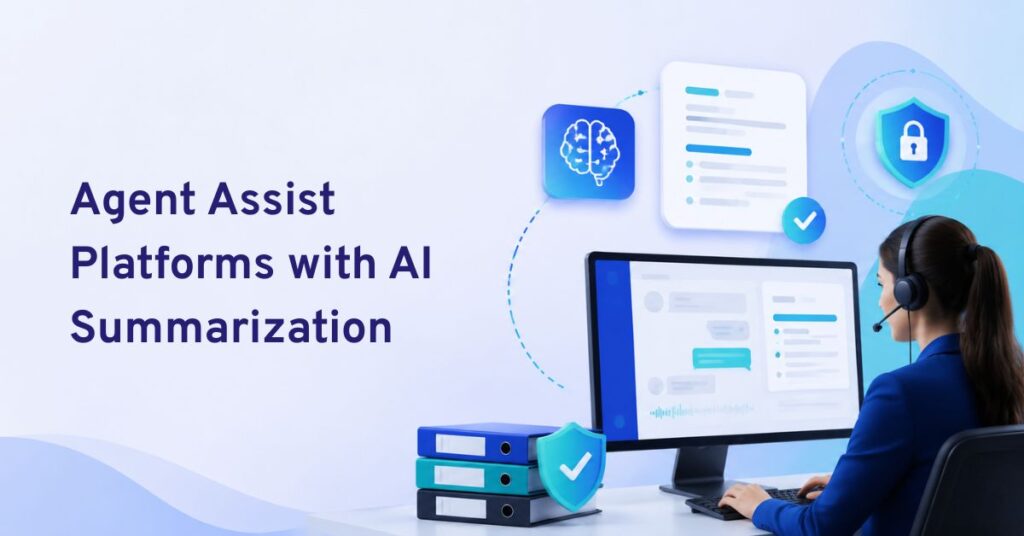
The best AI tools for agent assist and knowledge surfacing in 2026 are platforms that give accurate, real-time guidance and unify knowledge for agents across channels, reducing handle time, improving CSAT, and solving knowledge fragmentation.
Support leaders feel the pressure. Every quarter brings more channels, higher expectations, and growing complexity. Agents must solve complex questions fast, yet their tools hardly keep up.
Fragmented knowledge is the real obstacle. Jumping across help docs, chat logs, and CRM tabs wastes precious time and causes mistakes. When knowledge lives in silos, both agents and customers pay the price.
AI-native agent assist and knowledge surfacing tools changed my teams’ daily work. In this guide, I will show you the seven best AI solutions that make a real operational difference — speeding resolution and boosting agent confidence across voice, chat, SMS, email, and WhatsApp.
What Are AI Agent Assist and Knowledge Surfacing Tools?
AI agent assist tools work alongside human customer service agents during live conversations. Instead of making an agent search through help-center articles, CRM records, SOPs, previous tickets, and internal documents, the AI analyzes the conversation and brings relevant information into the agent’s workspace.
Modern platforms can do much more than retrieve an article. Depending on the tool, they can:
- Surface relevant knowledge automatically
- Generate source-grounded answers
- Suggest replies during calls, chats, and tickets
- Recommend next-best actions
- Summarize long conversations
- Detect customer intent or sentiment
- Guide agents through procedures and workflows
- Automate after-call or post-interaction work
- Preserve context during AI-to-human or agent-to-agent handoffs
The important distinction is that agent assist keeps the human agent in control. An autonomous AI agent may respond to the customer and complete tasks independently, whereas an agent-assist system gives the human employee information, recommendations, or actions to review.
Knowledge surfacing is a major part of that experience. Instead of depending on keyword search, newer systems can use conversation context, semantic retrieval, RAG, customer data, and approved organizational knowledge to identify the information that is most relevant at that moment.
7 Best AI Tools for Agent Assist and Knowledge Surfacing
Below, I break down seven top AI agent assist and knowledge surfacing tools. Each tool earned its place for its ability to solve fragmented knowledge, provide grounded answers, and support teams across industries and channels.
| Platform | Best For | Knowledge Surfacing | Real-Time Agent Guidance | Omnichannel |
|---|---|---|---|---|
| Commplify | Omnichannel CX and enterprise agent assistance | KB, RAG, citations, context packs | Suggested replies, next-best actions, contextual guidance | Voice, chat, email, messaging and broad enterprise integrations |
| Cresta | Large enterprise contact centers | Proactive, source-backed knowledge | Behavioral guidance, workflows, summaries | Strong enterprise contact-center focus |
| Genesys Cloud Agent Copilot | Teams already using Genesys Cloud CX | Automatic KB articles and answer highlighting | Next-best actions, scripts, checklists | Deep Genesys Cloud integration |
| Google Cloud Agent Assist | Organizations building customizable AI-powered contact centers | Generative Knowledge Assist, articles and FAQs | Smart replies, AI coaching, translation | Highly configurable Google Cloud ecosystem |
| Observe.AI | Voice-heavy contact centers and coaching | Knowledge AI with GenAI search | Smart scripts, alerts, prompts and supervisor assist | Strong conversation-intelligence ecosystem |
| Zendesk Copilot | Zendesk-based support operations | Procedures, help-center content and solved tickets | Suggested replies and agent-approved actions | Native Zendesk Agent Workspace |
| Intercom Copilot | SaaS and digital support teams | Articles, past conversations, PDFs and external sources | Answers, troubleshooting and internal guidance | Deep Intercom Inbox integration |
1. Commplify — Best Overall for Omnichannel Agent Assist and Knowledge Grounding
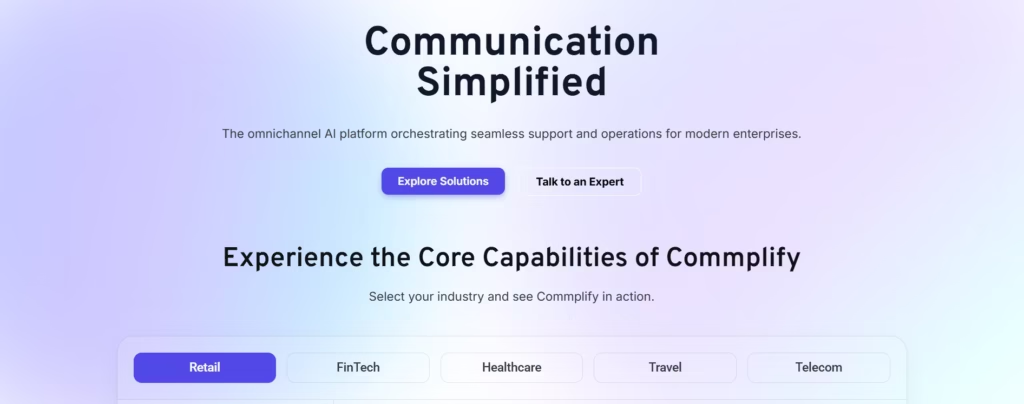
Best for: Enterprises, contact centers, BPOs, and customer experience teams that want agent assistance, knowledge grounding, workflow automation, and omnichannel orchestration in one environment.
The underlying Commplify platform also includes a dedicated Knowledge & Context Layer designed around knowledge bases, retrieval-augmented generation, citations, and context packs. That is important for agent assist because good recommendations depend on what the AI can retrieve from verified organizational information—not simply what the underlying language model already knows.
Commplify can bring structured enterprise applications and unstructured knowledge into the same architecture. Its platform currently lists Salesforce, HubSpot, Zendesk, Freshworks, SAP and Shopify among enterprise application integrations, while knowledge sources include Google Drive, Notion, Confluence, SharePoint and Slack. The platform also describes support for more than 100 enterprise integrations.
Why Commplify stands out
- Real-time suggested replies and next-best actions
- RAG-based knowledge grounding
- Citations and controlled knowledge retrieval
- Shared context across channels
- AI-to-human and human-in-the-loop escalation
- CRM, support desk and knowledge-source integrations
- Sentiment and intent detection
- Workflow automation alongside agent assistance
- On-premise, private-cloud and managed deployment options
- Enterprise controls including SSO and role-based access
Commplify is therefore particularly suitable when the objective goes beyond adding an AI sidebar to an existing helpdesk. It can support the wider workflow around the conversation—understanding intent, finding knowledge, assisting the human, triggering an action, routing the interaction and preserving context throughout the customer journey.
2. Cresta Agent Assist — Best for Enterprise Real-Time Guidance
Best for: High-volume enterprise contact centers that want sophisticated real-time knowledge, behavioral guidance and workflow support.
Cresta Agent Assist analyzes conversations as they happen and delivers context-aware guidance directly to agents. Its Knowledge Agent can proactively detect a point in the conversation where additional information is needed and surface a source-backed answer without requiring the agent to perform a manual search.
A particularly useful capability is Cresta’s use of both conversation context and on-screen context. For example, account information visible in an agent’s workspace can contribute to the answer being surfaced, allowing recommendations to become more specific to the customer’s situation.
Cresta also provides behavioral guidance, guided workflows and automatic summaries. That makes it suitable for environments where agents need not only information but help following complex processes, compliance requirements or sales/service playbooks.
Key strengths: proactive knowledge surfacing, source-backed answers, behavioral guidance, guided workflows, summaries and enterprise-scale contact-center integration.
Consideration: Cresta is primarily positioned toward larger enterprise CX operations rather than teams simply looking for a lightweight helpdesk add-on.
3. Genesys Cloud Agent Copilot — Best for Genesys Contact Centers
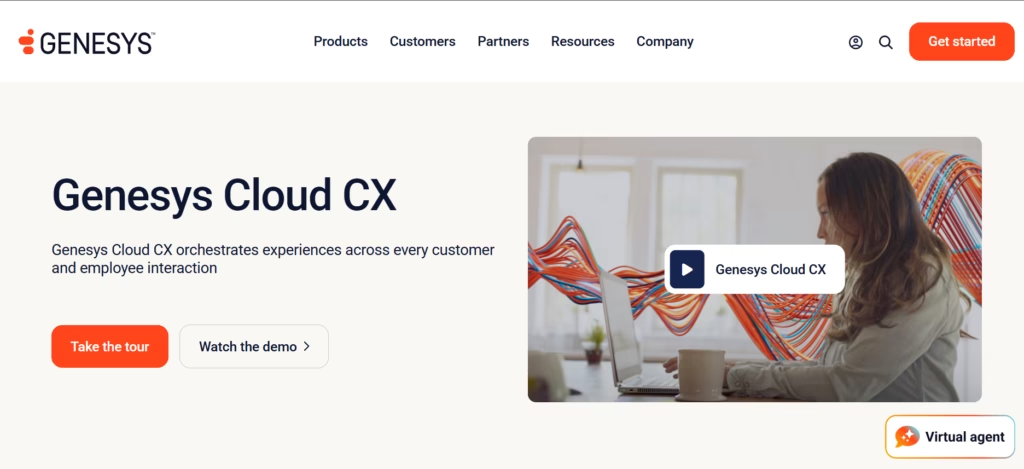
Best for: Organizations already operating their customer service environment on Genesys Cloud CX.
Genesys Cloud Agent Copilot brings agent assistance directly into the Genesys workspace. It can identify customer intent and automatically surface relevant knowledge, suggested responses, scripts and next-best actions during an interaction.
Knowledge surfacing is particularly strong. When Agent Copilot identifies a relevant knowledge article, it can highlight the portion of the article that answers the customer’s specific question. It can also generate an answer from knowledge search results instead of forcing the agent to read an entire document.
Additional capabilities include real-time transcription, automated interaction summaries, wrap-up-code predictions and agent checklists.
Key strengths: automatic knowledge surfacing, answer highlighting, real-time transcription, next-best actions, summaries and native Genesys Cloud integration.
Consideration: Its biggest advantage also defines its ideal audience—it is fundamentally a native Genesys Cloud capability, making it most attractive to organizations already standardized on that ecosystem.
4. Google Cloud Agent Assist — Best for Customizable Enterprise AI
Best for: Organizations with development resources that want a configurable agent-assistance layer built around Google Cloud.
Google Cloud’s Agent Assist, now part of its Gemini Enterprise customer-experience capabilities, combines several functions needed for modern agent assistance. Available capabilities include Knowledge Assist, AI coaching, smart reply, summarization, sentiment analysis, live translation and real-time transcription.
Its knowledge features can follow a conversation and suggest relevant articles or FAQs from configured knowledge collections. Organizations can therefore use their own documentation as the information layer supporting agents.
Google Cloud is particularly interesting for companies that want more control over how agent-assistance functionality is built into an existing contact-center application.
Key strengths: customizable architecture, generative knowledge assistance, smart replies, AI coaching, transcription, translation and Google Cloud integration.
Consideration: Compared with an all-in-one helpdesk copilot, implementation can involve more technical configuration and integration work.
5. Observe.AI Real-Time Agent Assist — Best for Voice Coaching and Compliance
Best for: Call centers where agent behavior, compliance, coaching and live voice interactions are major priorities.
Observe.AI combines real-time agent assistance with conversation intelligence. During conversations, it can present smart scripts, contextual prompts and alerts that help employees follow procedures or respond to changing customer situations.
Its Knowledge AI capability complements that system by centralizing business-critical information and providing GenAI-powered search. Observe.AI also offers summarization capabilities to reduce manual post-call work.
Supervisor assistance is another differentiator. Supervisors can see active conversations with contextual information and identify interactions that may require intervention.
Key strengths: real-time coaching, smart scripts, compliance prompts, supervisor assist, GenAI knowledge search and automatic summarization.
Consideration: Its strongest capabilities are particularly well aligned with structured contact-center and voice operations; teams focused mainly on asynchronous ticket support may prefer a helpdesk-native solution.
6. Zendesk Copilot — Best for Zendesk Support Teams
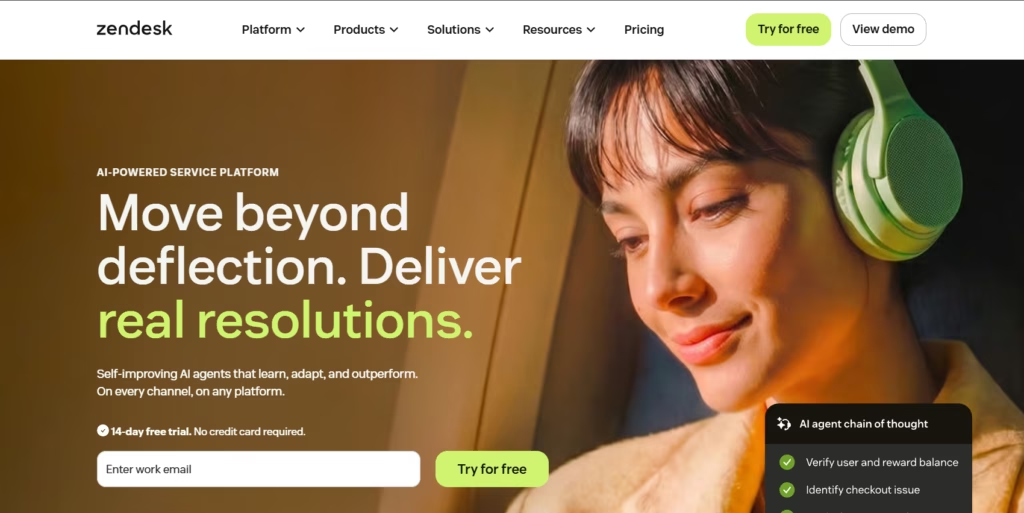
Best for: Organizations already managing their customer service workflows inside Zendesk.
Zendesk Agent Copilot brings AI guidance into the Agent Workspace. The feature set currently includes auto assist, suggested first replies, suggested macros, ticket summaries, intelligent classifications, similar tickets and writing assistance.
The newer Auto Assist capability can understand a ticket and recommend replies, actions or instructions. Suggestions can be grounded in Zendesk procedures, help-center content and similar solved tickets, with the agent retaining approval over the action or reply.
That combination makes Zendesk particularly effective when the company’s knowledge, ticket history, macros and support processes already live inside Zendesk.
Key strengths: ticket-aware guidance, procedures, knowledge-based replies, suggested actions, macros, ticket summaries and native helpdesk integration.
Consideration: Teams with highly fragmented knowledge across several enterprise applications should evaluate how much external context they need compared with what is already available through their Zendesk environment.
7. Intercom Copilot — Best for SaaS and Digital Support Teams
Best for: SaaS companies and support organizations working heavily through Intercom Inbox.
Intercom Copilot functions as an AI assistant inside the Inbox. Agents can ask it questions about the customer issue and receive answers based on approved knowledge instead of leaving the conversation to search elsewhere.
Its knowledge coverage is one of its stronger features. Copilot can work with public and internal articles, websites, snippets, PDFs, macros and synced content from platforms such as Notion, Guru and Confluence. It can also use eligible historical conversations and tickets as additional knowledge.
Sources are presented with generated answers, which helps agents validate where the information came from before using it with a customer.
Key strengths: strong digital support experience, conversation-history retrieval, multiple internal and external knowledge sources, source visibility and tight Intercom integration.
Consideration: Intercom’s documentation currently notes specific limits around conversation-history knowledge, including using up to the previous four months of supported conversation/ticket history and excluding email conversation history from that particular source type.
How to Choose the Right AI Agent Assist and Knowledge Surfacing Tool
The best platform is not necessarily the one with the longest AI feature list. The important question is whether the system can provide the right information, from the right source, at the right moment without creating additional work for the agent.
1. Check how knowledge is grounded
Ask exactly where generated recommendations come from.
A strong system should be able to retrieve information from approved business sources such as:
- Knowledge bases
- SOPs
- Product documentation
- CRM records
- Policies
- Previous support cases
- Internal documentation
- Customer or account context
For higher-risk support environments, source citations and retrieval controls are especially useful because agents need a way to validate information instead of blindly trusting an AI-generated response.
2. Look for proactive knowledge surfacing
Traditional enterprise search still requires the employee to stop what they are doing and formulate a query.
Better agent-assist systems understand the ongoing conversation and automatically identify when a policy, procedure, answer or next action becomes relevant.
This is increasingly an important difference between basic AI search and true real-time agent assist.
3. Evaluate context, not only the knowledge base
The correct answer can depend on much more than what the customer said.
Useful context may include:
- Customer plan
- Account status
- Previous interactions
- Order history
- Current ticket
- Product being used
- Customer sentiment
- Eligibility rules
- Current workflow step
The better the platform can safely incorporate this context, the more personalized and useful its suggestions can become.
4. Make sure it works inside the agent’s workflow
An AI assistant that requires employees to repeatedly open another browser tab can simply replace one search problem with another.
Look for guidance that appears in the CRM, helpdesk or agent desktop where employees already work.
5. Compare guidance and action capabilities
Knowledge surfacing answers “What should the agent know?”
Next-best-action technology addresses the second question: “What should the agent do now?”
For example, the system might recommend checking an account, processing a refund, following a troubleshooting workflow, escalating a complaint or applying a specific policy.
Platforms combining knowledge retrieval with workflow execution can generally address a wider portion of the agent’s workload.
6. Review omnichannel context
If customers move between voice, chat, email and messaging, check whether their previous context follows them.
Without shared context, an agent may receive a technically accurate recommendation but still lack information about what the customer already discussed with another AI or employee.
7. Measure the impact after deployment
Do not judge agent assist only by how impressive its generated answers look in a demo.
Track operational metrics such as:
- Average handle time
- First-contact resolution
- Escalation rate
- Knowledge-search time
- AI suggestion acceptance
- Agent edits to AI-generated responses
- After-call work
- QA score
- CSAT
- Time required to onboard new agents
These measurements show whether knowledge surfacing is actually reducing cognitive workload and helping employees resolve cases more effectively.
Agent Assist vs. AI Agent vs. Knowledge Management: What’s the Difference?
Although the technologies overlap, they solve different parts of customer service.
- AI agent: Interacts directly with customers and can autonomously resolve eligible requests.
- Agent assist or copilot: Works behind a human employee, providing suggestions, knowledge, summaries and recommended actions.
- AI knowledge management: Organizes, retrieves and improves the information used by employees, AI agents and self-service systems.
For many organizations, the strongest architecture combines all three. Routine requests can be handled autonomously, human employees can receive AI assistance on complex interactions, and both systems can retrieve information from the same governed knowledge layer.
That is also why platforms increasingly compete on knowledge orchestration and context, rather than response generation alone.
Which AI Tool Is Best for Agent Assist and Knowledge Surfacing?
For organizations looking for a broader combination of real-time agent assist, grounded knowledge retrieval, omnichannel context, workflow automation and human escalation, Commplify is our top overall choice. Its Co-Pilot sits within a wider CX architecture that connects knowledge, intent, routing, automation, quality management and human assistance instead of treating agent assist as an isolated feature.
Cresta is particularly strong for sophisticated enterprise contact-center guidance; Genesys Cloud Agent Copilot is a natural choice for existing Genesys environments; Google Cloud provides extensive customization; Observe.AI stands out for real-time voice coaching; Zendesk and Intercom are strong options inside their respective support ecosystems; and Salesforce Service Assistant makes sense when customer-service context already lives primarily within Salesforce.
The final decision should therefore depend less on which vendor calls its product a “copilot” and more on where your knowledge lives, how agents work, which channels you support, what actions AI needs to trigger, and how much control you need over grounding and governance.
Conclusion
Selecting the right AI agent assist and knowledge surfacing tool is about more than just ticking boxes on a feature list. In my experience, the best platforms unite knowledge, ground every answer, speed up deployment, and protect against agent silos. Commplify’s knowledge intelligence capability lets enterprise teams control every aspect—from retrieval method to channel automation—without losing sight of the human touch.
For teams who want to stay ahead, investing in unified, AI-native support tech is not a luxury but a necessity. The future of CX is grounded, analytics-driven, and truly omnichannel—and the right solution brings that future to your team, before your customers even ask for it.
FAQs
What is AI agent assist in customer support?
AI agent assist provides real-time guidance, knowledge retrieval, and suggested responses to support agents, improving accuracy and speed during customer interactions.
How does AI knowledge surfacing work?
AI knowledge surfacing retrieves and validates answers from knowledge bases or documents, using AI to present the best, grounded options to agents quickly.
What are the top AI agent assist tools for enterprises?
Leading tools include Commplify, SupportLogic, Balto, Observe.AI, Cresta, Ada, and IrisAgent each excelling in grounding, channel support, and analytics.
How do these solutions prevent misinformation or hallucinated answers?
Most apply retrieval-augmented generation with grounded responses, restricting AI outputs to validated content in the organization’s knowledge base.
Which tools provide unified support across voice, chat, email, SMS, and WhatsApp?
Commplify is one of the few platforms offering true omnichannel agent assist with a single interface for all major channels.
What is the typical deployment time for agent assist tools?
Deployment times range from a few days to several weeks, depending on integration complexity and knowledge source readiness.
What improvements can I expect in CSAT or handle time with these tools?
Enterprises typically see lower average handle time, higher first-contact resolution, and CSAT improvements from 5–20% post-implementation.
How do I choose the best agent assist tool for my support team?
Match your channel needs, knowledge base sources, grounding technology, compliance, analytics, deployment speed, and integration requirements for the best fit.
This page was last edited on 7 September 2026, at 12:53 am