The top-rated QA tools with customizable scorecards include Commplify, MaestroQA, Scorebuddy, and Level AI. Each offers different strengths in AI-powered scoring, agent coaching, and quality monitoring. But which fits your needs?
Your support team handles 10,000 customer conversations every month.
But here’s the problem.
What if your QA team reviews only 200 of them?
That means 98–99% of conversations go unchecked. Missed sales opportunities, unhappy customers, and compliance risks could be hiding in those interactions.
And reviewing every conversation manually? That’s nearly impossible.
So, how do you maintain service quality without overwhelming your QA team?
That’s where AI-powered QA tools with customizable scorecards make a difference. They help automate evaluations, track agent performance, and uncover issues before they become bigger problems.
But not every tool offers the same flexibility.
In this guide, we’ll explore 10 top-rated QA tools with customizable scorecards. You’ll discover their key features, learn how to build effective QA scorecards, and find the right solution for your team.
What is a QA Tool with Customizable Scorecards?
A QA tool with customizable scorecards is software that helps businesses assess customer interactions using tailored evaluation criteria. It allows teams to create custom scoring rubrics, assign weighted scores, and measure agent performance across voice, chat, email, and other support channels.
Unlike traditional QA systems with fixed evaluation forms, these tools adapt to different business goals, workflows, and compliance requirements.
For example, customer support teams may prioritize empathy and first contact resolution (FCR). Sales teams, on the other hand, may focus on lead qualification and objection handling.
Advanced QA platforms can also use AI-powered automated scoring (Auto QA) and natural language processing (NLP) to evaluate conversations at scale.
10 Top-Rated QA Tools With Customizable Scorecards
Finding the right QA software can be challenging. Some tools focus on manual scorecards. Others use AI to evaluate conversations automatically. A few also offer real-time coaching and omnichannel quality monitoring.
To help you compare your options, here are 10 top-rated QA tools with customizable scorecards. Each platform serves different business needs, from customer support and sales coaching to enterprise contact center quality management.
1. Commplify: Best for Omnichannel AI Quality Monitoring
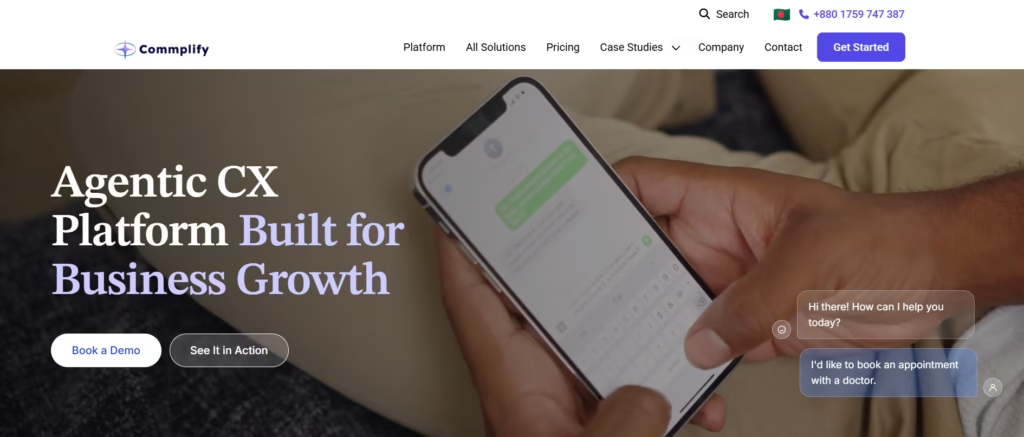
Commplify is an omnichannel AI customer experience platform. It brings customer conversations, AI automation, quality monitoring, and workflow management into one environment.
Its platform supports quality scoring across customer interactions. Businesses can monitor communication accuracy, empathy, policy compliance, and customer outcomes. It also connects customer context across voice and digital channels.
For example, a customer might start with an AI chatbot and later speak with a human agent. Commplify’s shared-context approach helps teams maintain continuity during that journey. Its quality monitoring capabilities can help identify inaccurate responses, missed handoffs, and workflow problems.
Best for: Enterprises, BPOs, customer support teams, and businesses managing AI-powered customer interactions across multiple channels.
Key Features
- Omnichannel Quality Monitoring: Monitor customer experiences across supported voice and messaging workflows.
- AI-Powered QA Scoring: Evaluate interactions against quality standards covering accuracy, empathy, and compliance.
- Conversation Analytics: Analyze customer intent, sentiment, and interaction outcomes.
- Customer Journey Orchestration: Maintain conversation context across AI agents, human agents, and communication channels.
- CRM Integrations: Connect customer workflows with platforms such as Salesforce, HubSpot, and Zendesk.
- Performance Analytics: Monitor quality trends, first contact resolution (FCR), and customer experience indicators.
Pricing
Commplify offers usage-based pricing starting at $0.30 per resolution. It also provides custom pricing based on AI usage, communication volume, and enterprise requirements.
Why consider Commplify?
Commplify is particularly relevant when quality assurance needs to work alongside customer communication automation. Its broader platform also supports AI-to-human handoffs and ongoing customer experience optimization.
2. Balto AI: Best for Real-Time Call Center QA
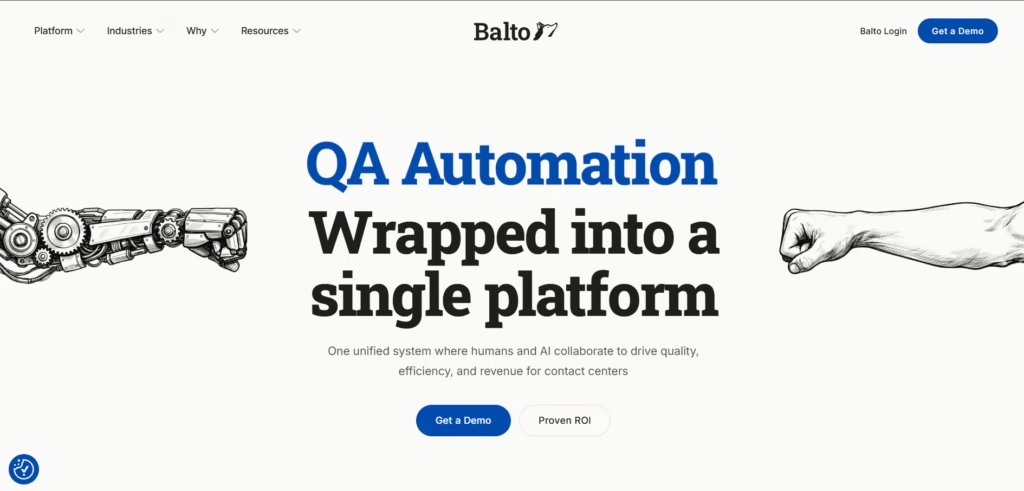
Balto AI is call center quality assurance software that combines real-time agent guidance with automated QA.
It helps agents follow conversation guidelines during live calls. After each call, the platform can provide AI-generated quality scores and explanations.
Balto also supports customizable QA scorecards. Managers can define evaluation criteria for different call types. These may include customer verification, objection handling, communication skills, and policy adherence.
Best for: Sales teams, customer service agents, and voice-focused contact centers.
Key Features
- Custom QA Scorecards: Create scoring criteria for different call types and business goals.
- Automated QA: Evaluate calls using AI-powered scoring.
- Real-Time Agent Guidance: Provide relevant prompts during customer conversations.
- Compliance Monitoring: Identify missed disclosures and potential policy violations.
- Agent Performance Analytics: Track quality scores, communication behaviors, and coaching opportunities.
- CRM and Contact Center Integrations: Connect Balto with supported customer management and telephony systems.
Pricing
Balto AI follows a custom pricing model based on agent seats, selected features, and contract terms. Exact pricing is not publicly disclosed. Businesses must contact the sales team for a quote.
Considerations
Balto is primarily designed for voice interactions. Teams needing extensive email or social media QA should verify channel coverage.
3. MaestroQA: Best for Flexible Scorecards and QA Calibration
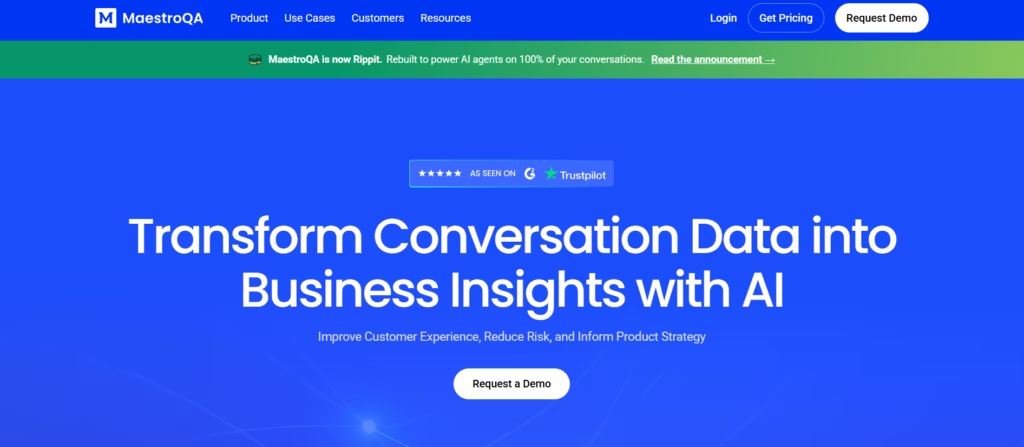
MaestroQA is customer service quality assurance software focused on structured evaluations, calibration, and agent coaching.
Its customizable scorecard builder allows teams to organize evaluation questions into different sections. Managers can create quality assurance scorecard rubrics based on service goals and agent responsibilities.
One of its key strengths is QA calibration. Multiple evaluators can review the same conversation and compare their scores. This helps teams identify scoring disagreements and improve evaluation consistency.
Key Features
- Customizable Scorecard Builder: Create evaluation questions and structured scoring rubrics.
- Weighted Scoring: Prioritize important customer service behaviors.
- QA Calibration Workflows: Compare evaluations and align reviewers on scoring standards.
- GraderQA: Assess the consistency and accuracy of QA evaluators.
- Agent Coaching: Turn evaluation findings into actionable feedback.
- Quality Analytics: Track agent performance benchmarks and recurring quality issues.
Pricing
MaestroQA offers custom pricing based on the number of agents and required QA capabilities. No fixed monthly or annual subscription price is publicly available.
Considerations
MaestroQA is especially relevant for structured QA operations. Teams prioritizing live agent guidance should compare its capabilities with real-time assistance platforms.
4. Zendesk QA (Klaus): Best for Zendesk-Based Customer Support
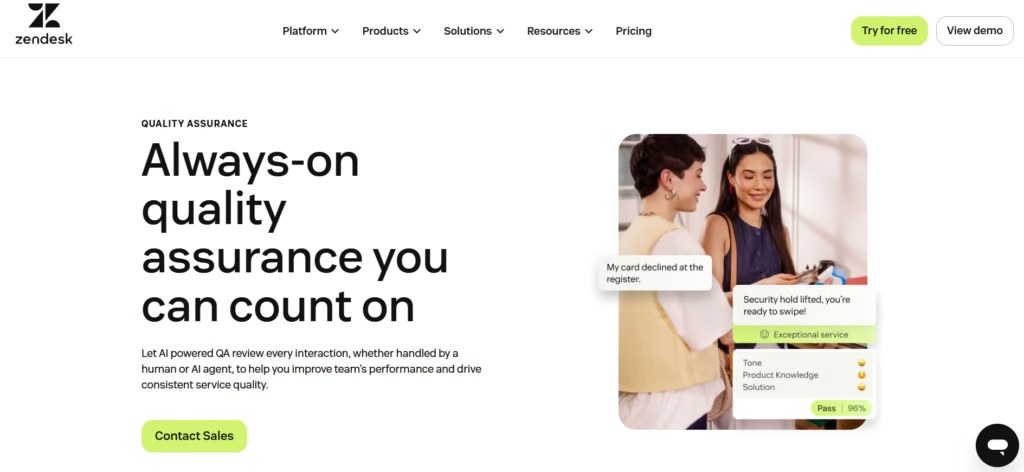
Zendesk QA, formerly Klaus, helps businesses evaluate customer conversations and maintain consistent support quality.
Its customizable scorecards allow teams to define evaluation categories, scoring weights, and rating scales. Managers can assess empathy, response accuracy, customer communication, and problem resolution.
Zendesk QA also offers AI-powered automated scoring. Its AutoQA capabilities can identify recurring issues and highlight conversations that need attention.
Best for: Customer support teams, SaaS businesses, and organizations using Zendesk.
Key Features
- Customizable QA Scorecards: Create rating categories, weighted criteria, and conditional evaluations.
- AI-Powered AutoQA: Automatically evaluate eligible customer conversations.
- Quality Analytics: Monitor internal quality scores and automated quality scores.
- Root Cause Analysis: Identify recurring communication and service problems.
- Coaching and Calibration: Improve reviewer consistency and agent performance.
- Zendesk Integration: Connect QA evaluations with existing support workflows.
Pricing
Zendesk QA pricing starts at $35 per agent/month, billed annually, as listed for its Quality Assurance add-on. An eligible Zendesk subscription is required, which adds to the total cost.
Considerations
Not every ticket qualifies for automated scoring. Teams should review AutoQA eligibility rules and supported integrations.
5. Scorebuddy: Best for Structured QA Scorecards & Coaching
Scorebuddy is an AI-powered contact center quality assurance platform. It combines customizable scorecards, automated evaluations, conversation analytics, and coaching tools.
Its scorecard builder allows managers to create evaluation sections, assign scoring weights, and set performance targets. It also supports fail-all and fail-section rules for critical evaluation failures.
Scorebuddy connects QA results with agent development. Managers can identify weak areas and assign relevant coaching or training.
Key Features
- Customizable QA Scorecards: Create weighted evaluation forms and team-specific scoring rules.
- Auto-Fail Logic: Apply critical-failure rules to important evaluation criteria.
- AI Auto Scoring: Evaluate supported voice, chat, and email interactions.
- QA Calibration: Standardize scores across evaluators.
- Agent Coaching Workflows: Connect quality results with feedback and improvement plans.
- Learning Management System (LMS): Assign training based on identified performance gaps.
Pricing
Scorebuddy offers Foundation, Accelerate, and Elite plans with custom pricing. Exact subscription amounts are not publicly disclosed. Pricing depends on selected features, AI scoring credits, and business requirements.
Considerations
Organizations looking for a complete customer communication platform may need to connect Scorebuddy with their existing contact center systems.
6. Voxjar: Best for AI-Powered Customizable QA Rubrics
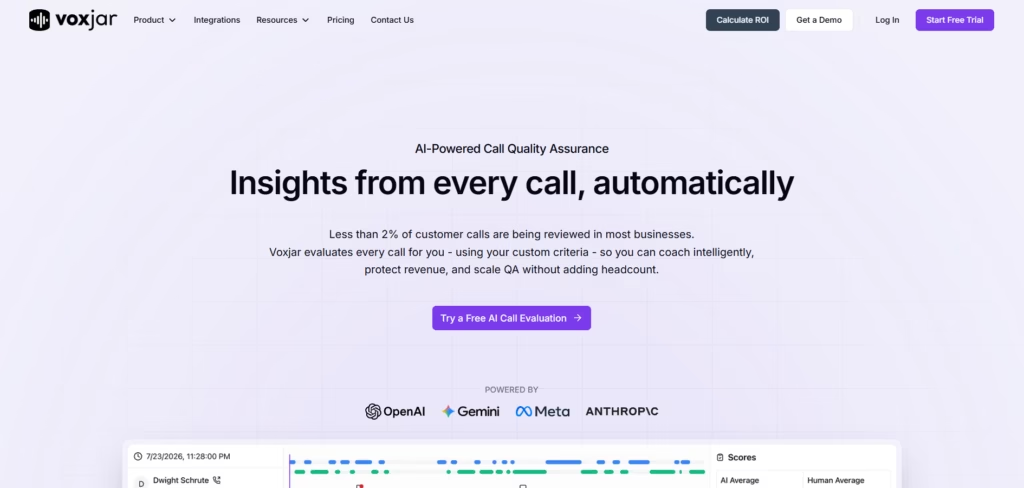
Voxjar is an AI-powered call quality assurance platform. It helps teams create customized scoring rubrics and evaluate recorded customer calls.
Its AI scorecard builder supports plain-language instructions. Managers can describe their evaluation criteria or adapt an existing QA form.
Teams can also test scorecards against sample calls before using them for automated evaluations. This helps identify unclear questions and improve AI scoring accuracy.
Best for: Call centers and QA teams looking to automate conversation scoring.
Key Features
- AI Scorecard Builder: Generate customizable evaluation rubrics from written instructions.
- Automated QA Scoring: Evaluate recorded calls against predefined criteria.
- Custom Scoring Questions: Assess specific agent behaviors and conversation outcomes.
- Scorecard Testing: Test evaluation questions using sample recordings.
- Automated QA Workflows: Trigger actions based on scoring results.
- Conversation Review: Examine evaluation results and supporting explanations.
Pricing
Voxjar offers a free Basics plan at $0/month. Its QA Pro plan starts at $90/month, while Enterprise pricing is customized. Additional AI credits may increase the total cost.
Considerations
Voxjar is strongly focused on call QA. Businesses requiring comprehensive social media or email evaluation should verify its supported channels.
7. EvaluAgent: Best for AI-Powered Quality Evaluation
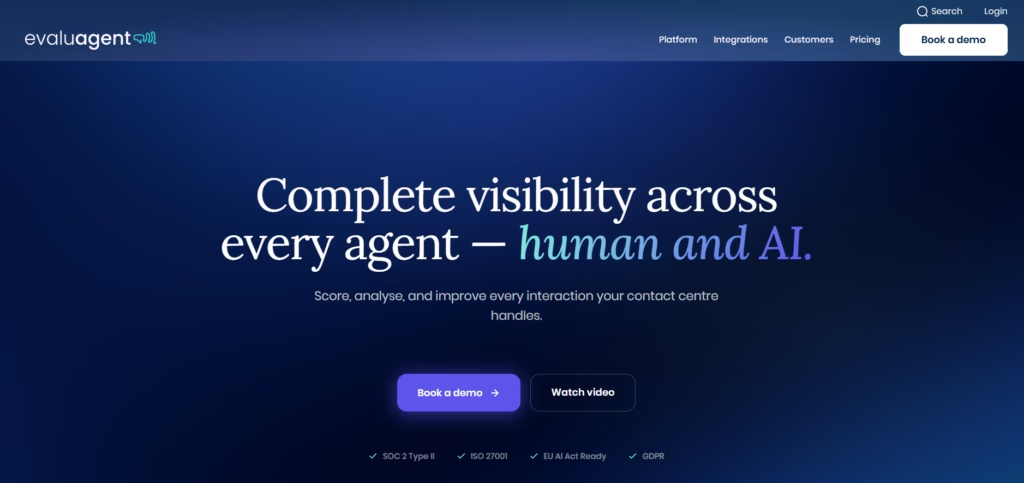
EvaluAgent provides AI-powered quality management and agent performance improvement tools.
Its AutoQM capabilities help businesses evaluate interactions using customizable scorecards. Teams can assign weighted criteria, apply auto-fail rules, and use different scorecards for different queues.
EvaluAgent also supports blended scoring. This allows businesses to combine automated evaluations with human observations.
Best for: Customer support teams, contact centers, and enterprises seeking automated QA with human oversight.
Key Features
- Customizable QA Scorecards: Build evaluation rubrics with weighted criteria.
- AI-Powered AutoQA: Score supported customer conversations automatically.
- Auto-Fail Rules: Apply critical-failure logic to evaluation criteria.
- Blended Scorecards: Combine automated scoring with manual assessments.
- Calibration Workflows: Align AI and human evaluations.
- Agent Coaching: Connect quality scores with coaching sessions and improvement plans.
- Conversation Intelligence: Analyze customer intent, sentiment, and recurring issues.
Pricing
EvaluAgent’s AutoQM & Improvement plan starts at $35 per user/month. Its AutoQM + Conversation Intelligence plan starts at $65 per user/month. Volume discounts are available for larger teams.
Considerations
Businesses should validate AI scoring against their internal standards. This is especially important for sensitive or regulated conversations.
8. Gong: Best for Sales Conversation QA & AI-Powered Coaching
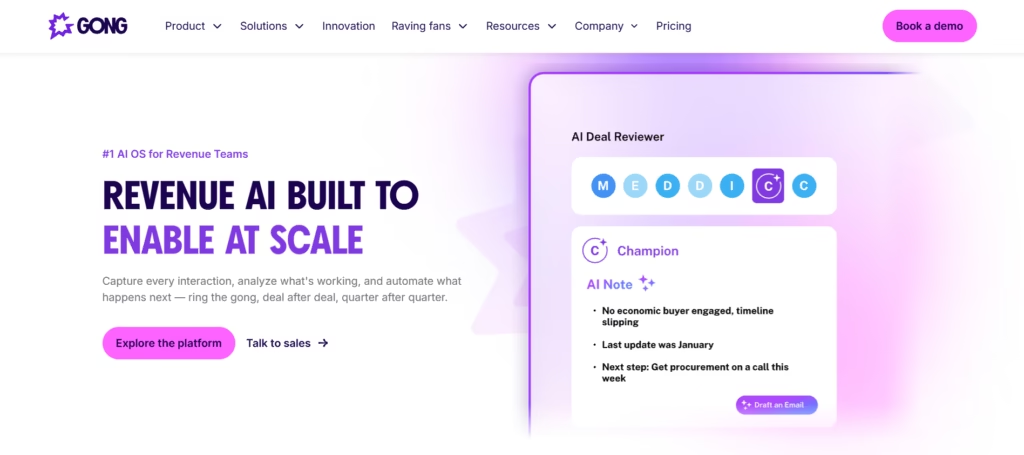
Gong is a revenue intelligence platform that analyzes sales conversations and helps teams improve their selling techniques.
It offers customizable call scorecards for structured sales coaching. Managers can evaluate discovery questions, objection handling, qualification methods, and next-step commitments.
Gong’s AI Call Reviewer can also suggest answers to scorecard questions or review calls automatically.
Best for: Sales teams, SDRs, account executives, and revenue operations managers.
Key Features
- Sales Call Scorecards: Create structured evaluations for different sales conversations.
- AI-Assisted Call Scoring: Generate suggested answers to evaluation questions.
- Conversation Intelligence: Analyze customer discussions and sales behaviors.
- Agent Coaching and Feedback: Identify skill gaps and provide targeted guidance.
- Sales Performance Analytics: Connect coaching insights with revenue performance.
- CRM Integrations: Combine conversation data with sales pipeline information.
Pricing
Gong offers customized pricing based on team size, user licenses, and selected capabilities. Exact subscription rates are not publicly disclosed. Businesses need to request a personalized quote.
Considerations
Gong is designed mainly for revenue teams. It is not a direct replacement for specialized contact center compliance QA software.
9. Cresta: Best for Enterprise AI Quality Management
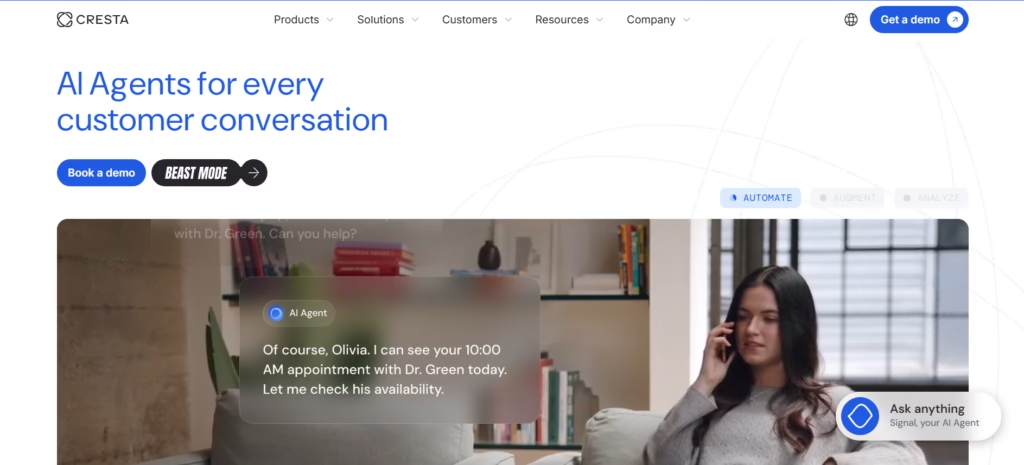
Cresta provides AI-powered contact center quality management and conversation intelligence.
Its quality management solution evaluates customer interactions against defined business standards. These may include compliance, process adherence, agent behaviors, and customer outcomes.
Cresta also supports human-in-the-loop calibration. Teams can use AI-generated findings to improve scorecards and guide agent coaching.
Best for: Enterprise contact centers, large BPOs, and organizations managing high conversation volumes.
Key Features
- AI-Powered Quality Management: Automate conversation evaluations at scale.
- Customizable QA Rubrics: Define business-specific behaviors and scoring criteria.
- Conversation Analytics: Analyze agent actions, customer interactions, and service outcomes.
- Human-in-the-Loop Calibration: Review and refine automated scoring.
- Real-Time Agent Guidance: Support agents during live conversations.
- Performance Analytics: Connect QA findings with resolution, conversion, and customer satisfaction outcomes.
Pricing
Cresta provides custom enterprise pricing based on the number of agents, AI capabilities, and implementation requirements. No fixed starting price is publicly listed.
Considerations
Cresta’s enterprise-oriented capabilities may require more implementation planning than a basic QA scorecard solution.
10. Level AI: Best for Conversation Intelligence and Auto QA
Level AI combines AI-powered conversation intelligence with automated quality assurance.
Its QA platform supports customizable evaluation criteria and automated scoring. Teams can use existing scorecards or create rubrics based on their service standards.
Level AI also supports evaluation, calibration, and dispute workflows. This helps quality managers maintain oversight of automated assessments.
Best for: High-volume contact centers, customer support teams, and enterprises seeking automated quality monitoring.
Key Features
- AI-Powered Auto QA: Evaluate supported customer interactions automatically.
- Customizable QA Scorecards: Create business-specific evaluation questions and rubrics.
- Omnichannel QA: Assess supported calls, chats, emails, and bot conversations.
- Conversation Intelligence: Identify customer intent, interaction patterns, and performance gaps.
- QA Calibration: Test and refine evaluation accuracy.
- Agent Performance Insights: Track scoring trends and coaching opportunities.
Pricing
Level AI follows a custom pricing model based on contact center size, conversation volume, and required QA features. Exact monthly subscription rates are not publicly disclosed.
Considerations
Organizations should test automated scoring accuracy using their own conversations. Language coverage, integrations, and enterprise requirements should also be validated before deployment.
How We Evaluated These QA Tools with Customizable Scorecards
Not every QA tool delivers the same value. Some excel at automated scoring. Others focus on scorecard flexibility, agent coaching, or omnichannel monitoring.
To compare the 10 top-rated QA tools with customizable scorecards, we developed a 100-point evaluation framework based on six important factors.
Here’s how we weighted each factor:
- Scorecard Customization (25%): Custom evaluation rubrics, weighted scoring, auto-fail rules, and scorecard flexibility.
- AI-Powered Automation (25%): Auto QA, NLP-based conversation analytics, and automated evaluation coverage.
- Omnichannel Support (15%): Quality monitoring across voice, chat, email, SMS, and social channels.
- Coaching and Calibration (15%): Agent feedback, calibration workflows, and performance improvement tools.
- Integrations and Compliance (10%): CRM and CCaaS integrations, security controls, and compliance support.
- Pricing and Scalability (10%): Pricing transparency, implementation requirements, and enterprise suitability.
Example evaluation: A platform scoring 8/10 in customization, 9/10 in automation, 7/10 in omnichannel support, 8/10 in coaching, 9/10 in integrations, and 7/10 in pricing would achieve an overall weighted score of 80/100.
We also considered how each platform could support important outcomes such as first contact resolution (FCR), customer satisfaction (CSAT), and agent performance.
This framework provides a consistent way to compare QA solutions. It helps businesses identify which capabilities matter most before selecting a platform.
How to Build a Customizable Call Center QA Scorecard
A well-designed QA scorecard helps you measure agent performance, maintain service quality, and identify coaching opportunities. But using the same evaluation criteria for every conversation can lead to inaccurate scores.
Here’s how to build a customizable call center QA scorecard in five simple steps.
Step 1: Define Your Customer Service Quality Goals
Start by identifying what you want to improve. Your goals may include increasing first contact resolution (FCR), improving customer satisfaction (CSAT), reducing average handle time (AHT), or meeting Service Level Agreements (SLAs).
For example, if customers frequently contact support about unresolved issues, prioritize resolution accuracy and problem-solving skills.
Set measurable targets based on your current performance. These goals will guide your QA scorecard design.
Step 2: Choose Relevant Evaluation Criteria
Next, create a customizable customer service evaluation form based on your quality goals.
Include clear and measurable criteria, such as:
- Communication Skills: Did the agent listen carefully and respond clearly?
- Problem Resolution: Did the agent provide an accurate solution?
- Customer Empathy: Did the agent acknowledge the customer’s concerns?
- Compliance: Did the agent follow company policies and required procedures?
- Call Closing: Did the agent explain the next steps before ending the conversation?
You can also create separate quality assurance scorecard rubrics for voice, chat, email, and other support channels.
Step 3: Assign Weights and Critical-Failure Rules
Not every evaluation criterion carries equal importance. Assign scoring weights based on business priorities.
For example, a support team might allocate 30% to problem resolution, 25% to communication, 20% to compliance, 15% to empathy, and 10% to call closing.
Next, define auto-fail logic for serious violations. These may include unauthorized data sharing or failure to complete required identity verification.
You can also use bonus scoring to recognize exceptional service. However, bonus points should never override critical compliance failures.
Step 4: Test and Calibrate the Scorecard
Before implementation, test your scorecard using real customer interactions.
Ask two or more QA reviewers to evaluate the same conversations. Compare their scores and discuss any differences. This process is called QA calibration.
For example, one reviewer may give an agent 90%, while another gives 70%. Review the scoring guidelines to identify why their evaluations differ.
Platforms such as MaestroQA and EvaluAgent provide calibration tools to help teams maintain consistent evaluation standards.
Step 5: Automate Evaluation & Review Performance
Once your scorecard is ready, use AI-powered automated scoring (Auto QA) to evaluate conversations at scale.
Modern call center quality assurance software uses natural language processing (NLP), speech analytics, and conversation intelligence to assess agent behavior.
Platforms such as Level AI, Cresta, and Zendesk QA support automated quality evaluations.
Connect your QA platform with your CRM or CCaaS system to bring conversation data into your evaluation workflow.
Then, review QA scores alongside CSAT, FCR, and agent performance benchmarks. Use root cause analysis (RCA) to identify recurring problems and plan targeted coaching.
Which Metrics Should You Track With QA Scorecards?
Tracking the right metrics helps you measure agent performance, identify service gaps, and improve customer satisfaction. The top-rated QA tools with customizable scorecards allow teams to connect quality evaluations with important customer service metrics.
Here are six key metrics to track:
- First Contact Resolution (FCR): Measures the percentage of customer issues resolved during the first interaction. A higher FCR rate often indicates effective problem-solving. Track resolution accuracy, repeat contacts, and follow-up requests to identify areas for improvement.
- Customer Satisfaction (CSAT): Measures how satisfied customers are with their support experience. Compare CSAT survey results with QA scores to identify gaps between internal evaluations and customer expectations.
- Net Promoter Score (NPS): Measures how likely customers are to recommend your business. Track customer loyalty trends alongside QA results to understand how service quality affects the overall customer experience.
- Average Handle Time (AHT): Measures the average time agents spend handling customer interactions. Monitor talk time, hold time, and after-call work. Compare AHT with FCR and CSAT to improve efficiency without compromising service quality.
- Agent Performance Benchmarks: Measure agent quality using average QA scores, compliance rates, critical failures, and coaching progress. Platforms such as MaestroQA, EvaluAgent, and Level AI help managers track performance trends and identify training needs.
- Root Cause Analysis (RCA): Identifies the underlying reasons behind recurring service issues. Use AI-powered automated scoring, speech analytics, and natural language processing (NLP) to detect common complaints, repeated mistakes, and workflow problems.
How to Choose the Right QA Tool With Customizable Scorecards
The right QA software should match your business goals, support channels, and evaluation needs. Before choosing from the top-rated QA tools with customizable scorecards, consider these key factors.
- Scorecard Customization: Look for customizable evaluation rubrics, weighted scoring, auto-fail logic, and flexible scorecard builders. Tools like MaestroQA and Scorebuddy help teams create evaluations based on different roles and service standards.
- AI-Powered Automated Scoring: Choose a platform that supports Auto QA and conversation analytics. Check whether it can evaluate 100% of eligible interactions. This can reduce manual QA sampling and improve evaluation coverage.
- Omnichannel QA Support: Make sure the tool supports your communication channels, including voice, chat, email, SMS, and social media. This helps maintain consistent quality standards across the customer journey.
- Agent Coaching and Calibration: Prioritize tools with feedback workflows, QA calibration, and performance tracking. These features help managers identify skill gaps and improve scoring consistency.
- CRM and CCaaS Integrations: Check compatibility with your existing CRM, help desk, and contact center platforms. Smooth integrations make it easier to connect QA scores with customer data and operational metrics.
- Compliance and Data Security: Look for role-based access, audit trails, and compliance monitoring. Verify relevant GDPR, HIPAA, and industry-specific requirements based on your business operations.
- Pricing and Scalability: Compare subscription costs, AI usage limits, and integration fees. Choose a solution that can support growing conversation volumes without unexpected costs.
How Can Omnichannel AI Improve Customer Service Quality Assurance?
Omnichannel AI improves customer service quality assurance by automating evaluations, monitoring conversations across channels, and identifying service gaps. It helps businesses maintain consistent quality across voice, chat, email, SMS, and social media.
Unlike manual QA, omnichannel AI uses AI-powered automated scoring (Auto QA), natural language processing (NLP), and conversation analytics to evaluate interactions against customizable QA scorecards. This helps teams identify recurring issues, monitor customer sentiment, and improve agent coaching.
For example, a customer may start a conversation with an AI chatbot and later contact a human agent. Omnichannel AI can connect these interactions and identify missed handoffs, repeated questions, or unresolved issues.
Platforms like Commplify combine omnichannel communication with AI-powered workflows. This supports more consistent quality monitoring and helps businesses improve Customer Satisfaction (CSAT), First Contact Resolution (FCR), and agent performance.
Final Thoughts
Choosing the right QA tool isn’t just about scoring conversations. It’s about understanding customer needs, improving agent performance, and delivering consistent service quality.
The top-rated QA tools with customizable scorecards offer different strengths. Platforms like MaestroQA and Scorebuddy focus on structured evaluations and coaching. Meanwhile, Level AI and Cresta offer AI-powered quality monitoring and conversation intelligence.
For businesses managing multiple communication channels, omnichannel AI platforms like Commplify are also worth exploring. They help connect customer interactions and automation workflows for better quality monitoring.
Before making a decision, consider your team’s goals, scorecard flexibility, AI automation needs, and integration requirements.
Ultimately, the best QA tool is one that turns evaluation results into meaningful improvements in agent performance and customer satisfaction.
Frequently Asked Questions (FAQs)
What are the best QA tools with customizable scorecards in 2026?
Some leading QA tools to evaluate in 2026 include MaestroQA, Zendesk QA, Scorebuddy, Voxjar, EvaluAgent, Level AI, Cresta, Balto AI, and Gong. Commplify is also relevant for businesses exploring omnichannel AI workflows, although its specific scorecard functionality should be verified. The best platform depends on your evaluation needs, communication channels, and budget.
What features should a customizable QA scorecard include?
A customizable QA scorecard should include flexible evaluation criteria, weighted scoring, rating scales, conditional questions, critical-failure rules, and evaluator comments. Advanced systems may also support AI-powered scoring, calibration, agent coaching, and performance analytics.
Can AI automatically score 100% of customer interactions?
Some AI-powered QA platforms can process 100% of eligible, supported customer interactions, depending on integration coverage, data availability, and subscription limits. However, full processing coverage does not guarantee perfect scoring accuracy. Human validation remains important for complex cases, compliance decisions, and disputed evaluations.
How do you create a customizable call center QA scorecard?
Start by defining your quality goals. Choose measurable evaluation criteria, assign scoring weights, and establish critical-failure rules. Then test the scorecard against sample conversations, calibrate evaluators, and automate suitable evaluations using QA software.
What is the difference between automated QA and manual QA?
Manual QA involves human reviewers listening to calls or examining customer conversations and assigning scores. Automated QA uses AI and predefined rules to evaluate interactions at scale. Manual QA provides contextual judgment, while automated QA improves review coverage and efficiency. Many organizations benefit from combining both approaches.
Can QA tools evaluate voice, chat, email, and social media conversations?
Yes, some omnichannel QA platforms support multiple communication channels, including voice, live chat, email, SMS, and social messaging. However, channel coverage varies by vendor. Businesses should confirm which integrations and evaluation features are available for each channel.
How do customizable QA scorecards improve agent performance?
Customizable scorecards give agents clear expectations and specific feedback. They help supervisors identify recurring skill gaps, measure improvement, and deliver targeted coaching. Consistent evaluation criteria also make performance reviews more transparent and easier to understand.
Which QA tools offer AI-powered scoring and automated coaching?
Platforms such as Zendesk QA, EvaluAgent, Scorebuddy, Level AI, Cresta, and Voxjar offer AI-assisted quality evaluation capabilities. Their coaching automation, scoring flexibility, and review workflows differ, so teams should compare these features during a product trial.
Can QA tools integrate with CRM and CCaaS platforms?
Many QA tools integrate with CRM, help desk, and Contact Center as a Service (CCaaS) systems. Depending on the vendor, integrations may include Salesforce, Zendesk, contact center telephony, and other customer communication platforms. Some also offer APIs and webhooks for custom workflows.
How much does QA software with customizable scorecards cost?
QA software pricing varies by vendor, team size, interaction volume, and feature package. Common pricing models include per-user subscriptions, usage-based AI evaluation charges, and custom enterprise contracts. Advanced features such as automated scoring, conversation analytics, and enterprise integrations may involve additional costs. Request a quote based on your expected usage and requirements.
This page was last edited on 8 October 2026, at 8:10 am