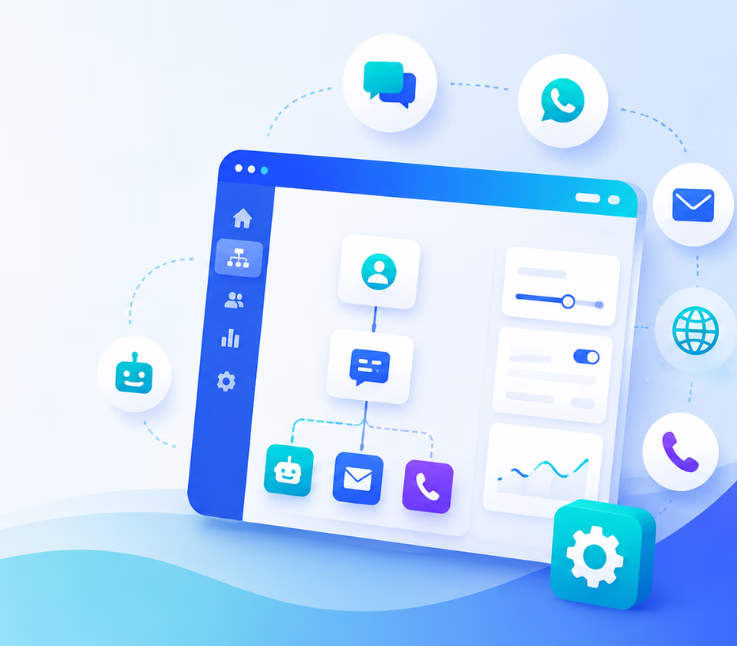
No-code CX automation platforms let business teams automate customer support workflows across channels like voice, chat, SMS, and email – all without coding. The best tools in 2026 combine true omnichannel, workflow automation, AI, analytics, and enterprise-ready security.
Managing customer experience has never been more complex—or more critical. I have seen CX leaders buried under manual work, frustrated by channel silos, and stretched thin by unpredictable spikes in demand. Teams want to automate the routine and unify every customer touchpoint—without waiting on IT or learning to code.
The best no-code CX automation platforms help close this gap. These tools empower operations leaders, support managers, and business owners to automate across voice, chat, email, WhatsApp, and SMS—all in one place, with analytics and AI in the loop.
This guide cuts through the noise. You will find practical insights, clear comparisons, and honest perspectives to help you select the right platform to automate, scale, and future-proof your customer experience.
What Is a No-Code CX Automation Platform?
A no-code CX automation platform is a software tool that lets non-technical teams design, launch, and manage automated customer experience workflows without any coding. These platforms use visual workflow builders and prebuilt integrations, so CX professionals and operations leaders can automate support, routing, and engagement across multiple channels themselves.
In practical terms, this means support teams can set up automated responses to common questions, trigger follow-ups on missed calls, qualify leads, or escalate sensitive cases—all using drag-and-drop tools. Unlike traditional or low-code platforms, no-code solutions require no scripting. Modern no-code CX platforms also include AI-powered agents and true omnichannel coordination, letting you centralize and control the customer journey from a unified interface. The biggest beneficiaries are teams looking to scale support, reduce errors, and launch improvements quickly without developer dependency. Sectors like healthcare, BPO, SaaS, and financial services see strong value here.
Why Use a No-Code CX Automation Platform? Key Benefits
Adopting a no-code CX automation platform changes support and operations in several key ways.
No-code automation cuts operational costs by letting business teams—rather than IT—build and revise workflows. Response times drop, CSAT and NPS improve, and channel silos vanish, as all touchpoints become part of a unified inbox and analytics dashboard.
Launching a new support process or modifying a script now takes minutes, not weeks. These platforms also help teams keep focus on CX quality, connecting with existing CRMs, calendars, and communication apps—so staff spend less time switching tools and more time supporting customers.
What to Look For in the Best No-Code CX Automation Platform
Choosing the right tool means looking past surface features. The strongest no-code CX automation platforms share key elements:
Omnichannel communication is non-negotiable. Can the platform unify voice calls, chat, SMS, email, and WhatsApp into a single view, like Commplify does? Next, is there a visual workflow builder that anyone can use to create and adjust automation?
Configurable AI agents matter, especially for personalizing customer journeys and ensuring smooth escalation. Analytics must drill down to channel level—measuring AI/human split, CSAT, conversation sentiment, response times.
Integration depth with CRMs, mail, calendars, LLMs, and messaging APIs is essential for workflow reach. Do not skip over security, compliance, and access controls—these are must-haves for any serious business.
And finally, test for flexibility and scalability: Does the platform support industry-specific flows and scale with your growth, or will you hit a wall as workflows become more advanced?
7 Best No-Code CX Automation Platforms
A strong no-code CX automation solution must unify channels, automate workflows without code, and offer AI agent configuration robust enough for real business demands. Here are the top performers I have seen deliver on this in real-world operations.
Commplify
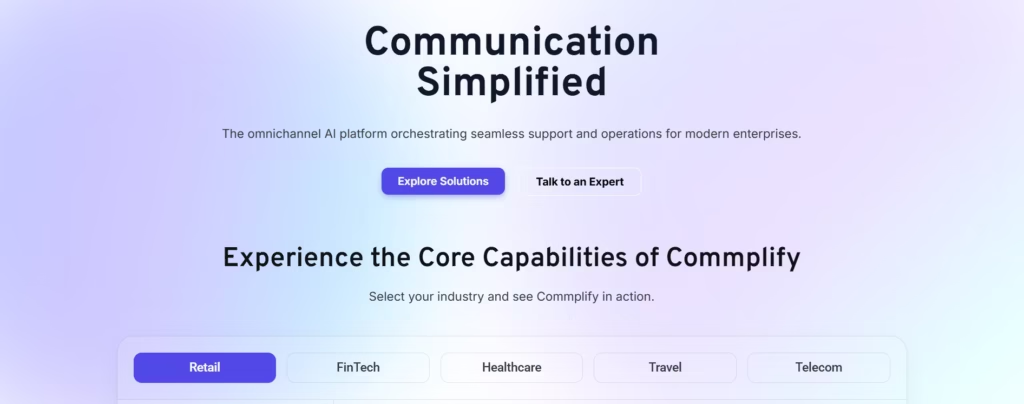
Commplify stands out for true omnichannel automation and deep workflow flexibility. It unifies voice, chat, SMS, email, and WhatsApp in one platform. Using a visual builder, you can automate multi-step workflows—ranging from healthcare triage to SaaS lead recovery.
AI agents are fully configurable, supporting custom persona, escalation rules, conversation memory, and safety controls. I have seen Commplify’s real-time voice pipeline solve missed-call recovery and speech-to-text needs in clinics and field service teams.
Advanced analytics surface AI vs. human handling, escalation detail, CSAT, and sentiment for every conversation. The enterprise-grade security model (multi-tenancy, granular access control) matches the needs of BPOs, regulated verticals, and scaling SaaS.
Quick Verdict: The best choice for serious omnichannel CX automation with workflow depth, AI flexibility, and analytics in one place.
Zapier / Make
Both Zapier and Make allow teams to automate routine customer experience tasks across many apps and channels—primarily through integration workflows. These platforms excel at connecting tools like email, forms, chat apps, and CRMs without code.
However, while great for basic ticket routing or notification flows, they struggle with unified omnichannel experiences: Each channel still runs siloed. AI agent configuration is limited unless layering via external services.
Zapier is best for email-centric or single-channel process automation. Make offers deeper workflow control, but is more technical.
Quick Verdict: Great for basic process automation across apps, but lacks true omnichannel CX support and AI agent depth.
Ada
Ada focuses on AI-powered chat and messaging automation. Their no-code builder lets CX teams design conversational flows and tap into company knowledge bases. Best fit for digital-first support teams who want to deflect routine queries, deliver 24/7 chat, and integrate with popular messaging platforms.
It does not support voice or full omnichannel out of the box. AI configuration is strong for messaging, with some human handoff support.
Quick Verdict: Ideal for businesses needing advanced chat and messaging automation, less so for those needing unified channel coverage or voice.
Intercom / Freshdesk
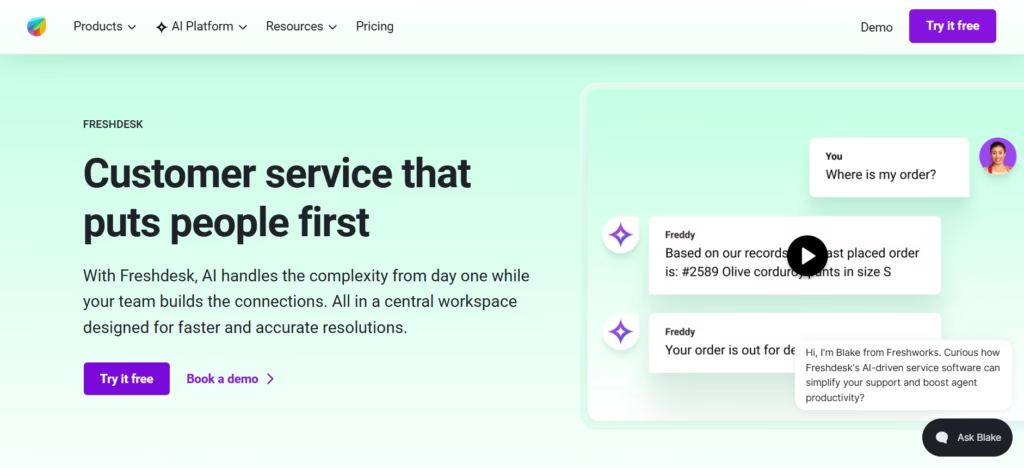
These platforms combine helpdesk, ticketing, and self-service automation with agent-assist features. Both offer no-code workflow tools to manage FAQs, route tickets, and trigger escalations. Intercom brings strong messenger and bot building; Freshdesk leans into omnichannel support but with some feature splits between plans.
Their omnichannel support feels fragmented—true voice, SMS, and WhatsApp automation sometimes require bolt-ons. Agent AI is assistive rather than fully configurable, but analytics and reporting are solid.
Quick Verdict: Best for scaling helpdesk-driven teams already invested in these ecosystems, but limited on unified omnichannel and flexible AI agent design.
Landbot
Landbot shines for teams who want to build custom chatbots for support and marketing without code. The visual interface is intuitive and fast for non-engineers.
It is strongest in web chat and WhatsApp automation, with limited voice or full omnichannel coverage. AI is present via integration, but not native. Analytics and escalation options are basic.
Quick Verdict: A smart choice for web/WhatsApp chat automation and lead capture, but not for complex omnichannel CX or enterprise-wide flows.
Kore.ai / Cognigy
Both platforms deliver powerful AI-native automation—designed for enterprises. Their workflow designers are robust, with deep customization for conversation logic, AI persona, and multi-channel support. They fit regulated or complex sectors needing high-scale automation with hybrid human/AI flows.
The user interface has a learning curve, and setup can be more resource-intensive than other no-code platforms.
Quick Verdict: Top pick for regulated, high-complexity, or global enterprises who need robust AI agents and scalable, secure CX automation.
Tines / n8n
These open workflow builders empower technical teams to automate CX tasks using drag-and-drop nodes and API connectors. n8n is open-source, Tines targets security-centric automation. Both allow advanced customization, but expect to get hands-on.
They are better suited to IT or developer-oriented teams; omnichannel CX and non-technical usability are not their strengths.
Quick Verdict: Powerful for custom automation where IT resources are available—not most business-driven support teams.
How to Compare No-Code CX Automation Tools Side by Side
It is not enough to check boxes on a features list. The real issue is matching platform strengths to your business needs and CX outcomes. Here is a quick comparison across core criteria:
| Feature | Commplify | Zapier/Make | Ada | Intercom/Freshdesk | Landbot | Kore.ai/Cognigy | Tines/n8n |
|---|---|---|---|---|---|---|---|
| Omnichannel: Voice, Chat, SMS | Yes | Partial | Messaging | Partial | No | Yes | No |
| Unified Inbox & Workflow | Yes | No | Partial | Partial | No | Yes | Partial |
| AI Agent Config/Persona | Advanced | Limited | Chat | Assistive | Basic | Advanced | Dev-level |
| Visual Workflow Builder | Yes | Yes | Yes | Yes | Yes | Yes | Yes |
| Analytics Depth | High | Basic | Good | Moderate | Basic | Advanced | Dev-level |
| Integration Scope | Broad | Very broad | Broad | Broad | Moderate | Advanced | High |
| Security/Multi-tenancy | Enterprise | Basic | Moderate | Moderate | Basic | Enterprise | Tech/IT |
| Best For | All Sectors | SMB/Tech | Messaging | Helpdesk, SaaS | Chat/Mktg | Enterprise | IT/Security |
In my experience, the most overlooked metrics are time-to-resolution, escalation ratio, and analytics depth. If your team supports multiple channels or wants to automate voice, not just chat, always demand unified inbox and cross-channel automation.
Common Mistakes and Limitations When Choosing a No-Code CX Automation Platform
I have seen many teams jump into platforms based on chatbot hype and end up boxed into channel silos. The mistake I see often is underestimating the importance of analytics and human handoff—especially for sensitive or complex support cases.
- Choosing a platform focused only on chatbots or one channel.
- Ignoring AI configuration needs (persona, escalation, safety).
- Accepting limited analytics—or none at all.
- Missing access controls or compliance features for enterprise.
- Overrelying on “no-code” without planning how to scale or blend with pro-code when complexity grows.
How Unified Omnichannel Workflow Automation Solves CX Pain Points
A unified, workflow-driven platform can untangle channel sprawl, missed opportunities, and measurement blind spots. When a healthcare group automates appointment triage across phone, chat, and SMS—or a SaaS BPO team recovers missed calls by triggering instant outbound workflows—CX impact multiplies.
In my POV, platforms like Commplify solve this with a unified inbox, visual workflow builder, and AI agents you can configure per use case and channel—no code required. Cross-channel triggers mean your CX team responds faster, with more context, and always has a human fallback when needed. Full analytics let you see AI vs. human handling, CSAT by channel, and escalation data in a single dashboard.
Conclusion
No-code CX automation platforms have changed how businesses deliver support and scale operations. The best solutions combine true omnichannel coverage, flexible workflow automation, and configurable AI agents in a way that lets business teams, not just developers, take control.
If your organization supports customers across voice, chat, email, WhatsApp, and SMS, demand platforms that unify these channels, automate with no code, and offer deep analytics and security. Commplify—and other top contenders—make this possible by automating, monitoring, and protecting every conversation.
Think beyond chatbots. The platforms winning in 2026 let you automate the full customer journey, continuously improve, and keep teams focused on CX quality. AI-driven customer experience is only getting smarter and more unified.
FAQs
What is a no-code CX automation platform?
A no-code CX automation platform lets teams automate customer experience workflows across channels—like chat, voice, SMS, email—without any coding or IT support.
Who should use a no-code CX automation platform?
CX leaders, support managers, operations teams, BPOs, SaaS leaders, and regulated industries benefit most—any business wanting to automate CX and support at scale, fast.
What features matter most when evaluating no-code CX automation tools?
Core channels supported, visual workflow builder, configurable AI agents, analytics depth, integration options, security controls, and scalability are must-have factors to compare.
How does no-code differ from low-code in CX automation?
No-code tools require zero scripting—business users automate via visual builders. Low-code platforms need some coding, making them better for IT or technical teams.
Can enterprise teams trust no-code CX platforms for mission-critical operations?
Yes—if the platform offers robust security, compliance, analytics, and role-based access controls, like true enterprise-grade solutions.
What are the challenges and limitations to be aware of?
Scaling complexity, channel silos, basic analytics, limited AI controls, or weak governance can hold teams back. Plan for future needs and integration points.
How do no-code platforms handle omnichannel support?
The best platforms unify all channels—voice, chat, email, SMS, WhatsApp—into one inbox and workflow engine. Others only automate individual channels.
What are best practices for scaling CX automation as my team grows?
Pick a platform with workflow flexibility, robust analytics, and strong access controls. Always pilot, measure results, and plan to introduce more channels over time.
This page was last edited on 15 July 2026, at 1:33 am