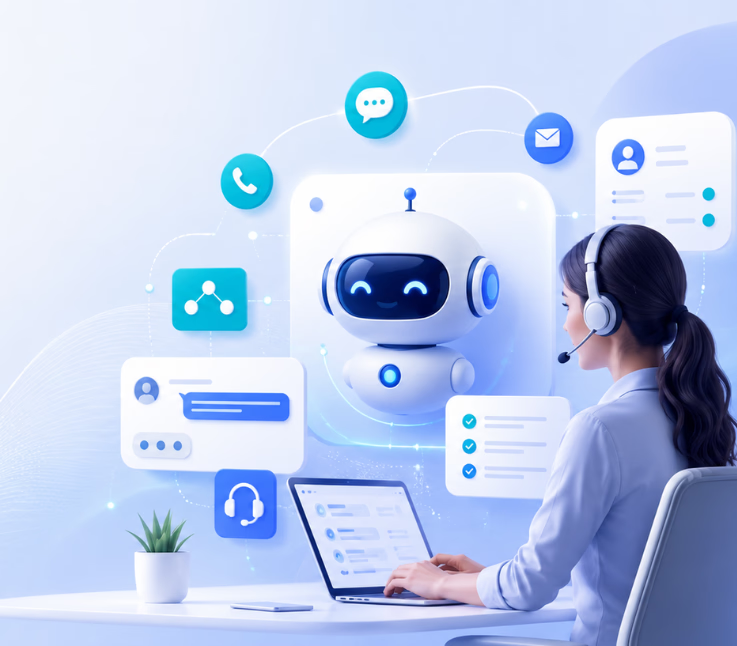
Customer service automation solutions use AI, chatbots, and workflow automation to handle customer requests across chat, voice, SMS, email, and more—reducing repetitive tasks, speeding responses, and improving CX while keeping humans involved for complex needs.
Most support teams face a flood of daily contacts—without enough people to answer, and with growing demands for round-the-clock service. The real problem is meeting customer expectations without hurting quality or draining team morale.
I have seen too many businesses treat automation as a shortcut, only to create new frustrations—slow responses, lost context, and “bot dead-ends.” The right automation strategy changes this outcome. When designed well, automation reduces the repetitive workload and makes teams more valuable, not less.
This guide covers what works: honest advice, real examples, pitfalls to avoid, and what I wish every CX leader knew before choosing a customer service automation solution.
What Are Customer Service Automation Solutions?
Customer service automation solutions are platforms that use artificial intelligence, conversational AI, workflow rules, self-service tools, and system integrations to complete repetitive support tasks with minimal human involvement.
These solutions can automatically:
- Answer frequently asked questions
- Identify customer intent
- Route conversations to the appropriate department
- Create, classify, and prioritize support tickets
- Retrieve order or account information
- Schedule appointments
- Send notifications and status updates
- Recommend responses to human agents
- Escalate sensitive or complex cases
- Generate conversation summaries
- Collect customer feedback
Modern automation goes beyond traditional chatbots. An advanced platform can understand the context of a request, retrieve relevant customer information, perform actions across connected systems, and transfer the interaction to a human agent without losing the conversation history.
10 Best Customer Service Automation Solutions
The following customer service automation solutions were evaluated according to their automation capabilities, supported channels, AI functionality, workflow flexibility, human handoff, integrations, analytics, and scalability.
| Customer Service Automation Solution | Best For | Main Strength |
|---|---|---|
| 1. Commplify | Omnichannel customer experience automation | Unified voice and digital AI orchestration |
| 2. Zendesk | Scalable help desk operations | Ticketing, routing, AI agents, and knowledge management |
| 3. Intercom | AI-first digital customer support | Conversational AI and automated resolutions |
| 4. Salesforce Service Cloud | Large CRM-centered organizations | Enterprise service automation connected to customer data |
| 5. Freshdesk | Growing support teams | Accessible help desk automation with Freddy AI |
| 6. HubSpot Service Hub | CRM-based customer service teams | Connected sales, marketing, and service automation |
| 7. Zoho Desk | Flexible and cost-conscious teams | Customizable workflows and ticket automation |
| 8. Gorgias | Ecommerce businesses | Order-aware support automation |
| 9. Genesys Cloud CX | Enterprise contact centers | AI-powered voice and digital orchestration |
| 10. NiCE CXone | Large-scale service operations | End-to-end enterprise CX automation |
1. Commplify — Best Overall Omnichannel Customer Service Automation Solution
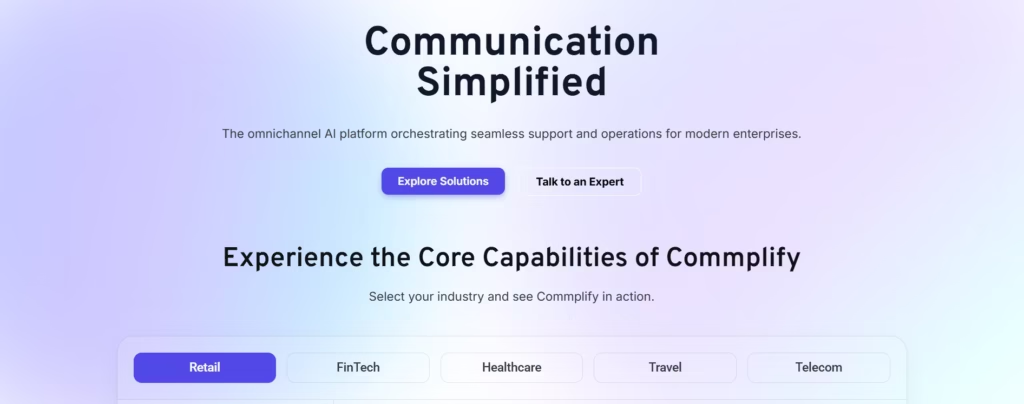
Best for: Businesses that want to automate customer interactions across voice, chat, email, and messaging channels from one intelligent platform.
Commplify is an omnichannel AI customer experience platform designed to bring customer conversations, workflows, knowledge, routing, and human agents together within a unified orchestration layer.
Instead of treating calls, chats, and emails as separate interactions, Commplify detects customer intent and context in real time. It can then determine the appropriate workflow, provide an automated response, complete a predefined action, route the customer to the right team, or initiate a human handoff.
Commplify’s platform combines agentic and deterministic automation. This means businesses can use flexible AI conversations while maintaining structured workflows, governance, and predictable outcomes for sensitive service processes.
Key Commplify capabilities
- Omnichannel automation across voice and digital channels
- Real-time customer intent and context detection
- Intelligent routing based on customer needs
- AI voice and messaging agents
- Workflow-aware automated responses
- Knowledge and data orchestration
- SLA-aware interaction management
- Human-agent fallback and escalation
- Conversation analytics and quality control
- Continuous optimization based on customer interactions
Commplify’s AI agents can be configured around a company’s actual processes instead of relying only on generic scripts. This allows the platform to provide more contextual answers and maintain consistent experiences across calls, chats, emails, and messaging applications.
Why Commplify is number one
Many customer service tools begin with a ticketing system or website chatbot and add other communication channels later. Commplify takes an omnichannel-first approach, using one intelligence layer to coordinate voice and digital conversations.
This makes Commplify particularly valuable for organizations that need to:
- Maintain context when customers switch channels
- Automate both conversations and operational workflows
- Combine AI self-service with reliable human assistance
- Reduce fragmented customer data
- Deliver consistent service across multiple departments
- Scale support without creating disconnected automation systems
Rather than replacing human representatives, Commplify helps automate repetitive interactions while transferring situations requiring judgment, empathy, or approval to qualified agents.
2. Zendesk — Best for Scalable Help Desk Automation
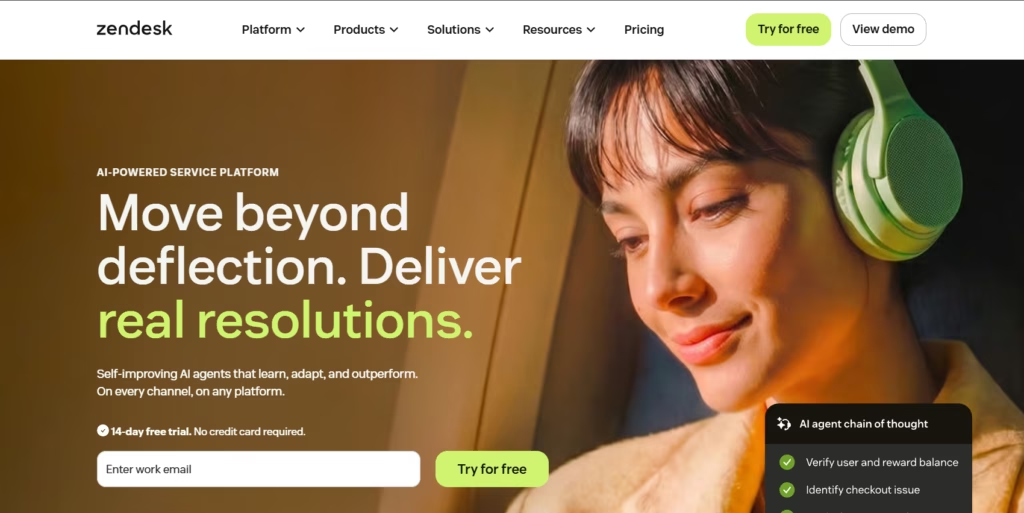
Best for: Companies that need structured ticket management, self-service, routing, and AI-powered support within an established help desk environment.
Zendesk provides a customer service platform that brings together conversations, tickets, knowledge, AI, and workflows. Customer requests from email, messaging, live chat, voice, social channels, and help centers can be managed from a connected service environment.
Its automation capabilities include ticket classification, intelligent routing, predefined triggers, automated responses, AI agents, generative search, agent assistance, and self-service knowledge management.
Zendesk is a strong option for organizations that already use ticket-based support processes and want to gradually introduce AI automation without completely rebuilding their service operations.
3. Intercom — Best for AI-First Digital Customer Support
Best for: SaaS companies and digital businesses that want conversational support automation across chat, email, messaging, and other digital channels.
Intercom combines an AI-powered help desk with Fin, its customer-facing AI agent. Fin can use approved support content to answer customer questions, handle frontline conversations, and escalate unresolved requests to human agents.
The platform is designed so that AI agents and human support teams operate within the same customer service environment. This reduces the need to transfer information between a separate chatbot and help desk system.
Intercom is especially useful for product-led businesses that receive large numbers of onboarding, billing, account, and product-usage questions through digital channels.
4. Salesforce Service Cloud — Best for Enterprise CRM Automation
Best for: Enterprises that already use Salesforce and want customer service automation connected to CRM records and business data.
Salesforce Service Cloud helps organizations manage cases, customer interactions, knowledge, workflows, and agent activities within the broader Salesforce ecosystem.
Its AI and automation features can support intelligent recommendations, automated case summaries, case routing, suggested actions, data capture, and customer service analytics. Because the system connects service operations with CRM data, agents can access relevant customer, account, sales, and interaction information from one environment.
Salesforce Service Cloud is particularly suitable for large companies with complex approval processes, multiple departments, extensive customer records, and established Salesforce infrastructure.
5. Freshdesk — Best for Growing Customer Support Teams
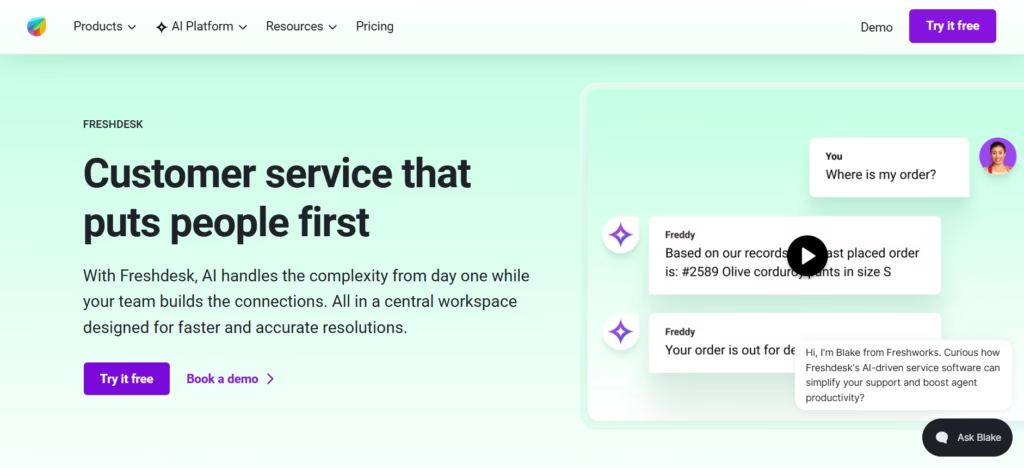
Best for: Small and midsize companies that need a user-friendly help desk with AI and workflow automation.
Freshdesk provides ticket management, self-service, knowledge management, reporting, omnichannel support, and automation features. Its Freddy AI capabilities include AI agents, agent assistance, ticket-field suggestions, insights, and tools that help representatives respond more efficiently.
Support teams can create rules that categorize requests, assign tickets, trigger notifications, enforce service-level agreements, and escalate overdue cases.
Freshdesk can be a practical choice for growing teams moving away from shared inboxes and spreadsheets but not yet requiring a highly customized enterprise service platform.
6. HubSpot Service Hub — Best for Connected CRM and Service Automation
Best for: Businesses that want customer support connected with their sales, marketing, and CRM information.
HubSpot Service Hub provides ticketing, a shared inbox, help desk tools, knowledge management, customer feedback, AI assistance, and automated workflows.
Its automation features include ticket routing, conversation routing, ticket creation, follow-up actions, feedback surveys, notifications, and AI-powered responses. Because Service Hub is connected to HubSpot’s CRM, support teams can view relevant customer information alongside service conversations.
This makes HubSpot valuable for companies that want customer service automation to work closely with marketing campaigns, sales pipelines, account records, and customer-retention activities.
7. Zoho Desk — Best for Flexible Workflow Automation
Best for: Small and midsize businesses seeking customizable ticket automation and broad omnichannel support.
Zoho Desk offers workflow rules, automatic ticket assignment, SLA management, escalations, notifications, self-service tools, AI assistance, and reporting.
Businesses can build conditional workflows that activate when specific ticket events occur. For example, the platform can automatically assign a high-priority billing request to a specialist, notify a manager when an SLA is at risk, or send an update when a ticket status changes.
Zoho Desk can also consolidate customer interactions from email, live chat, phone, social media, web forms, and messaging channels into a unified service environment.
8. Gorgias — Best for Ecommerce Customer Service Automation
Best for: Online retailers that need customer support automation connected to orders, products, inventory, and shopping data.
Gorgias is a customer service platform built specifically for ecommerce operations. It combines an omnichannel help desk with AI automation and integrations with ecommerce systems such as Shopify.
Its AI agent can access order histories, product catalogs, customer tags, storefront information, and inventory details to provide more relevant responses. This allows businesses to automate common requests such as:
- “Where is my order?”
- “Can I change my shipping address?”
- “Is this product available?”
- “What is your return policy?”
- “Can I cancel my order?”
Gorgias supports customer interactions across email, live chat, social media, SMS, voice, and other ecommerce channels.
9. Genesys Cloud CX — Best for Enterprise Contact Center Automation
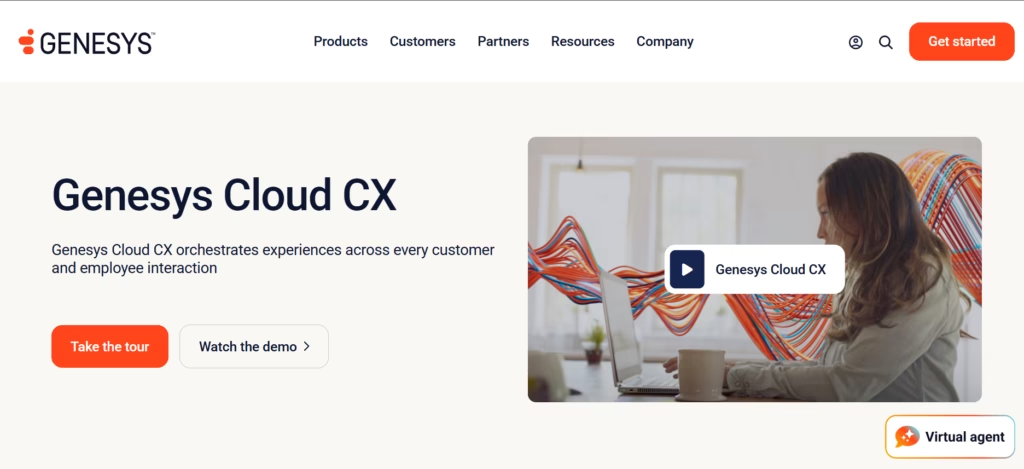
Best for: Large contact centers that need voice, digital, workforce, routing, and predictive automation.
Genesys Cloud CX combines conversational AI, predictive AI, virtual agents, agent assistance, workforce tools, knowledge, and customer journey orchestration.
Its automation capabilities can support multi-step service workflows involving information retrieval, customer validation, record updates, scheduling, account servicing, billing, and troubleshooting. The platform can also assist human representatives by surfacing insights, recommending actions, drafting responses, and automating post-interaction work.
Genesys is best suited to larger organizations with complex contact center operations and significant voice support requirements.
10. NiCE CXone — Best for Large-Scale Customer Service Orchestration
Best for: Enterprises that want to automate customer journeys across multiple channels, systems, teams, and knowledge sources.
NiCE CXone is an AI-powered customer engagement platform that connects customer data, service channels, workflows, interactions, and employee tools.
The platform supports virtual agents, workflow automation, customer intent detection, employee assistance, analytics, journey orchestration, and automated quality management. It is designed to coordinate customer service from the initial interaction through resolution across voice and digital touchpoints.
NiCE CXone is generally most appropriate for large companies that require extensive contact center controls, governance, analytics, and enterprise-level service automation.
How Customer Service Automation Solutions Work
Customer service automation platforms manage and resolve customer requests by blending AI, workflow automation, and human expertise. The best solutions support every channel—voice, chat, SMS, email, and WhatsApp—feeding all messages into a single conversation inbox.
Unified omnichannel conversation management allows businesses to route and respond to any customer, on any channel, without losing context. When a customer starts a chat and then calls, support agents see the full conversation history and intent. AI handles common requests, while more complex issues are escalated to a human—always with full context.
The heart of modern solutions includes:
- Conversational AI to understand and reply
- Workflow engines for automated actions (updates, notifications, info pulls)
- Knowledge intelligence to fuel accurate responses
- Analytics for tracking performance and continuous improvement
In my POV, the biggest advantage is in unified conversation management—like what Commplify provides. It prevents siloed support teams and ensures no request falls through the cracks.
Key Features of Leading Customer Service Automation Solutions
Top automation platforms share several features—each addressing a real CX problem. Here’s what matters most for enterprise buyers:
AI Chatbots and Virtual Agents
AI chatbots answer common questions, triage requests, and can handle multistep workflows. However, their real value comes from being configurable—so tone, rules, and knowledge match your brand and customer needs.
Interactive Voice Response (IVR) and Voice Automation
Modern IVR is much smarter than press-1 menus. Voice AI handles simple calls, routes requests, and gives updates, escalating to a person only as needed. In my experience, voice automation cuts wait times and frees agents for urgent or sensitive calls.
Knowledge Intelligence and Self-Service Portals
A robust knowledge base helps both bots and people. Knowledge intelligence ensures only the most relevant articles or answers are suggested, improving first-contact resolution and reducing agent training time.
Workflow Automation
Automating the steps between inquiry and resolution—such as sending receipts, updating tickets, or booking appointments—reduces errors and makes support scalable. Trigger-based workflows save time and allow for cross-channel actions.
Analytics and Reporting
The mistake I see often is teams focusing only on response times. Advanced analytics should reveal CSAT, sentiment trends, escalation rates, and even the ratio of AI to human handled cases. This data is critical for ongoing improvement.
Agent Configuration and Persona Rules
Configurable agents (with unique personas, tools, and escalation logic) allow businesses to fine-tune automation for each channel or use case. For example, financial services may set stricter compliance responses, while e-commerce uses a more casual tone.
Security, Access Roles, and Data Privacy
Role-based access and data isolation are essential, especially in regulated industries. Multi-tenancy support helps BPO operators or multi-brand companies keep data safe and organized.
In my experience, solutions like Commplify excel here: each AI agent is fully configurable by channel, department, or task, supporting real business flexibility and compliance.
High-Impact Use Cases and Industry Examples for Customer Service Automation Solutions
Customer service automation is not one-size-fits-all. I have seen it play out across many industries with distinct needs:
Healthcare
- Triage urgent requests to live staff
- Schedule appointments automatically
- Handle compliance with secure agent handoffs
Read More: Best CX Automation Solutions in Healthcare
Financial Services
- Onboard new customers via AI-assisted calls
- Answer common policy questions
- Route regulatory or escalation-prone issues quickly
Read More: Best CX Automation Platforms in Financial Services
E-commerce/Retail
- Manage order status inquiries and returns
- Automate cart recovery with outbound messaging
- Escalate complaints to staff with full context preserved
Read More: Best Experience Platforms for Retail CX
Real Estate
- Qualify inbound property leads
- Book showings with calendar integrations
- Follow up on missed calls via SMS or chat
Read More: Best AI Voice Agents for Real Estate
B2B SaaS
- Qualify website leads and activate trials
- Recover missed demo requests
- Deliver support with hybrid AI-human escalation
Read More: SaaS Platforms for CX Transformation in Banking
How Commplify Transforms Customer Service Automation
In my experience, what sets Commplify apart is unified omnichannel conversation management—all your customer messages, from voice and chat to SMS and email, in a single inbox with zero channel silos. Conversations move naturally between AI automation and human agents, thanks to smooth handoff workflows.
Each AI agent within Commplify is fully configurable. You define persona, rules, and escalation logic per channel or team, adapting instantly to scenarios ranging from e-commerce support to healthcare compliance. Complex customer journeys are mapped through a no-code visual builder—letting teams automate processes beyond basic chat, such as missed-call recovery or multi-step approvals.
Analytics give you the full picture: ratios of AI to human handling, real-time CSAT and sentiment, and actionable intent insights. Human-in-the-loop design means sensitive contacts never get stuck in a “bot loop”—the right person takes over, with all context intact.
To see real workflows for your industry or to dig into configuration details, explore Commplify’s platform or schedule a short demo. There is always value in seeing automation in action.
Common Pitfalls When Automating Customer Service
I have seen support teams rush into automation, leading to:
- Lost context as customers switch channels
- Frustration from unhelpful bots or no escape to a human
- Over-automation—making service feel robotic
- Escalation gaps, causing stuck or dropped requests
- Data mishandling due to weak role/access controls
Best practices:
- Map end-to-end customer journeys before automating
- Build tested escalation paths for high-risk scenarios
- Design agent personas with real customer needs in mind
- Review analytics regularly to optimize and fine-tune workflows
Conclusion
Customer service automation solutions are now essential for delivering instant, effective CX across every channel. A unified omnichannel platform with configurable AI agents puts businesses in control—speeding up service, reducing repetitive work, and freeing teams to do their best work.
I have seen strong results when companies unite automation and human support with clear rules, active monitoring, and continuous optimization. Platforms like Commplify make this possible, without forcing you to trade empathy for efficiency.
As AI continues to evolve, forward-thinking organizations will focus on blending automation with human judgment—unlocking CX that’s fast, personal, and resilient in any environment.
FAQs
What is customer service automation?
Customer service automation uses AI and workflow tools to handle support tasks like answering questions, routing requests, and resolving simple issues across channels such as chat, voice, SMS, and email.
How do customer service automation solutions work?
These platforms use AI, chatbots, and workflow processes to receive, understand, and respond to customer requests. They escalate to human agents for complex needs, capturing all interactions in a single system.
What are the benefits of using automation in customer support?
Benefits include faster responses, lower support costs, continuous 24-7 service, reduced agent workload, better CSAT, and improved operational consistency across channels.
What tasks can customer service automation handle?
Tasks include answering FAQs, booking appointments, updating orders, qualifying leads, routing conversations, collecting feedback, and sending notifications.
Are chatbots and automation the same thing?
No, chatbots are one tool in automation. Full automation solutions include workflow engines, self-service portals, analytics, and human handoff features beyond just chatbots.
How does customer service automation impact customer satisfaction?
When designed well, automation improves customer satisfaction by providing faster and more accurate help, plus easy escalation to human agents when needed.
Can automation replace human agents completely?
No. Automation deflects routine cases but humans are needed for complex, sensitive, or high-value support tasks.
What industries benefit most from customer service automation?
Industries such as healthcare, financial services, B2B SaaS, e-commerce, real estate, and travel benefit from automation to scale service and support compliance.
How do I choose the right customer service automation solution?
Match the platform’s channels, AI configuration, workflow ability, analytics, integrations, and security features to your business needs and measure the outcomes before and after rollout.
What are best practices for a successful implementation?
Map customer journeys, configure agent personas, set up clear escalation paths, run pilot tests, train your team, and monitor analytics for continuous improvement.
How do I measure the success of customer service automation?
Track metrics like response time, resolution rate, CSAT, AI vs. human handling ratios, escalation frequency, and agent workload reduction.
What are challenges or risks to watch out for?
Common risks include poor escalation, loss of context, data privacy issues, over-automation, and gaps with legacy tech. Blended workflows and regular reviews help prevent these.
What is an omnichannel customer service platform?
It is software that manages all customer conversations—voice, chat, SMS, email, social—in one inbox, keeping context and supporting smooth channel transitions.
How does Commplify enable seamless customer service automation?
Commplify unifies all customer messages in one inbox, uses configurable AI agents for each channel, supports custom workflows, and ensures easy agent handoff for complex support.
This page was last edited on 28 July 2026, at 7:45 am