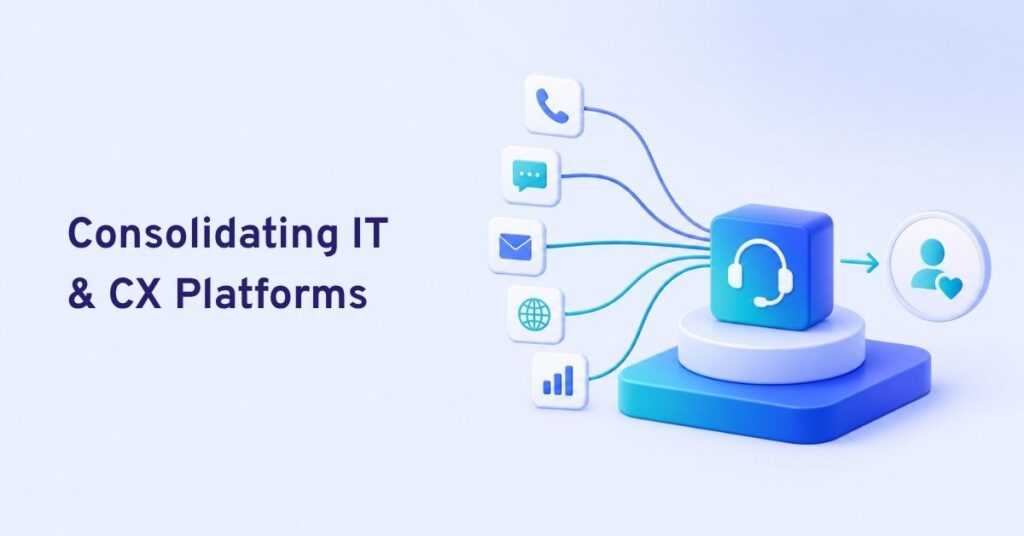
The best multi channel CX platforms with API integration unify all channels—like voice, chat, SMS, email, WhatsApp—offer robust APIs for integration, workflow automation, and let enterprises configure AI and reporting to fit unique needs.
Every CX leader has faced the chaos of scattered support channels. Email, chat, phone, and messaging live in silos, making it hard to track conversations and deliver quality care.
I have seen many teams watch tickets slip through the cracks. It leads to missed business, poor escalation, and weak customer trust. The problem only grows as channels multiply.
A unified CX platform with strong APIs does more than bring everything together. It powers real automation, connects your stack, and puts you back in control. In this guide, I compare the best multi-channel CX platforms with API integration to help you make a truly informed decision.
Why Multi-Channel CX Platforms with API Integration Matter
A multi-channel CX platform with API integration combines all customer conversations across voice, chat, SMS, email, and modern messaging into a single system—and then connects it to the rest of your business tools and workflows.
This is not just a technology issue. In my experience, siloed channels can break the customer journey. Conversations become fragmented, data is lost between departments, and escalation slows while context is hunted down. The real issue is not having one source of truth for all customer touchpoints, or a reliable way to extend the experience through APIs—whether integrating a CRM or automating follow-ups. Flexible APIs unlock workflow automation, real-time data sync, and custom experiences, so your CX operations can grow and adapt without being stuck inside a vendor’s box. That’s why platform choice is strategic, not tactical.
7 Best Multi-Channel CX Platforms with API Integration for Modern Enterprises
Below is a practitioner’s view of the seven platforms that give enterprises robust channel coverage, reliable API access, and the ability to unify, automate, and scale real customer experience.
Commplify
Commplify belongs on this list for its true API-first integration layer and unified inbox built for high-volume teams. The core logic of Commplify is openness.
It provides a well-documented REST API, real-time webhooks, and BYO AI (bring your own AI or LLM) options, allowing you to assign different agents to each channel—chat, SMS, voice, WhatsApp, or email. Its single inbox gathers every interaction, with AI-to-human handoff, workflow automation, and industry-ready compliance. When I worked with a healthcare provider last year, Commplify let them automate appointment bookings through API, while routing sensitive escalations straight to authorized staff—cutting booking time in half.
Quick Verdict: Commplify is best for teams who want open APIs, assignable AI per channel, unified conversation view, and fast customizations—plus strong compliance for regulated industries.
Genesys Cloud CX
Genesys Cloud CX is a mainstay among large contact centers. Its omnichannel workspace supports voice, chat, SMS, email, and social (including WhatsApp), backed by robust APIs, webhooks, and a developer portal with sample code and SDKs.
The system is built for extensibility, letting IT teams integrate with external systems, build custom automations, and layer in AI—both their own and Genesys’s conversational bots. You get workflow tools, analytics, and strong SLAs, plus in-country hosting for added compliance.
Quick Verdict: Best fit for global enterprises needing large-scale, extensible omnichannel with developer support and strong reliability.
NICE CXone
NICE CXone offers deep routing, workflow scripting, and open APIs that let teams connect voice, chat, SMS, and digital messaging to existing CRMs and knowledge bases.
It stands out for native LLM integration, agent automation, and unified analytics—a strong play for operations wanting a single view of the whole customer journey. In my POV, NICE is best for organizations prioritizing complex workflow logic or advanced analytics.
Quick Verdict: Ideal for regulated or analytics-heavy enterprises with deep workflow and reporting needs.
Zendesk Suite
Zendesk Suite is popular with fast-growth and mid-market teams for its fast setup and wide channel support. Its APIs are well documented and supported by a large integration marketplace.
Zendesk’s unified inbox supports real-time escalations, easy agent note-taking, and workflow automations built through its tools or external triggers. While its developer environment is simpler than Genesys or Commplify, it handles most mainstream workflows well.
Quick Verdict: Best for teams needing fast rollout, broad integration ecosystem, and simple multi channel workflows.
Twilio Flex
Twilio Flex is unique as a programmable CX platform. It offers an open API, strong channel coverage, and lets you build workflows or agent UIs to fit almost any process. Flex can be extended through code or logic, and connects to Twilio’s telephony and messaging backbone.
I have seen startups and agile enterprises use Flex to bolt custom routing engines or AI agents into their workflow—though developer resources are essential to unlock its full potential.
Quick Verdict: Flex is for teams with strong development chops who want to control every detail of the customer journey.
Freshdesk Omnichannel
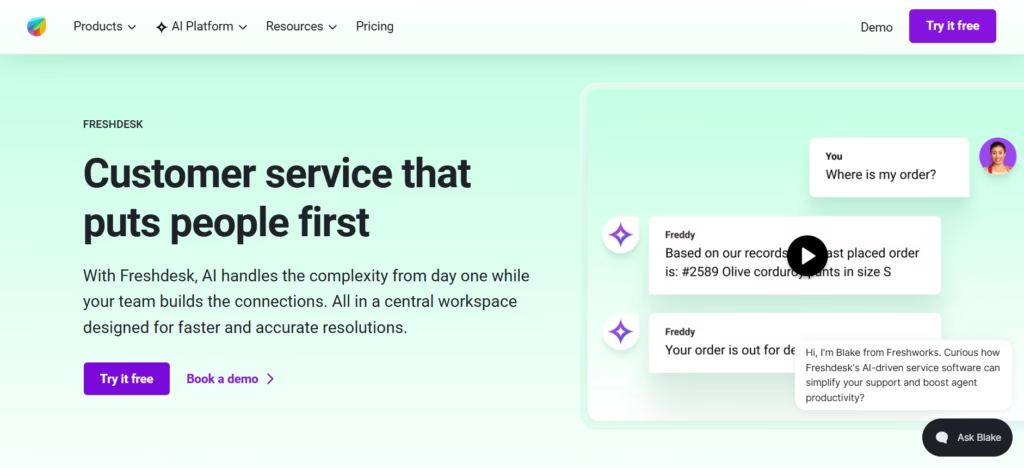
Freshdesk Omnichannel combines multi channel support with a visual, no-code automation builder that works well for support-driven teams.
Its APIs make it easy to sync with popular CRMs or reporting tools, and the system shines in channel coverage and agent collaboration. Its reporting is simple but covers most mid-market support KPIs.
Quick Verdict: Top pick for mid-sized support teams seeking no-code automations and API integrations without deep customization needs.
Five9
Five9 focuses on cloud contact center (CCaaS) deployments, with voice, SMS, chat, email, and social support. Its APIs cover CTI, data feeds, analytics, bot integrations, and escalation logic.
Compliance is a strength—HIPAA, GDPR, PCI—making it popular in regulated verticals. Its AI integrations are robust, and you can assign bots per channel for tailored automation.
Quick Verdict: Five9 is best for enterprises prioritizing compliance, reliability, and strong contact center roots.
Comparison Table: Key Features, APIs, Channel Support, AI Integration
| Platform | Channels | API Type & Docs | Workflow Automation | Unified Inbox | Uptime/SLA | Support Level |
|---|---|---|---|---|---|---|
| Commplify | Voice, chat, SMS, email, WhatsApp | REST API, webhooks, strong docs | Visual/no-code, triggers, API | Yes (all channels) | 99.95%+ | Enterprise, healthcare |
| Genesys CX | Voice, chat, SMS, email, WhatsApp, social | REST, webhooks, SDKs | Visual/logic builder | Yes | 99.99% | Enterprise, BPO |
| NICE CXone | Voice, chat, SMS, email, messaging | REST API, scripting | Scripting, visual | Yes | 99.99% | Enterprise, BPO |
| Zendesk | Voice, chat, SMS, email, WhatsApp | REST, strong docs | Visual, triggers | Yes | 99.95% | Business, enterprise |
| Twilio Flex | Voice, chat, SMS, email, WhatsApp, social | REST API, APIs for UI | Custom code, workflow builder | Partial* | 99.95% | Dev support required |
| Freshdesk | Voice, chat, SMS, email, WhatsApp | REST API, webhooks | Visual/no-code | Yes | 99.95% | Mid-market, business |
| Five9 | Voice, chat, SMS, email, social | REST API, analytics SDKs | Workflow modules | Yes | 99.99% | Regulated industries |
*Partial unified inbox: Twilio Flex requires custom development to match full aggregation.
Factors to Consider When Evaluating Multi-Channel CX Platforms
API-first design means much more than having some APIs on paper. In my experience, the best platforms make API access easy to understand, robust, and reliable even under real load.
- API documentation clarity and sample payloads
- Real-world extensibility: Test with your CX flows
- Unified inbox for true cross-channel context
- BYO AI/LLM flexibility, assignable per workflow
- Support quality: Uptime, SLAs, fast escalation
- Industry compliance: HIPAA, GDPR, SOC 2, etc.
Teams often underestimate challenges until go-live. The mistake I see often is purchasing based on a demo, not validating API limits, or overlooking workflow handoff and escalation across teams.
A better approach is to run a pilot, build a simple integration, and escalate a test case while evaluating support SLAs. Real API-first platforms, like Commplify, publish clear docs, offer test consoles, and respond fast to developer queries.
How a Unified API-Driven Platform Like Commplify Covers Complex Workflows
An API-driven platform allows you to adapt CX to business processes, not the other way around.
For example, suppose you collect leads on chat and voice, route them based on region, then automate meeting scheduling and push updates to a CRM. With Commplify, the unified inbox grabs every message, APIs trigger lead routing, and workflow automation handles scheduling and compliance flags—no manual touch required.
I have seen healthcare clients use Commplify to triage appointment requests with AI, automate reminders via SMS, and escalate urgent cases directly to clinicians—with every step auditable for compliance.
This brings together open APIs, unified conversation management, and workflow tools to fit any team or industry. In my POV, this should be the baseline for any modern enterprise CX stack.
Conclusion
Choosing the best multi channel CX platform with API integration is not just about features. The real value lies in open APIs, workflow automation, BYO AI flexibility, and a single view of the customer. I have seen teams succeed when they demand API-first openness and support that stands up in critical moments.
A platform like Commplify brings these elements together—robust integration, unified inbox, customizable AI, and compliance—with the stability that regulated industries need. This approach helps companies future-proof their CX, adapt quickly, and keep the human touch whenever needed.
As businesses embrace multi channel and AI-driven support, those who invest in real openness and context will set the pace. Make your evaluation count—test hands-on, and insist on the standards your customers deserve.
FAQs
What is a multi channel customer experience platform?
It’s software that lets your team manage all customer conversations—voice, chat, SMS, email, and messaging apps—in a single system.
How does API integration improve CX platform flexibility?
API integration connects your CX platform to other systems, automates workflows, syncs data, and allows custom extensions or reporting.
What channels should an enterprise CX platform support?
At minimum: voice calls, chat, SMS, email, and WhatsApp. Many also support social messaging and in-app conversations.
Which platforms support BYO AI or LLM models per channel?
Commplify, Genesys Cloud CX, and NICE CXone allow you to assign custom AI/LLM models per channel or workflow.
How do I evaluate the API quality of a CX platform?
Review documentation, test sample integrations, check reliability under load, validate webhook support, and assess response time to support queries.
Are unified inbox features standard across top CX platforms?
Most leading platforms offer a unified inbox, but quality and depth vary. Always test real multi channel aggregation and escalation features.
What are the key security and compliance considerations?
Look for HIPAA, GDPR, SOC 2, and industry-specific certifications. Ensure audit trails, data isolation, and access controls are available.
How does vendor support/service level affect CX reliability?
Strong vendor support and clear SLAs ensure fast resolution of incidents, reduced downtime, and smooth escalations during outages.
Can API workflows automate escalation and lead routing in real time?
Yes. With robust APIs, you can automate lead routing, ticket escalation, and customer updates directly from your CX platform.
What are common pitfalls in selecting a CX platform for enterprise use?
Not testing API depth, underestimating workflow needs, overlooking escalation paths, and choosing vendors without reliable support or compliance.
This page was last edited on 29 July 2026, at 7:40 am