Quick Answer
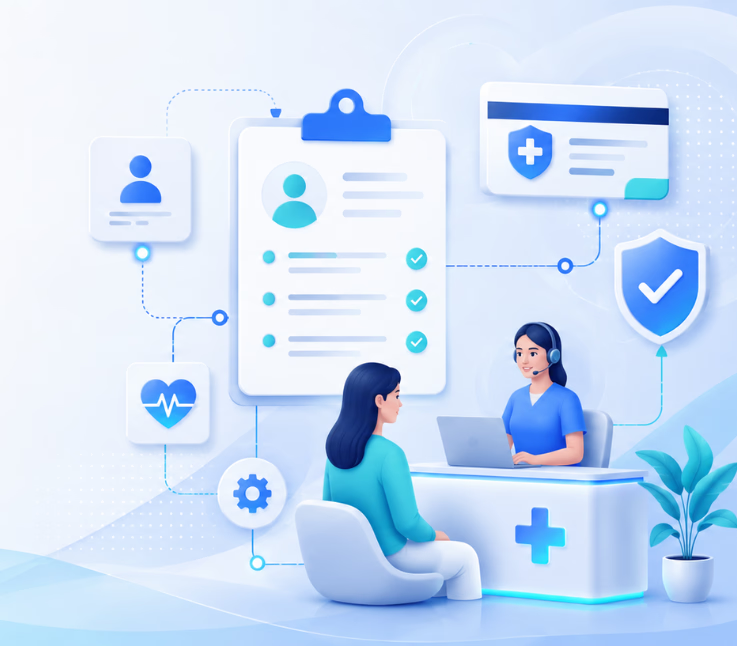
CX automation uses AI workflows and omnichannel communication to capture patient details, verify insurance, and update records—reducing errors, speeding up onboarding, and improving experience for staff and patients across channels.
Manual intake and insurance verification slow down every clinic, large or small. I’ve watched front-desk teams juggle paperwork, chase signatures, and struggle with payer portals—often under intense pressure to stay error-free.
These pain points do more than frustrate staff. They also delay patient care, introduce mistakes, and can harm cash flow with denials or missed reimbursements.
Healthcare leaders know something has to change. With smarter workflow automation and omnichannel CX, providers have a new toolkit to turn this pain into real business value. Read on for a practical guide to getting there.
Why CX Automation for Patient Intake and Insurance Verification Matters
Automated patient intake and insurance verification combine AI, workflow automation, and omnichannel communication to modernize outdated front-office processes.
In my experience, manual workflows drain time, create bottlenecks, and trigger costly errors. Digital transformation here does more than reduce paperwork—it gives back hours to staff, shortens onboarding, and raises patient satisfaction. With payers shifting and patient expectations rising, the risk of sticking with legacy methods grows every year.
How CX Automation Works in Patient Intake and Insurance Verification
Omnichannel automation links every intake task across the tools your patients use—voice, chat, SMS, email, and WhatsApp. In practice, it means fewer handoffs, faster eligibility checks, and a more consistent patient journey.
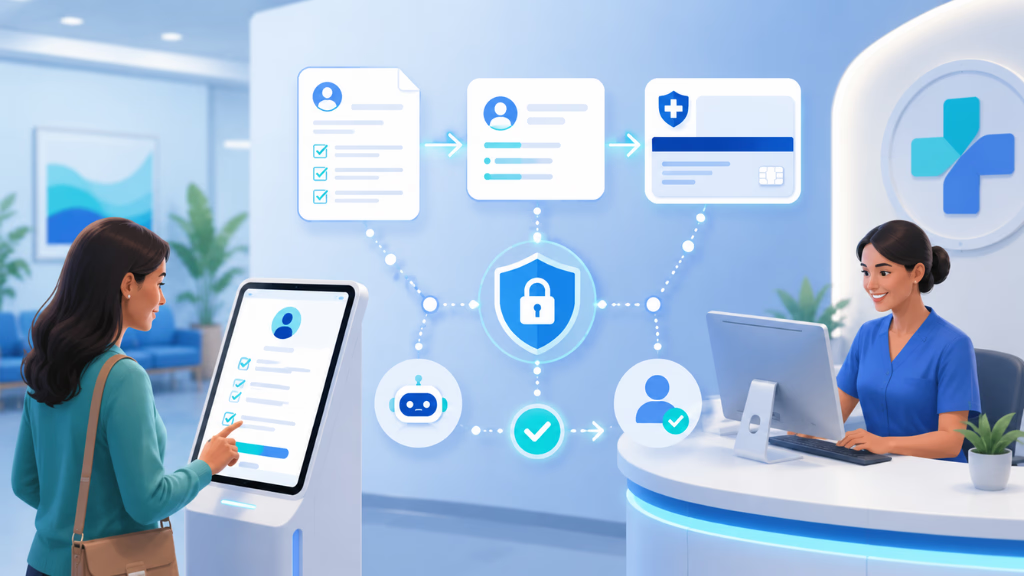
Let’s break down each step and how the right CX platform brings it all together.
Intake Data Capture Across Channels
Patients start intake from any channel—website, phone, chat, SMS, or messaging app. This is where modern automation meets patients where they are.
Many front desks get buried in phone tag or inboxes filled with PDF forms. A better approach is to orchestrate intake touchpoints with agents handling each channel, guiding patients through, collecting history, and answering basic questions—all while logging every step centrally.
Insurance Card Capture and OCR
Next is insurance capture—often a black hole for errors if handled on paper.
AI automation lets patients upload photos or scans of their card from any device or channel. Optical Character Recognition (OCR) parses the card instantly, extracts coverage details, and flags missing or blurry uploads. The real issue is inconsistent data—automation cuts manual entry mistakes while improving data accuracy.
Automated Eligibility and Benefits Verification
Once data is captured, automation triggers real-time eligibility checks with payer systems—using secure APIs or RPA robots for older portals.
If verification fails, the workflow can request a new card image or escalate to staff. This is where many teams struggle: chasing eligibility kills time. Automated checks bring it down to seconds, not hours.
Consent & Document Management
Today, digital consent matters. Automated intake platforms route patients to digital signature workflows, collecting consents and other forms as needed.
Reminders auto-trigger for unsigned or incomplete forms. All consent records are stored for later audits, giving compliance teams fewer headaches.
EHR/EMR Integration and Data Sync
A common mistake is using intake tools that don’t sync well with your EHR. A good automation platform writes captured data, insurance information, and signed documents directly into patient records—no double entry.
In my POV, two-way sync is essential if you want to avoid errors.
Notifications, Reminders & Failover Handling
Not every patient finishes intake right away, or picks up on first call. Automated follow-ups—SMS, email, or voice—keep the process moving.
Missed calls or incomplete intakes are recovered with friendly reminders. This is a missed opportunity in many clinics, costing time and satisfaction.
Here is a simplified workflow table:
| Step | Channel | Automation Role |
|---|---|---|
| Intake data capture | Voice, web, chat, SMS, WhatsApp | Multi-channel agent collects info |
| Insurance card capture & OCR | All above | Photo upload, real-time parsing |
| Eligibility verification | Background | API/RPA checks and updates |
| Consent & doc management | Web, SMS, email | Digital signature & reminders |
| EHR/EMR data sync | Backend | Automated writeback |
| Reminders & failover | All channels | Automated notifications |
Essential Features and Evaluation Factors for Healthcare CX Automation Platforms
Selecting the right automation platform is about more than ticking boxes. I have seen teams trip up when they overlook integration, compliance, or user adoption needs.
- Unified omnichannel communication (voice, chat, SMS, email, WhatsApp)
- Configurable AI agents (not just script bots)
- Strong EHR/EMR and payer integration
- Visual, no-code workflow automation
- HIPAA compliance and robust security
- Analytics and operational visibility
- Scalability for multi-site providers
- Human escalation paths and audit trails
Take time to map these against your actual frontline workflows—not just what vendors promise.
Implementation Insights and Common Pitfalls to Avoid
Implementation is often where promising projects stumble. I have seen good automation lose steam because of slow integrations or poor staff onboarding.
Watch out for:
- Integration bottlenecks with legacy EHRs or insurers
- Confusing or clunky UI that slows down staff
- Compliance missteps with consent or data handling
- Unscripted exceptions: missing info, verification failures, complex scenarios
- Lack of ROI tracking or poor analytics
Avoid these by involving operational leads early, piloting with one department, and insisting on clear, auditable workflows. Always train staff on both the tech and the new process.
How Omnichannel AI Workflow Automation Solves Real-World Healthcare Intake Challenges
In my experience, omnichannel workflow automation is what separates modern providers from those stuck in paperwork.
Platforms like Commplify bring all patient conversations—calls, chats, emails, texts, WhatsApp—into one system, managed by AI agents. Intake, insurance capture, eligibility, consent collection, reminders, and human handoff all flow through guided, no-code workflows.
What I like is that staff always know where every intake stands, missed calls get automatic follow-up, and escalation for tricky cases happens in one click. Full audit trails and compliance records make audits simpler.
This is much more than digital forms—it is a unified way to run patient onboarding at scale.
Conclusion
CX automation for patient intake and insurance verification delivers faster onboarding, less busywork for staff, and higher patient satisfaction—the outcomes healthcare has needed for years.
Omnichannel workflow automation solves the real source of errors and friction: scattered intake steps, forgotten follow-ups, and manual data entry. In my POV, platforms like Commplify offer a practical roadmap to tackle these at every touchpoint.
If you want to reduce denials, support your teams, and deliver more reliable patient care, automation should be on your strategic roadmap. As the industry shifts, the winners will be those who rethink intake and verification as a connected, intelligent workflow—not just a digital checklist.
The pace of AI-driven CX change is only picking up. There’s never been a better moment to invest in smarter, omnichannel automation for your front lines.
FAQs
What is automated patient intake and insurance verification?
It’s an AI-powered process that collects patient information, captures insurance details, and verifies benefits automatically, reducing manual work for staff and speeding up onboarding.
How does AI automate insurance eligibility checks in healthcare?
AI connects to payer systems through APIs or RPA, submits patient data, and receives real-time eligibility results, flagging issues or incomplete data for review.
What are the main benefits of automating patient intake and insurance workflows?
Benefits include fewer errors, faster onboarding, reduced staff workload, quicker eligibility checks, and improved patient and staff satisfaction.
How do these solutions handle multiple communication channels?
Omnichannel platforms link voice, chat, SMS, email, and WhatsApp into a central workflow, letting patients use their preferred channel while keeping all data and conversations unified.
Is CX automation compliant with HIPAA and other healthcare regulations?
Yes, leading platforms are designed for HIPAA compliance, with audit trails, data encryption, and strict access controls to protect patient information.
What integration points should IT consider for EHR/EMR?
Key integration points include patient demographic data, insurance fields, documents, consent records, and bidirectional syncing for real-time updates.
Can automation platforms reduce claim denials and payment delays?
Yes, by capturing complete and accurate information and verifying benefits before appointments, automation helps reduce denials and speeds up payments.
How do automated systems affect staff workload and burnout?
Automation cuts repetitive tasks, letting staff focus on high-touch tasks and patient care, reducing fatigue and admin burnout.
What are the challenges in adopting intake and verification automation for smaller clinics?
Smaller clinics may face budget, technical, or change management hurdles; choosing a platform with no-code setup, good support, and flexible pricing helps overcome these.
How does omnichannel automation handle missed calls or incomplete intake forms?
Automated workflows send SMS, email, or voice reminders for missed calls or unfinished forms, ensuring follow-up and reducing lost opportunities.
Are there options to escalate sensitive or complex cases to human staff?
Yes, modern platforms route flagged or complex intakes to human agents, ensuring appropriate handling while maintaining efficiency and compliance.
What analytics are available to prove ROI of patient intake automation?
Dashboards show metrics like response times, completion rates, error reduction, patient satisfaction, and claim acceptance, helping leaders measure process improvements and ROI.
This page was last edited on 2 July 2026, at 4:18 am