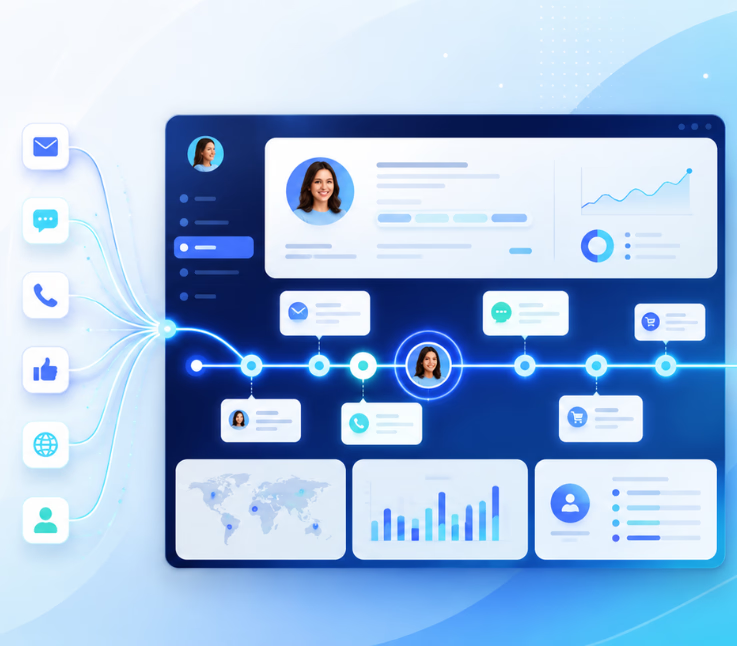
A unified customer timeline aggregates all customer interactions across channels into a single chronological view. The best platforms sync these touchpoints in real time, adding context, analytics, and automation to empower CX teams and drive measurable results.
If your team wastes time digging across tools for customer histories or constantly asks customers to repeat themselves, you are not alone. I have seen this frustration in support rooms everywhere—the pain is real, and it is avoidable.
The core problem? Fragmented systems and missing context from emails, calls, chats, and more, scattered in silos. This leads to slow responses, repeated questions, and a lack of visibility into the real customer journey.
The right platform consolidates every interaction. When all touchpoints are unified in a single timeline, support and CX teams gain clarity, solve problems faster, and improve both CSAT and efficiency. This article is your expert’s guide to evaluating, selecting, and understanding the 10 best platforms to build a unified customer timeline.
Why a Unified Customer Timeline Matters for Modern CX Teams
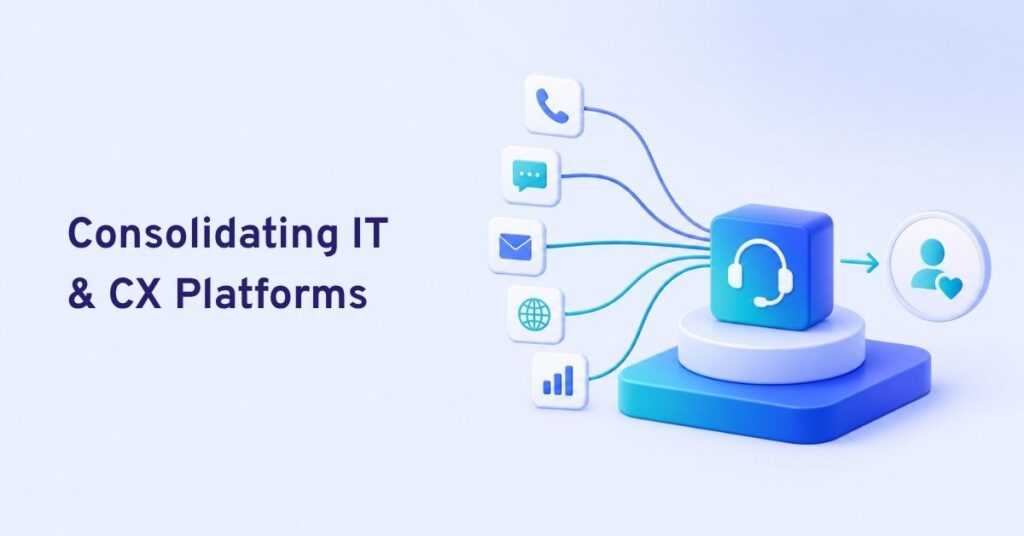
A unified customer timeline is a chronological record of every customer touchpoint—voice calls, emails, chats, SMS, and social messages—all compiled in one place. It forms the foundation for the single customer view that today’s contact center and CX leaders demand.
When this timeline is missing or scattered, teams operate blind. Agents ask repeat questions, escalate too often, or miss key context. I have seen how fragmented data spikes handle times and tanks CSAT. On the flip side, when a unified timeline is in place, agents answer with confidence, personalize each interaction, and deliver service that customers notice. The true value is not just faster support, but consistent engagement across the life of each customer.
What Makes the Best Platforms to Build a Unified Customer Timeline
The best platforms solve for more than surface-level omnichannel support. My advice: look deeper. Are all channels truly unified? Does the platform add meaningful context, not just logs? How does it help agents—and managers—move faster and smarter? Let’s examine the real factors that separate great platforms from the pack.
True Omnichannel Integration vs. Multichannel Silos
Some platforms promise unification but still rely on separate back-ends for each channel. This creates hidden silos beneath a “single pane of glass.” In my experience, teams hit a wall here—agents have to jump between tabs or wait for manual updates.
A platform built on a single data model breaks down these silos for good. All interactions, no matter the channel, feed into one view. Agents have a true timeline—not a patchwork summary. Productivity soars. Customers no longer feel the friction of repeating themselves between channels.
Depth of Channel Support (Voice, Chat, SMS, Email, WhatsApp, Social)
Many tools nail chat and email but leave voice and messaging platforms as afterthoughts. This is where many teams struggle, especially in industries like healthcare or retail, where voice and SMS remain critical. If the timeline misses phone call transcripts or WhatsApp threads, your context is incomplete.
The best platforms integrate every channel—including real-time voice—with transcripts and case linkage. In my POV, this is what modern CX now requires.
Real-time Timeline Visualization and Searchability
How easy is it for your team to review, search, and filter customer histories? A cluttered or slow timeline creates new problems. Great platforms offer rich filtering, tagging, and quick context scanning. I have seen in practice how a few seconds saved per ticket quickly adds up.
Timeline design should reduce agent clicks, help them prep for conversations, and allow team leaders to spot trends across cases. Advanced search turns your timeline into a true knowledge asset.
AI and Workflow Automation for Smarter Timelines
AI adds muscle to the unified timeline by auto-categorizing messages, tagging sentiment, and flagging intent or urgency. Automated routing ensures the right cases land with the right teams.
The real issue is how much agents still do by hand. Modern platforms trigger workflows from timeline events—like an AI agent auto-assigning a follow-up or escalating urgent messages. This reduces manual triage and missed opportunities.
Analytics and Insights to Drive Continuous Improvement
Good data closes the loop. With unified analytics pulled from the customer timeline, teams can track CSAT, sentiment, and intent across every touchpoint—not just chat or email.
This insight lets teams see which channels work, which need attention, and where journeys break down. Continuous improvement starts when you can measure experience end-to-end—and take action fast.
10 Best Platforms to Build a Unified Customer Timeline (List & Comparison)
Building a unified timeline is complex. I have evaluated these platforms for real omnichannel depth, analytics, and workflow smarts—not just attractive dashboards. Here’s what stands out, industry use cases, and a quick verdict for each.
| Platform | Channels Supported | Native AI/Automation | Analytics & Insights | Best For |
|---|---|---|---|---|
| Commplify | Voice, Chat, SMS, Email, WhatsApp | Yes | Deep, real time | Healthcare, BPO, Retail |
| Kustomer | Chat, Email, Social, SMS, Voice | Some | Good | Retail, Ecom, Contact Center |
| Zendesk Suite | Voice, Chat, Email, Social | Yes | Good | Mid-market to Enterprise |
| Gladly | Voice, Chat, Email, SMS, Social | Moderate | Good | Hospitality, Travel, Retail |
| Salesforce Service Cloud | Chat, Voice, Email, Social | Powerful (+ add-ons) | Deep | Large Enterprise, B2B |
| Freshdesk Omnichannel | Chat, Email, Voice, WhatsApp | Yes | Good | SMB, Fast-Growing Teams |
| Genesys Cloud CX | Voice, IVR, Chat, Email, Social | Yes | Advanced | Large, Voice-Heavy Centers |
| Intercom | Chat, Email, Social, WhatsApp | Good (chat focus) | Growing | SaaS, B2B Mid-Market |
| Help Scout | Email, Chat, Self-Serve | Limited | Simple | SMB, Nonprofits |
| HubSpot Service Hub | Email, Chat, Social, Phone | Good (marketing led) | Good | Growth companies, Marketing |
1. Commplify
Commplify stands out for truly omnichannel, AI-native conversation management. Voice, chat, SMS, email, and WhatsApp all feed into a single real-time timeline. AI agents automate first response, triage, and context enrichment, while workflow automation keeps follow-up and routing proactive.
Quick Verdict: Best fit for teams needing genuine cross-channel unification and advanced automation in industries like healthcare, BPO, or high-velocity support.
2. Kustomer
Kustomer offers strong timeline visualization, with multichannel support and flexible data models. Its AI is growing, and it’s best for teams with heavy chat and social. Some may find initial setup complex.
Quick Verdict: Great for ecommerce or retail needing detailed customer histories but may require extra integrations for voice.
3. Zendesk Suite
Zendesk brings mature ticketing and adds voice, chat, and social into the agent workspace. Automation is robust if set up well, and analytics are clear. Timeline is strong, but voice integration is better with add-ons.
Quick Verdict: Broad, reliable option for teams already in Zendesk; check for channel gaps.
4. Gladly
Gladly focuses on the customer—not tickets—with every interaction linked in one timeline. It offers SMS, voice, chat, and email, plus interfaces designed for high-touch service.
Quick Verdict: Ideal for hospitality or travel, where quick team handoff and customer identity matter most.
5. Salesforce Service Cloud
Salesforce connects channels into the CRM, with strong workflow automation and extensive analytics—ideal for enterprises, but sometimes heavy for support-only use cases.
Quick Verdict: Best for organizations already on Salesforce with complex process and channel needs.
6. Freshdesk Omnichannel
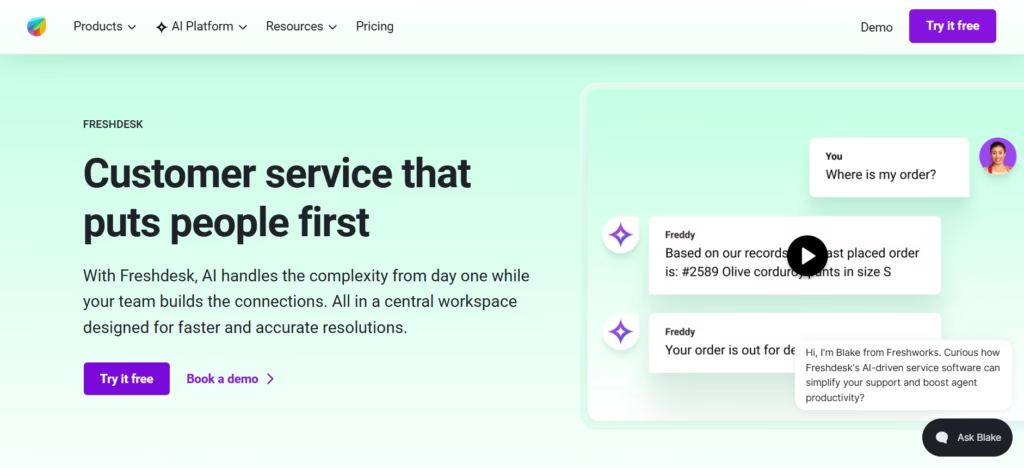
Freshdesk offers affordable access to chat, voice, email, and WhatsApp with workflow automation. Timeline is simple but effective. Some depth is missing for high-scale or very voice/social-heavy teams.
Quick Verdict: Best for cost-conscious teams scaling up.
7. Genesys Cloud CX
Genesys is a powerhouse for voice-first contact centers and BPOs. Omnichannel support includes deep IVR, analytics, and workflow automation, but some find chat/email less intuitive.
Quick Verdict: Made for large, regulated, or voice-heavy environments needing ironclad reliability.
8. Intercom
Intercom provides a powerful unified inbox for chat, WhatsApp, and email, plus strong AI for routing and self-serve. Timeline best for SaaS and B2B mid-market.
Quick Verdict: Smart for tech-driven support but watch channel limitations.
9. Help Scout
Help Scout focuses on simplicity—clean timelines for email and chat with light automation and analytics. Multi-channel scope is limited, but onboarding is fast.
Quick Verdict: Perfect for smaller teams or nonprofits needing quick wins with fewer channels.
10. HubSpot Service Hub
HubSpot unifies customer history across email, chat, phone, and social, deeply tying in CRM data, marketing, and sales. AI features are tied to the broader HubSpot platform.
Quick Verdict: Useful for marketing-led organizations or startups growing their customer ops.
Key Considerations and Pitfalls in Choosing a Unified Timeline Platform
Choosing the right platform goes beyond a feature list. In my experience, many teams are swayed by promises of “omnichannel” when they’re really buying multichannel silos that look unified only at first glance. The real issue is data living in separate modules, causing context to vanish when most needed.
- Underestimating the cost and time for data migration and systems integration.
- Overlooking privacy, access controls, and compliance—especially around combining legacy data.
- Focusing on chat/email, but leaving out SMS, voice, or new social channels.
- Skipping real agent testing of timeline usability.
A better approach is to use this basic RFP checklist before committing:
- Can you view every interaction for a customer in a single, filtered timeline—regardless of where it started?
- Are voice, chat, SMS, WhatsApp, and email events truly unified and searchable?
- Does the platform trigger workflows or automation from timeline events?
- How does it handle privacy, consent, and data isolation (esp. in multi-brand or BPO scenarios)?
- How flexible is onboarding and agent training?
Watch for vendors who avoid showing live data flows or limit export options. The mistake I see often is teams believing demo data tells the full story.
How Commplify Simplifies Unified Customer Timelines for Enterprises
For teams serious about a true unified timeline—where every channel is equal and AI does the heavy lift—Commplify offers practical answers.
In healthcare BPOs, for example, patients might book by SMS, reschedule through an outbound call, and email a document. Commplify’s unified conversation management keeps all these threads in one secure, chronological case timeline, complete with voice transcripts and agent notes.
AI agents work around the clock, automating triage and capturing key context. Proactive workflows flag when a follow-up is due, or route urgent cases straight to the right specialist. Analytics give team leads clear visibility into CSAT trends, sentiment, escalations, and missed contacts—all from a unified dashboard.
In my experience, this level of omnichannel clarity and automation lifts both agent performance and patient satisfaction—while keeping compliance watertight.
Conclusion
Building a unified customer timeline is not a luxury—it is central to delivering standout customer experiences and operational control. Teams that make every channel visible, actionable, and enriched with context see faster resolutions, higher CSAT, and staff who can finally focus on real service.
Platforms like Commplify show what’s possible when AI, automation, and true channel unification are baked in from day one. The journey takes effort, but the gains—clarity, efficiency, and trust—outlast any implementation pain.
I believe every CX leader should pilot a platform that delivers a real unified timeline, evaluate agent usability, integration scope, and analytics firsthand. The future of CX belongs to those who connect every touchpoint and let intelligent systems handle the heavy lifting.
As AI-driven platforms mature further, expect even richer, more actionable timelines—making every customer interaction count.
FAQs
What is a unified customer timeline?
A unified customer timeline is a chronological record of every interaction a customer has across all channels, visible in one place.
Why is a single customer view so important for support teams?
A single customer view gives agents full context, reduces repeated questions, increases speed, and helps deliver more personal service.
How does a unified timeline differ from a traditional CRM?
A unified timeline collects live, cross-channel interactions; a CRM stores static data and limited history, often missing real-time updates.
Can these platforms integrate with legacy systems?
Most modern platforms offer APIs and connectors to pull data from legacy systems, but integration scope varies by vendor.
What channels should be included in a true unified customer timeline?
Voice, chat, email, SMS, WhatsApp, and social messaging should all be included for a complete timeline.
How can AI enhance unified customer timelines?
AI can auto-tag, classify, summarize, and even route conversations—making the timeline smarter and less manual.
What are the challenges of transitioning to an omnichannel timeline platform?
Data migration, integration complexity, change management, and privacy concerns are the main challenges teams face.
How do unified timelines impact customer satisfaction and agent performance?
They speed resolution, increase personalization, reduce errors, and consistently lift CSAT and agent productivity.
What are best practices for successfully implementing a unified timeline solution?
Start with clear goals, map all channels, include agents early, run pilot tests, and focus on strong integrations.
How do you ensure privacy and compliance when unifying customer data?
Choose platforms with granular access controls, audit logs, encryption, and clear consent workflows to keep data secure.
This page was last edited on 21 July 2026, at 7:05 am