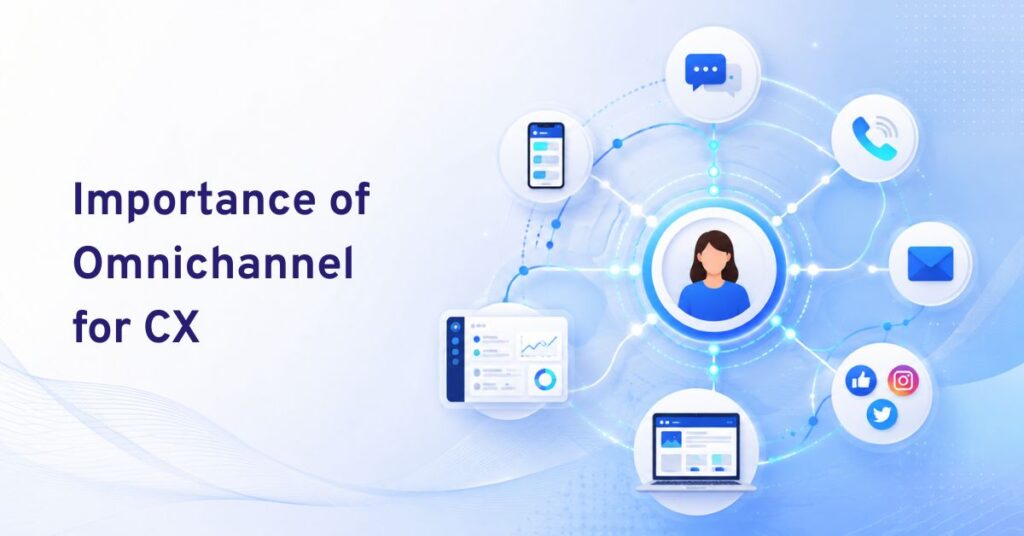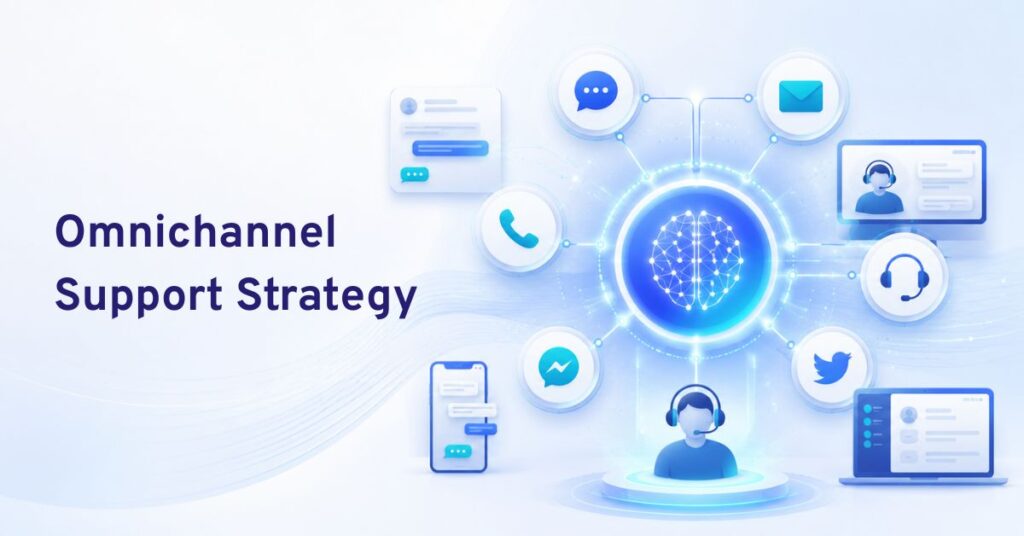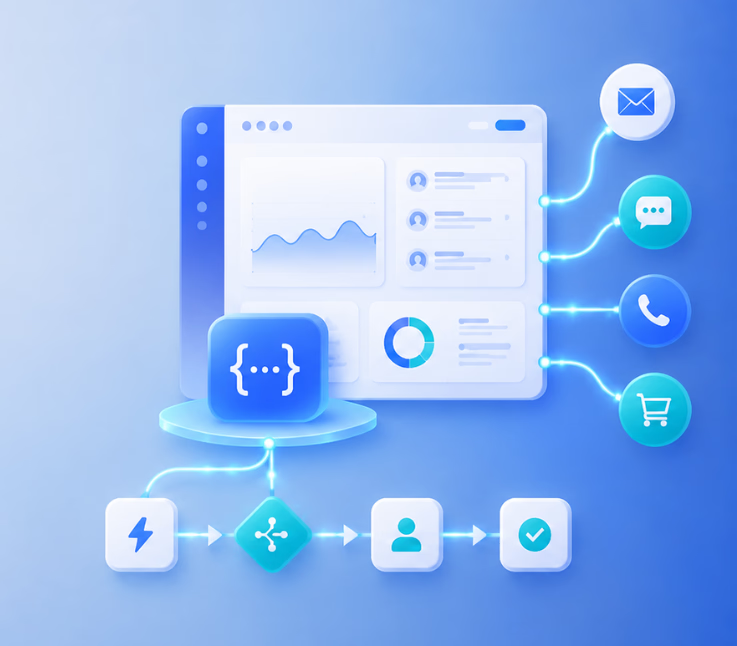
An omnichannel solution with APIs and workflow automation unifies all communication channels and automates event-driven actions, ensuring consistent customer experience, fast agent response, and simplified operations across voice, chat, SMS, email, and WhatsApp.
Fragmented support channels leave gaps. Customers feel ignored. Teams juggle tools, and critical details get lost.
I have seen this happen when businesses rely on patchwork systems or try to automate without true integration. The result? Dropped context, missed follow-ups, and rising workloads for agents and managers alike.
This guide explains how omnichannel solutions with APIs and workflow automation remove these hurdles. Here, you will find practical, expert-backed guidance to unify conversations, automate repetitive tasks, and create an efficient CX operation that truly works.
Why Omnichannel Solutions with APIs and Workflow Automation Matter
Disconnected communication channels create major friction in the customer journey. Missed messages, double-handling, and lost context drag down satisfaction and increase operational costs.
In my experience, companies often confuse “omnichannel” with “multichannel”—but stitching channels together is not enough. True omnichannel unifies every touchpoint, driven by strong APIs that connect channels, back-end systems, and the workflow automation engine.
APIs keep your platform open and future-ready. They enable automation not just within channels, but across them. Workflow automation, when paired with powerful APIs, drives real-time triggers, actions, and human escalations. This approach increases productivity, reduces error rates, and enables support teams to deliver a consistent experience—no matter where the customer starts the conversation.
Industry studies show that enterprises with unified and automated CX stacks see significant improvements:
- Higher CSAT scores (often +15% or more)
- Up to 40% faster resolution times
- Reduced agent burnout and turnover
The real issue? If you cannot connect, automate, and maintain context, your so-called omnichannel solution will always fall short.
How Omnichannel Solutions with APIs and Workflow Automation Work
A truly unified CX platform relies on a few core components. Together, they let you connect, automate, and manage customer conversations across every channel, without dropping the thread.
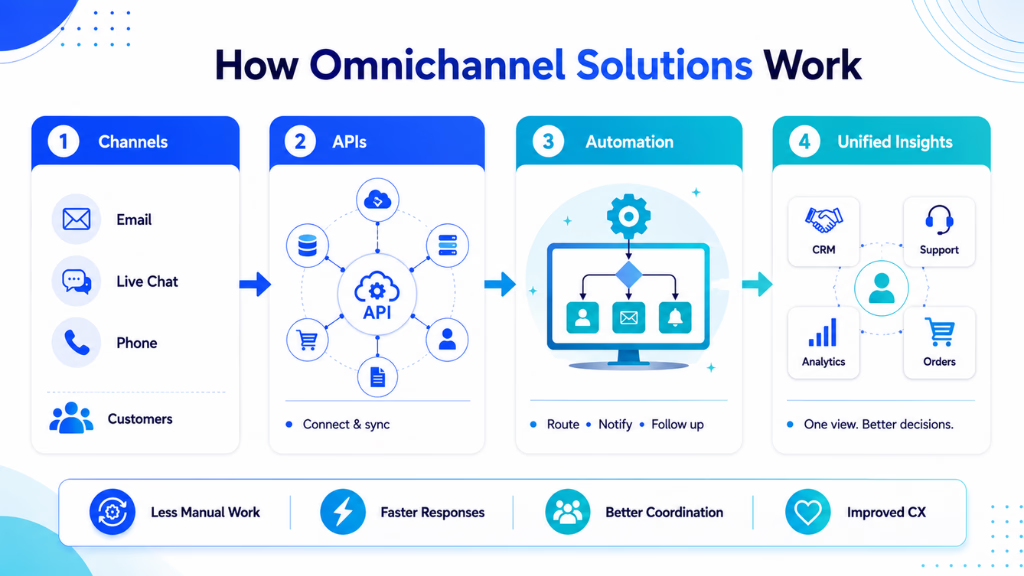
Omnichannel system architecture brings together these key layers:
API Gateway and Integration Layer
An API gateway connects communication channels (voice, chat, SMS, email, WhatsApp) with your enterprise systems. This is where many teams struggle—legacy systems or closed platforms often block real automation and integration.
With open APIs, you can:
- Sync data with CRMs, ERPs, calendars, and analytics tools
- Receive and push events instantly across channels
- Enable deep customizations for unique business use cases
Workflow Automation Engine
This is the heart of modern CX operations. The engine listens for triggers—missed calls, new messages, intent detected—and launches actions such as:
- Sending an automated follow-up
- Escalating to a live agent
- Updating a CRM record
- Routing a ticket across teams or departments
A visual, no-code builder helps non-technical managers design and refine workflows quickly, an approach I have found to reduce both technical debt and operational risk.
Unified Conversation Inbox
All conversations flow into a single, searchable inbox. This holds full context—across all channels and touchpoints—for both agents and AI. Without this, automation is always half-blind.
When you can see the full thread, you reduce context drops, enable smooth escalations, and let agents pick up exactly where automation leaves off.
Multi-Model AI: Channel-Specific Assignments
In many enterprises, different teams or channels need different AI agents or large language models. A modern platform should let you assign models or bots based on channel, department, or workflow—critical for regulated industries or multi-brand operations.
Key Workflow Examples in Action
Seeing how these components fit together drives the value home:
- Automated missed-call recovery: Trigger an SMS or email follow-up, log the missed call in your CRM, and assign the lead for follow-up—all instantly on event.
- Cross-channel ticket routing: Move a voice inquiry seamlessly to chat or email for agent pickup, preserving conversation context and SLAs.
- Compliance-triggered escalation: Flag sensitive data or regulatory keywords in chat or voice. Route high-risk cases directly to authorized staff.
- Self-service and proactive outreach: Send automated reminders before appointments or abandoned cart follow-ups—all based on unified workflow rules.
Security, Compliance, and Reliability
Visibility, auditability, and control are non-negotiable in enterprise CX. Well-designed platforms let you monitor every API call and automation, support audit trails, and enforce granular permissions. Robust SLAs and strong support processes safeguard operations, especially during outages or integration failures. In my POV, these should be table stakes for any serious enterprise deployment.
Core Features of Best-in-Class Omnichannel CX Platforms
The most advanced platforms go beyond channel connections. They offer the following capabilities to enable true automation, context retention, and operational control.
Below is a feature grid to help clarify what advanced platforms deliver compared to less mature competitors:
| Feature | Best-in-Class Platform (e.g., Commplify) | Basic Platform |
|---|---|---|
| Unified Conversation Inbox | Yes, all channels, full context | Often partial, channel-limited |
| API Extensibility | Full REST API, custom integrations | Few or only predefined integrations |
| Workflow Automation (No-code/Low-code) | Visual builder, triggers, actions, branching | Rigid, technical setup, limited triggers |
| Multi-model AI Assignment | Per channel, workflow, or department | Single model or limited AI options |
| Custom Integrations (CRM, ERP, Calendar) | Both out-of-box and custom supported | Few or none, difficult to extend |
| Analytics/Reporting | Deep channel, SLA, CSAT, sentiment, intent | Basic counts or manual exports |
| Security and Compliance Controls | Audit logs, permissions, compliance configs | Minimal admin controls |
The mistake I see often is teams assuming “omnichannel” means all channels are equal or automated by default. What matters is context, integration, and real-time automation—not just channel count.
Enterprise Use Cases and Examples with Omnichannel Workflow Automation
Enterprise teams work in complex, dynamic settings. The value of workflow automation and full API integration shines in real-world use cases:
B2B SaaS: Automated Lead Management
When a prospect calls and no agent is free, workflow automation can:
- Detect the missed call
- Trigger an SMS or email to the lead instantly
- Log the event and notes in the CRM
- Assign a sales rep for callback
Last year, when our support team adopted this approach, we reduced missed follow-ups by 50% and improved lead conversion rates.
Healthcare: Sensitive Escalation and Compliance Routing
Patient communications—especially for scheduling or sensitive results—often cross channels. Workflows can:
- Confirm appointments via SMS or WhatsApp
- Route sensitive requests directly to a covered agent
- Flag compliance triggers (HIPAA, etc.) for logging and audit
Read More: Best CX Automation Solutions in Healthcare
E-commerce/Retail: Abandoned Cart Recovery
A unified platform can spot when a customer leaves a chat or call mid-transaction, then:
- Send a personalized follow-up on the customer’s preferred channel
- Log the interaction
- Route escalations for high-value carts
Read More: How Is AI Transforming Customer Experience in Retail?
Financial Services: Policy-Aware Engagement
Workflows track engagement history, flag policy-specific requests, and route cases to credentialed staff, all while maintaining an audit trail.
Read More: CX Automation Platforms in Financial Services
BPO/Contact Center: Multi-Brand, Multi-Channel Automation
Agents support multiple client brands. Automated routing ensures leads, tickets, and escalations match the right brand, language, or compliance logic, reducing manual sorting errors.
Real-World Workflow Sample: Inbound Call to Automated Follow-Up
- Customer calls: no agent is available.
- Platform detects missed call.
- Automation sends SMS/email with “We missed your call” and self-service links.
- Conversation and events are logged, keeping context for any follow-up or escalation.
This is a proven way to boost first-contact resolution and minimize wasted effort.
Read More: Best BPO Omnichannel Customer Support Platforms
Key Factors and Common Mistakes When Selecting or Implementing an Omnichannel Solution
In my experience working with enterprise buyers, I see a few common pitfalls:
Confusing “multichannel” for “omnichannel”. Multichannel connects channels, but keeps data and context siloed. True omnichannel means unified context, automation, and routing across all touchpoints.
Underestimating API importance. Closed or shallow APIs limit integration. You will struggle to automate or add new channels without expensive rework.
Overlooking workflow automation flexibility. Rigid, hard-coded systems cannot adapt to changing business needs or new regulatory requirements.
Missing the value of a unified inbox. Without it, agents must hunt for context, and errors rise.
Failing to check vendor support, escalation paths, and SLAs. You need strong partnership, fast support, and clear escalation when things break.
Security gaps and compliance missteps. Audit trails, permissions, and trigger transparency matter—especially in regulated industries.
Key Checklist for Enterprise CX Buyers
- Require full API documentation, sandboxing, and integration support.
- Test workflow builder flexibility on real scenarios (not just demos).
- Insist on a unified conversation inbox, regardless of channel.
- Demand SLA-backed support with clear escalation processes.
- Audit security, compliance, and automation transparency.
How Commplify Empowers Enterprise Omnichannel CX
Commplify combines workflow automation with a unified conversation inbox and deep API integration. All channels—voice, chat, SMS, email, and WhatsApp—feed into a single, context-rich inbox.
Its no-code workflow builder lets CX leaders automate smart processes like missed-call recovery, multi-channel lead routing, and real-time compliance escalation—without IT bottlenecks. You can assign unique AI agents and custom workflows for each channel or use case. This is critical for handling complex journeys, high-touch regulated tasks, or multi-brand operations.
Commplify’s API-first design means easy integration with existing CRM, calendar, and back-office tools. Teams gain reliability, auditability, and the kind of operational agility I rarely see in legacy platforms.
Conclusion
Omnichannel solutions with APIs and workflow automation now define successful, scalable customer experience in the enterprise.
If you want to reduce errors, boost agent productivity, and keep every customer interaction on track, focus on platforms built for real-time automation, deep API integration, and unified context management.
In my view, the smartest approach is to demand flexibility, transparency, and proven workflow automation capabilities. These are no longer nice-to-haves but critical requirements for reliable CX operations.
The future belongs to CX teams who let AI and automation handle the first layer of every conversation—while retaining full control, security, and human oversight where it counts.
FAQs
What is an omnichannel solution with APIs and workflow automation?
A platform that unifies all communication channels and automates event-driven actions, ensuring consistent and efficient customer service across every touchpoint.
How do APIs enable omnichannel customer experiences?
APIs connect channels, back-end systems, and workflows, allowing real-time data flow, context sharing, and automated actions across platforms.
Which channels should be integrated in an automated omnichannel platform?
Voice, chat, SMS, email, WhatsApp, and other messaging channels should all connect to a single system for unified management.
What’s the difference between omnichannel and multichannel workflow automation?
Omnichannel means unified context and automation across channels, while multichannel connects channels but keeps siloed data and separate workflows.
What are the benefits of workflow automation for customer support?
It reduces manual workload, speeds up response, improves accuracy, and ensures customers receive timely, consistent experiences across channels.
How do you evaluate API quality and automation flexibility in a CX platform?
Check for full documentation, real sandbox access, support for custom triggers, open webhooks, and easy integration with external tools.
Can I assign different AI agents or bots to different channels or departments?
Yes. Top platforms support custom AI or bots for each channel, department, or workflow for greater control and compliance.
What are common challenges in deploying omnichannel solutions with APIs?
Integration complexity, data silos, limited workflow flexibility, and weak vendor support are frequent challenges in large deployments.
How does workflow automation impact agent productivity and customer satisfaction?
It cuts manual tasks, reduces errors, and lets agents focus on complex cases, raising both productivity and customer satisfaction rates.
What should enterprises check before selecting an omnichannel CX platform?
Ensure deep API access, flexible workflows, unified context, strong vendor SLAs, compliance controls, and user-friendly automation tools.
This page was last edited on 22 July 2026, at 1:55 am