

Affordable AI agents for email and calendar management automate inbox triage, scheduling, and reminders. Teams save time, reduce manual effort, and boost productivity through workflow automation and easy integration with Gmail, Outlook, and other tools.
Busy teams lose hours every week to manual email triage and scattered calendar chaos. Messages get buried, meetings overlap, and follow-up slips through the cracks. The result is stress, missed opportunities, and unhappy customers.
In my experience with support and operations teams, this isn’t just an annoyance—it’s a silent drain on productivity and morale. High-priced virtual assistants rarely scale for most businesses, but ignoring the problem isn’t viable either.
This guide cuts through the hype to show how affordable AI agents for email and calendar management genuinely solve these challenges. You’ll gain clear insight into how these tools work, what to look for, and the tangible impact they can have on your team.
Best Affordable AI Agents for Email and Calendar Management
When choosing an AI agent for email and calendar management, businesses should consider factors such as automation capabilities, integrations, pricing, security, and ease of use. The best solutions should not only manage schedules but also help teams handle communication workflows efficiently.
1. Commplify AI – Best Affordable AI Agent for Email and Calendar Management
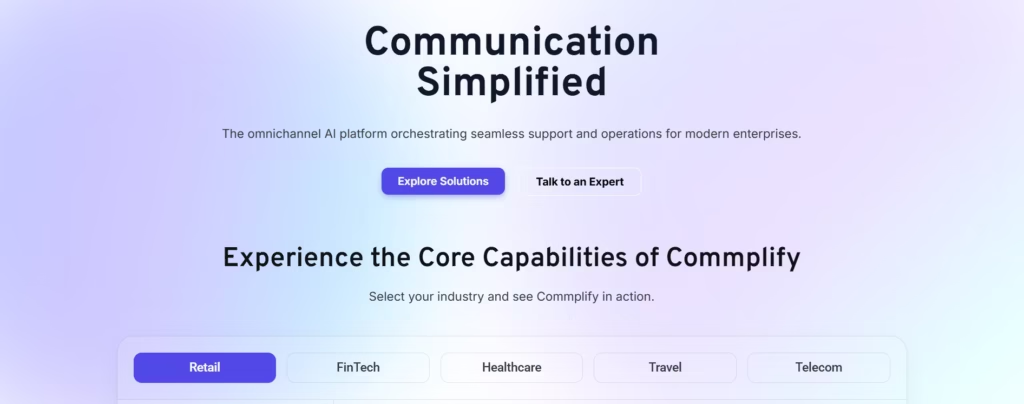
Commplify AI is an AI-powered communication automation platform designed to help businesses manage customer interactions, emails, scheduling tasks, and repetitive workflows through intelligent AI agents.
Unlike traditional email assistants that only organize messages or suggest replies, Commplify AI focuses on creating AI-powered workflows that help teams automate communication processes from start to finish.
Why Commplify AI Stands Out
- AI-powered email assistance: Automatically handles repetitive email workflows, drafts responses, and helps teams manage communication faster.
- Smart calendar coordination: Reduces scheduling workload by helping teams organize appointments, meetings, and follow-ups.
- Business-focused automation: Designed for companies that need AI agents to support real operational tasks rather than simple productivity suggestions.
- Scalable for teams: Helps growing businesses automate communication without increasing administrative workload.
- Cost-effective alternative: Provides advanced AI automation capabilities without the high cost associated with hiring virtual assistants or using multiple disconnected tools.
For businesses searching for an affordable AI agent that combines email management, scheduling assistance, and workflow automation, Commplify AI provides a practical solution for improving team productivity.
2. Lindy – AI Assistant for Inbox and Meeting Automation
Lindy is an AI assistant designed to automate email management, meeting scheduling, follow-ups, and workplace tasks. It connects with tools such as email platforms, calendars, CRM systems, and productivity applications.
Lindy is useful for professionals who want an AI assistant that can manage communication-heavy workflows. However, its pricing structure is positioned more toward individual professionals and advanced users rather than businesses looking for lower-cost team automation.
Best for:
- Executives managing large inboxes
- Professionals needing AI scheduling support
- Teams requiring advanced integrations
3. Reclaim AI – Best for Intelligent Calendar Optimization
Reclaim AI focuses primarily on calendar management and time optimization. It uses AI agents to protect focus time, schedule tasks automatically, manage recurring habits, and resolve meeting conflicts.
Reclaim works well for individuals and teams that mainly struggle with overloaded calendars. However, it focuses more on scheduling optimization rather than complete email and communication automation.
Best for:
- Teams with meeting-heavy schedules
- Professionals managing multiple calendars
- Users who need better time allocation
4. Motion – AI Task and Calendar Planning Assistant
Motion combines task management, project planning, and calendar scheduling. It automatically plans tasks around meetings and deadlines, helping users structure their daily schedules.
Motion is powerful for productivity-focused teams, but businesses looking for only affordable email and calendar automation may find it more feature-heavy than necessary.
Best for:
- Project-driven teams
- Users who want AI task planning
- Businesses replacing multiple productivity tools
5. Google Workspace AI Features – Native Email and Calendar Assistance
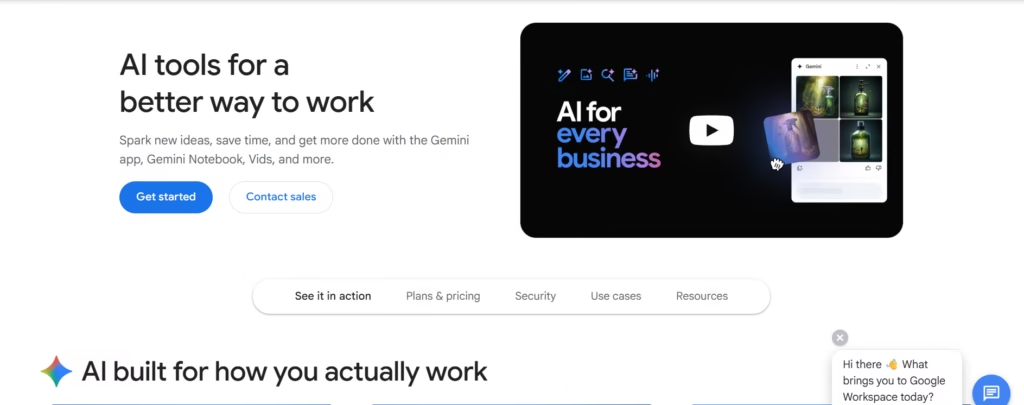
Google provides AI-powered features through its productivity ecosystem, helping users summarize emails, draft responses, organize meetings, and improve workplace collaboration.
While native AI features are convenient for existing Google Workspace users, they are generally limited to Google’s ecosystem and may not provide the flexibility of dedicated AI agents.
Best for:
- Google Workspace users
- Teams already using Gmail and Google Calendar
- Basic AI productivity improvements
How Affordable AI Agents Improve Email and Calendar Management
AI agents are changing how teams handle daily communication by moving beyond simple automation. Instead of manually checking inboxes and calendars, businesses can use AI agents to understand priorities and complete repetitive tasks automatically.
1. Automated Email Organization
AI agents analyze incoming emails, identify important conversations, categorize messages, and prioritize urgent requests. This helps employees spend less time searching through crowded inboxes.
2. Faster Email Responses
AI agents can generate context-aware replies based on previous conversations, company information, and user preferences. Teams can respond faster while maintaining consistent communication quality.
3. Smart Meeting Scheduling
Instead of exchanging multiple emails to find available times, AI agents can analyze calendars, identify suitable meeting slots, and coordinate schedules automatically.
4. Automated Follow-Ups
AI agents can track unanswered emails, customer requests, and pending conversations to ensure important follow-ups are not missed.
5. Better Team Productivity
By removing repetitive administrative work, AI agents allow employees to focus on revenue-generating activities, customer relationships, and strategic decision-making.
Key Features to Look for in an Affordable AI Email and Calendar Agent
Before selecting an AI agent, businesses should evaluate whether the platform provides:
Email Automation
The ability to categorize emails, draft replies, summarize conversations, and manage repetitive communication.
Calendar Intelligence
Features such as meeting scheduling, conflict detection, reminders, and automatic calendar organization.
Workflow Automation
The ability to connect email and calendar activities with business processes.
Team Collaboration
Support for multiple users, shared workflows, and business communication management.
Security and Privacy
Strong data protection practices, access controls, and secure integrations.
Who Should Use Affordable AI Agents for Email and Calendar Management?
Affordable AI email and calendar agents are suitable for:
- Small businesses that need automation without hiring additional administrative staff.
- Sales teams managing customer conversations, meetings, and follow-ups.
- Customer support teams handling high volumes of communication.
- Marketing teams coordinating campaigns and client interactions.
- Executives and managers managing busy schedules and important emails.
- Remote teams that need better coordination across different time zones.
Unified Workflow Automation for Teams: Beyond Email and Calendar
Automating email and calendar tasks is a great first step, but I have seen many teams hit new bottlenecks when customer communications spread across chat, SMS, or WhatsApp. That’s why unified workflow automation matters.
The real problem is that most affordable tools only cover one channel. When a customer reply comes by SMS, or you need to route a support chat to an escalation, you’re stuck copy-pasting or context switching.
A better approach is to use unified AI agents that go beyond email and calendars. Tools like Commplify bring all communication—voice, chat, SMS, email, WhatsApp—into one inbox. Their workflow automation lets you:
- Trigger appointment scheduling by email or chat
- Send automated SMS reminders before meetings
- Route follow-ups on WhatsApp if the customer misses an email
In my POV, this unified approach not only saves time but also cuts “communication friction” that slows down both support and sales teams. You maintain context and quality, while reducing manual busywork, all in a single, affordable platform.
Conclusion
Affordable AI agents for email and calendar management offer real productivity wins for business teams. Automating triage, scheduling, and reminders frees up hours, reduces stress, and ensures fewer costly mistakes slip by unnoticed.
From my experience, the payoff of these tools is most dramatic when the agent can integrate all your core channels—not just email or calendar, but SMS, chat, and phone too. That’s where unified and affordable solutions pull ahead.
If your team struggles with fragmented workflows, it’s time to assess where automation gaps exist. A platform like Commplify makes it practical to consolidate your communications and workflow triggers—improving both response times and employee wellbeing.
The future of AI-driven CX is unified, affordable, and always “in the loop”—so every business, not just the largest, can run smarter and serve customers better.
FAQs
What is the best affordable AI assistant for managing email and calendar?
The best affordable AI assistants combine smart inbox management, calendar scheduling, workflow automation, and integration with tools like Gmail or Outlook. Choose based on integrations, pricing, and your must-have features.
How does an AI agent automate email and calendar tasks?
AI agents categorize and prioritize emails, auto-draft replies, match meeting times, resolve scheduling conflicts, and send reminders—reducing repetitive manual work and improving response speed.
What features should a low-cost AI email/calendar assistant have?
Key features: smart inbox sorting, calendar integration, AI-powered replies, reminder automation, multi-user support, and robust data privacy.
Can AI assistants integrate with Gmail, Google Calendar, or Outlook?
Yes, most AI email/calendar agents offer direct integrations with Gmail, Google Calendar, and Outlook, syncing messages, invites, and reminders.
Are affordable AI email/calendar agents secure and private?
Many affordable solutions encrypt data, offer admin controls, and comply with standards like GDPR. Always review security features and check for audit trails.
Are there free AI assistants for email and calendar management?
Yes, some basic AI assistants offer free or freemium plans, but advanced automation and integrations usually require paid tiers.
How do affordable AI agents compare to premium solutions?
Affordable agents cover the key automation needs but may lack some advanced analytics, integrations, or customization found in higher-priced platforms.
What are the trade-offs of affordable AI assistants vs. more expensive tools?
Lower-cost tools may limit features, integrations, or support. Check limits on users, emails, or workflows before deciding.
How do I set up an affordable AI agent for my small business or team?
Choose a tool, connect your email and calendar accounts, define rules for triage and scheduling, and test workflows with real scenarios.
Can AI agents handle confidential information safely?
Yes, if they provide encryption, role-based access, and maintain compliance with legal standards. Always check vendor privacy policies.
How do I choose the right AI agent for my workflow?
Map your core email and calendar pain points, list must-have integrations, and test candidates against real use cases before deciding.
How do affordable AI agents compare to hiring a human virtual assistant?
AI agents excel at repetitive admin and work 24/7. Human VAs manage complex, nuanced tasks and handle exceptions. Many teams use both for best results.
This page was last edited on 3 September 2026, at 7:19 am








