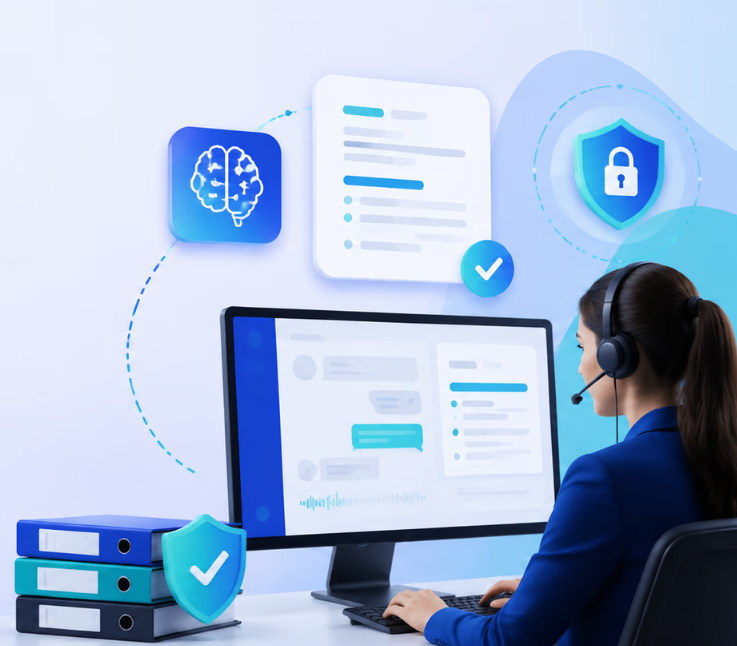
Agent assist platforms with AI summarization automate, document, and secure every customer interaction across channels, delivering real-time, tamper-proof logs that support strict compliance and audit requirements in healthcare, finance, BPO, and other regulated industries.
Most enterprise CX leaders I know feel the pressure of rising compliance demands. Every call, chat, and message must be summarized, logged, and ready for audit – gaps bring real risk.
Yet manual methods slip. Incomplete records, missed actions, or channel silos can expose teams to failed audits, fines, and lost trust. I have seen excellent teams tripped up by messy records.
The right agent assist platform changes everything. This guide will show you how AI-driven summarization can meet audit standards without the usual pitfalls. You’ll gain frameworks to assess, implement, and validate AI summarization that stands up to the toughest compliance requirements.
What Is an Agent Assist Platform with AI Summarization?
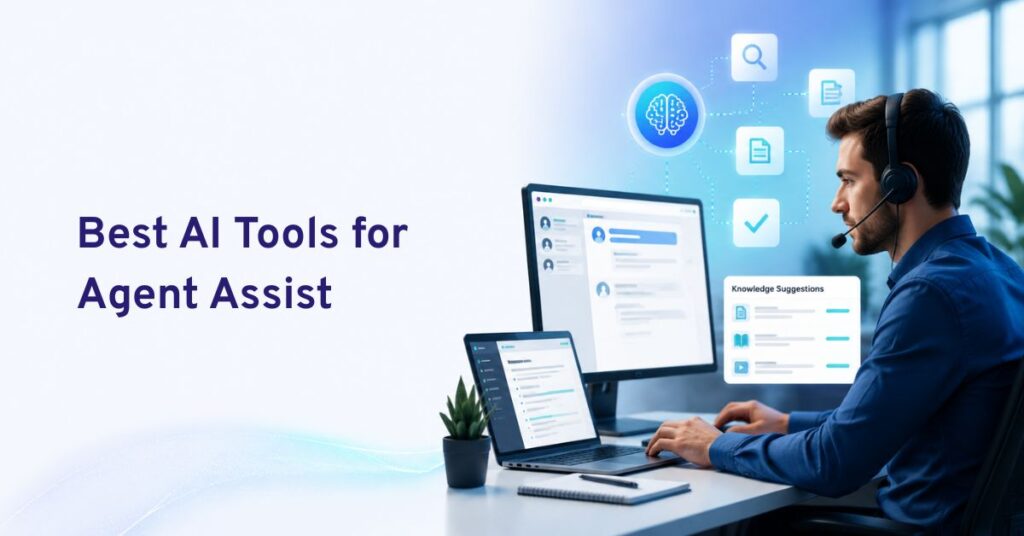
An agent assist platform with AI summarization is software that supports customer service or contact center agents during and after customer interactions. It uses artificial intelligence to understand conversations, retrieve relevant information, suggest responses or next actions, and automatically turn long calls, chats, emails, or ticket histories into concise summaries.
Unlike autonomous AI agents that communicate with customers independently, agent assist technology works alongside human employees. The goal is to remove repetitive work while helping agents make faster and more informed decisions.
Modern agent assist platforms commonly combine:
- Real-time transcription
- AI-generated conversation summaries
- Knowledge retrieval
- Suggested replies
- Next-best-action recommendations
- Customer intent detection
- Sentiment analysis
- Workflow guidance
- Automated after-call work
- CRM and help desk updates
- AI-to-human handoff context
- Quality and performance analytics
That combination matters because summarization alone only saves note-taking time. When the summary can also follow the customer into a handoff, populate a CRM record, trigger a workflow, or give another agent immediate context, it becomes part of the customer service operation rather than simply a transcript feature.
Current agent-assist platforms such as Commplify, Observe.AI, NICE, Five9, Cresta, Dialpad, Zendesk, and others increasingly combine real-time guidance with automated summarization and post-interaction automation.
How Does AI Summarization Work in Agent Assist Platforms?
AI summarization normally begins with the conversation itself. Depending on the platform, that conversation may be a phone call, live chat, email exchange, messaging thread, support ticket, or interaction handled partly by an AI agent.
The process generally works in five stages.
1. Capture the Customer Interaction
The platform receives the live conversation or interaction history. Voice conversations are usually transcribed into text, while chats, emails, and ticket comments are already available as text.
2. Understand Intent and Context
Natural language processing and large language models analyze what the customer is trying to accomplish.
Instead of simply shortening the transcript, an advanced system may identify:
- Reason for contact
- Customer problem
- Products or services involved
- Actions already attempted
- Important account information
- Commitments made by the agent
- Sentiment or urgency
- Resolution status
- Follow-up requirements
- Escalation reason
3. Generate a Structured Summary
The AI converts the conversation into a shorter, useful record.
For example:
- Customer intent: Update billing information
- Issue: New payment method repeatedly declined
- Actions completed: Identity verified and standard troubleshooting completed
- Current status: Issue remains unresolved
- Next action: Escalate to billing specialist
Structured summaries can be more operationally useful than a generic paragraph because individual fields can be sent to CRM, ticketing, QA, routing, or reporting systems.
4. Deliver the Summary Where Agents Need It
A useful agent assist platform should not force employees to copy and paste notes manually.
The summary can instead be delivered to:
- Agent workspace
- CRM record
- Help desk ticket
- Contact center platform
- Human handoff screen
- Supervisor dashboard
- QA workflow
- Follow-up automation
For example, Zendesk allows AI-generated ticket summaries to be stored in ticket fields and used in reporting, views, business rules, macros, and API workflows.
5. Use the Conversation Data for the Next Step
More advanced platforms connect summarization with action.
The resulting information can trigger:
- Follow-up emails
- Escalations
- Ticket categorization
- Callback requests
- CRM updates
- QA reviews
- Customer sentiment alerts
- Coaching workflows
- Knowledge-base improvements
This is where AI summarization becomes especially valuable: the output does not simply describe what happened—it helps determine what should happen next.
8 Best Agent Assist Platforms with AI Summarization
We evaluated these platforms based on their agent-assist capabilities, summarization features, real-time guidance, knowledge access, workflow automation, integration potential, omnichannel support, and ability to reduce after-interaction work.
| Platform | Best For | Agent Assist Strength | AI Summarization |
|---|---|---|---|
| Commplify | Omnichannel CX and workflow-connected agent assistance | Real-time guidance, knowledge grounding, next-best actions and AI/human orchestration | Conversation summaries connected with handoffs and CX workflows |
| Observe.AI | Enterprise contact centers | Real-time coaching and knowledge assistance | Automated call summarization and routing |
| NICE CXone | Existing NICE contact centers | Embedded Copilot with guidance and sentiment | Automated interaction summaries |
| Five9 | Voice-heavy contact centers | Guidance cards, checklists and coaching | Custom call summarization |
| Cresta | High-volume service and sales teams | Contextual real-time guidance | Customizable contact center summaries |
| Dialpad AI | Voice communications | Live coaching cards | Automatic AI call recaps and action items |
| Zendesk Copilot | Ticket-based customer service | AI ticket resolution assistance | Ticket and conversation summaries |
| Genesys Cloud Agent Copilot | Genesys-based contact centers | Embedded agent copilot | Customizable interaction summaries |
1. Commplify — Best Overall for Omnichannel Agent Assist and Actionable AI Summarization
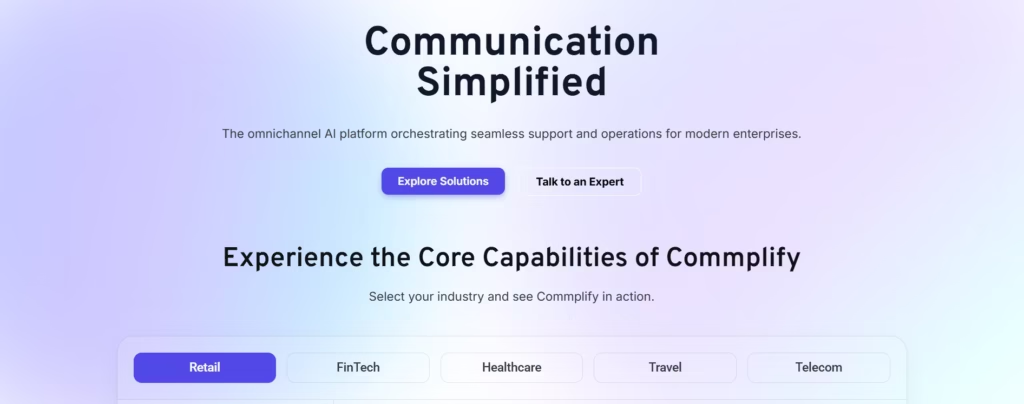
Commplify takes our top position for organizations that want agent assistance to work as part of a broader customer experience operation rather than as a standalone call-center feature.
Commplify brings voice calls, chats, emails, and other customer interactions into a shared AI-driven orchestration environment. Its Co-Pilot capability provides agents with real-time suggested replies, next-best actions, and knowledge grounding during customer interactions.
This becomes particularly valuable when conversations move between AI and humans.
Instead of handing an agent a long transcript, AI-generated conversation summaries can preserve important information such as customer intent, actions already completed, current issue, escalation reason, history, and potential next steps. Commplify’s approach to AI-human handoffs emphasizes transferring this context so agents can continue the interaction without forcing customers to repeat everything.
Commplify can also use AI to reduce after-contact work through conversation summarization, automated tagging, follow-up actions, knowledge retrieval, and workflow automation.
Key Agent Assist Capabilities
- AI-generated conversation summaries
- Real-time agent Co-Pilot
- Suggested responses
- Next-best-action recommendations
- Knowledge-grounded guidance
- Intent and sentiment intelligence
- AI-to-human handoff with conversation context
- Intelligent routing
- Voice, chat and email orchestration
- Workflow automation
- Quality assurance
- CX analytics
Why it stands out: Commplify connects assistance, summarization, routing, AI agents, human agents, knowledge, and workflows within the same CX architecture. That makes it particularly useful when a business wants AI summaries to contribute directly to customer handling rather than remain isolated notes.
Best suited for: Enterprises, contact centers, BPOs and customer service teams that need omnichannel AI assistance, human handoffs, workflow automation, and unified customer context.
2. Observe.AI — Best for Enterprise Conversation Intelligence
Observe.AI combines agent assistance with conversation intelligence, knowledge AI, coaching, quality management, and post-interaction automation.
Its real-time Agent Assist capabilities can provide contextual guidance during customer conversations, while Knowledge AI gives agents access to company information through generative AI search.
The platform also offers Summarization AI, which automates call summarization, formatting, and routing after an interaction.
That makes Observe.AI particularly relevant to large contact centers that want both frontline agent support and management-level visibility into conversation performance.
Key Features
- Real-time Agent Assist
- Generative AI knowledge search
- Automatic call summaries
- Contextual guidance
- Supervisor assistance
- Conversation intelligence
- Automated QA
- Agent coaching
- Sentiment and interaction analytics
Best suited for: Large contact centers that want to combine agent assistance, conversation analytics, QA, coaching, and summarization.
3. NICE CXone Copilot — Best for Existing NICE CXone Environments
NICE integrates its Copilot directly into the CXone agent experience.
Agents can receive real-time suggestions, next-best actions, configurable guidance, and sentiment insights without leaving their normal workspace. NICE also automatically generates interaction summaries once conversations finish.
Because the system is embedded into CXone, it is an especially practical option for organizations already using the NICE contact center ecosystem.
Its agent-assist technology can also surface knowledge, scripts, workflows, recommended responses, and compliance guidance while the conversation is taking place.
Key Features
- Real-time agent guidance
- Next-best actions
- AI-generated interaction summaries
- Sentiment analysis
- Knowledge recommendations
- Workflow guidance
- Compliance assistance
- Embedded CXone experience
Best suited for: Organizations already operating their contact center through NICE CXone.
4. Five9 AI Agent Assist — Best for Voice-Focused Contact Centers
Five9 AI Agent Assist is designed to guide employees while they handle customer calls.
The platform provides real-time guidance cards and checklists that recommend actions based on what is happening in the interaction. Agents can receive reminders and information without manually searching multiple systems.
Five9 also combines real-time transcription with custom call summarization, automatically generating post-interaction summaries intended to reduce average handle time and after-call work.
Key Features
- Real-time transcription
- AI-generated call summaries
- Guidance cards
- Agent checklists
- Next-step recommendations
- Performance insights
- Coaching opportunities
- Contact center analytics
Best suited for: Voice-heavy support operations and organizations already using the Five9 contact center ecosystem.
5. Cresta Agent Assist — Best for Context-Aware Real-Time Guidance
Cresta approaches Agent Assist as a real-time intelligence layer operating alongside customer-facing employees.
Rather than relying exclusively on keyword triggers, Cresta analyzes the broader conversation context and can surface answers, hints, and guided workflows directly inside an agent’s working environment.
Cresta has also invested heavily in contact-center summarization. Its summarization architecture is designed to produce fast, customizable summaries grounded in the context of customer interactions rather than generic output.
Key Features
- Real-time conversation intelligence
- Context-based agent guidance
- Knowledge recommendations
- Guided workflows
- AI summaries
- Agent coaching
- Performance optimization
- Contact center intelligence
Best suited for: High-volume sales and service teams where live conversation guidance is a major priority.
6. Dialpad AI — Best for AI-Powered Call Assistance
Dialpad combines conversation intelligence with real-time agent guidance.
During calls, its Real-Time Assist cards can appear automatically when specified subjects or situations occur, giving agents relevant guidance at the moment they need it.
Once a call ends, Dialpad AI can automatically generate a recap containing key discussion points, outcomes, and next steps.
This combination helps reduce manual note-taking while making previous conversations easier for managers and employees to review.
Key Features
- Real-time call transcription
- AI call summaries
- Action-item extraction
- Real-Time Assist cards
- Keyword-triggered coaching
- Conversation intelligence
- Call analytics
Best suited for: Organizations that rely heavily on phone conversations and want agent coaching plus automated call documentation.
7. Zendesk Copilot — Best for AI Ticket Summarization
Zendesk is particularly strong when agent assistance revolves around tickets, messaging, email, and an established help desk workflow.
Zendesk Copilot can analyze ticket content and give agents AI-driven suggestions for resolving customer problems.
Its AI-generated ticket summaries can turn lengthy ticket histories into concise overviews covering the current situation, actions, and important context. Internal notes can also be included when configured.
Another advantage is that summaries can feed existing Zendesk workflows through ticket fields, reporting, views, business rules, macros, and APIs.
Key Features
- AI ticket summaries
- Agent Copilot
- Suggested resolution actions
- Conversation-history summarization
- AI writing tools
- Ticket workflow integration
- Reporting and API access
Best suited for: Support teams already operating primarily through Zendesk tickets, email, and messaging.
8. Genesys Cloud Agent Copilot — Best for Genesys Contact Centers
Genesys Cloud Agent Copilot combines AI assistance with configurable post-interaction summaries inside the Genesys contact center environment.
Genesys allows administrators to customize summaries, including their level of detail, formatting, required insights, and handling of personally identifiable information.
Genesys has also expanded Agent Copilot’s ability to produce summaries for longer customer interactions, helping agents complete after-call work without manually reviewing the complete conversation.
Key Features
- Agent Copilot
- Conversation transcription
- AI-generated summaries
- Custom summary formats
- Configurable interaction insights
- After-call work support
- Contact center integrations
Best suited for: Enterprises already invested in Genesys Cloud CX that want to add AI assistance without introducing a separate agent desktop.
What Features Should an AI Agent Assist Platform Have?
AI summarization should be one requirement—not the only requirement.
When comparing platforms, look for the following capabilities.
Real-Time Agent Guidance
The system should understand the interaction as it happens and provide useful information before the agent needs to ask for help.
This can include:
- Recommended responses
- Troubleshooting instructions
- Next-best actions
- Mandatory scripts
- Product information
- Retention offers
- Escalation recommendations
Intelligent Conversation Summarization
A useful summary should capture more than the topic of the conversation.
Look for summaries that can extract:
- Customer intent
- Problem
- Important context
- Actions attempted
- Resolution
- Commitments
- Sentiment
- Next steps
- Follow-up actions
Knowledge Grounding
AI assistance is much more useful when recommendations come from approved company information.
Strong platforms can retrieve answers from:
- Knowledge bases
- SOPs
- Product documentation
- Policies
- CRM data
- Previous cases
- Internal documents
Grounding recommendations in company-approved knowledge can also reduce the risk of agents acting on incorrect AI-generated information.
Automatic After-Call Work
Agents should not have to manually perform every administrative task once the conversation ends.
Useful automation includes:
- Writing call notes
- Generating summaries
- Selecting disposition codes
- Updating CRM fields
- Categorizing tickets
- Identifying intent
- Creating follow-up tasks
- Triggering workflows
Context-Rich Human Handoff
When AI transfers a conversation to a person, the agent should immediately understand what happened before the transfer.
The handoff should ideally provide the transcript together with a shorter summary, customer details, actions completed, detected intent, sentiment, and escalation reason.
Omnichannel Context
Customer conversations do not always remain inside one channel.
A customer may begin with chat, send an email later, and finally call support.
An omnichannel platform should help agents understand that customer journey without requiring them to search through disconnected systems.
CRM and Help Desk Integration
Summaries become substantially more useful when they can automatically reach the systems where employees already work.
Look for integrations with:
- CRM software
- Help desks
- CCaaS platforms
- Customer data platforms
- Knowledge bases
- Internal workflow systems
Configurable Summary Templates
Different teams need different information.
A healthcare team, technical support department, insurance contact center, sales organization, and ecommerce support operation should not necessarily receive identical summary formats.
The platform should therefore allow organizations to define what information needs to be extracted and how it should be structured.
Common Use Cases for Agent Assist and AI Summarization
Agent assist and AI summarization can support teams across customer service, technical support, sales, and other conversation-heavy workflows. They are especially useful when agents need fast access to context, real-time guidance, and concise interaction records without spending extra time reviewing transcripts or writing manual notes.
Customer Support Calls
While an agent speaks with a customer, AI can surface relevant knowledge or troubleshooting instructions. Once the call finishes, the platform generates the case summary and updates the customer record.
AI-to-Human Escalation
An AI agent may handle the first portion of the conversation before deciding that a human employee is needed.
Instead of transferring only a transcript, AI can summarize the issue, actions taken, information collected, and reason for escalation.
The human agent can therefore continue from the current point rather than asking the customer to explain everything again.
Long Support Tickets
Some customer problems produce dozens of emails, messages, and internal notes.
Ticket summarization can allow a new agent to understand the important history within seconds rather than reading every individual message.
Technical Support
AI can monitor a live troubleshooting conversation and surface relevant documentation, recommended diagnostic steps, or previous resolutions.
The final summary can document:
- Reported problem
- Environment
- Troubleshooting performed
- Results
- Outstanding issue
- Recommended next action
Sales Conversations
Agent assist can recommend talking points, product information, objection-handling guidance, or next-best actions.
After the conversation, AI can summarize customer requirements, objections, buying signals, commitments, and follow-up steps.
Compliance-Sensitive Customer Service
In regulated environments, agent assist can remind employees about required statements or processes while summarization creates a consistent record of what occurred.
Human review and appropriate governance remain particularly important when AI-generated records affect regulated decisions or documentation.
Benefits of Agent Assist Platforms With AI Summarization
Agent assist platforms with AI summarization help support teams work faster by reducing manual note-taking, surfacing relevant information, and automatically capturing key conversation details. They also improve handoffs, maintain more consistent customer records, shorten after-call work, and give agents more time to focus on solving customer problems.
Less After-Call Work
Manual note-taking is one of the most obvious areas AI summarization can reduce.
Instead of reconstructing an interaction from memory, agents can review and approve an automatically generated record.
Faster Average Handle Time
Agents can spend less time searching documentation, writing replies, reviewing histories, and completing post-interaction administration.
Better Handoffs
The next employee can see the issue, actions completed, and current status before joining the conversation.
That creates a more continuous customer experience.
More Consistent Customer Service
Agent assist reduces dependence on each employee remembering every product rule, policy, or workflow.
The same approved knowledge and guidance can be delivered across an entire team.
Faster Agent Onboarding
New employees can receive guidance while they work rather than relying entirely on memorizing extensive documentation before handling customers.
Cleaner Customer Records
Structured AI summaries can create more consistent CRM or ticket records than free-form notes that vary significantly from one employee to another.
Better QA and Coaching
Conversation summaries, transcripts, sentiment, outcomes, and interaction metadata give supervisors more information for identifying coaching opportunities and recurring customer issues.
How to Choose the Right Agent Assist Platform with AI Summarization
Do not choose a platform simply because it says it has generative AI.
Evaluate how the technology fits the work your agents actually perform.
1. Start With Your Primary Channel
Determine whether most interactions happen through:
- Phone
- Live chat
- Messaging
- Support tickets
- Multiple channels
A voice-first call center and an email-heavy SaaS support team may need very different platforms.
2. Test Summary Quality With Real Conversations
Ask vendors to summarize representative customer interactions rather than relying only on polished demonstrations.
Check whether the AI correctly captures:
- Intent
- Customer issue
- Actions taken
- Resolution
- Commitments
- Next steps
A summary that sounds polished but leaves out operationally important information can create more work instead of less.
3. Look Beyond Summarization
Ask what the platform can do with the information after creating the summary.
Can it:
- Update CRM records?
- Populate ticket fields?
- Transfer context during handoffs?
- Trigger follow-ups?
- Feed QA?
- Recommend next actions?
- Improve routing?
- Support analytics?
The more connected the summary is to downstream workflows, the more operational value it can provide.
4. Evaluate Knowledge Accuracy
Check how AI-generated guidance is grounded in your company information.
Agents should be able to receive answers based on current policies, documentation, and approved knowledge rather than generic model responses.
5. Review Integration Requirements
The platform should fit your existing technology environment whenever possible.
Evaluate compatibility with your:
- CCaaS
- CRM
- Help desk
- Knowledge base
- Communication channels
- Workflow systems
6. Check Governance and Human Controls
Organizations should be able to define where AI assists, where employees review its output, and where automated actions are permitted.
Sensitive workflows may require agents to validate a summary before it becomes the official customer record.
7. Measure the Right KPIs
After deployment, evaluate impact using metrics such as:
- Average handle time
- After-call work time
- First contact resolution
- Resolution time
- Escalation rate
- AI suggestion acceptance
- Summary correction rate
- Agent productivity
- QA score
- CSAT
- Cost per resolved interaction
The best agent assist platform is ultimately the one that improves both agent efficiency and customer outcomes, not simply the one generating the most AI content.
How Commplify Enables Audit-Ready AI Summarization and Compliance
Many CX leaders I know struggle to keep conversation histories unified and auditable across channels. Commplify’s Conversation Management goes deep here. Every customer interaction—whether by call, chat, SMS, email, or WhatsApp—feeds into a single omnichannel record. This record is tagged with a unique reference ID and retains every action and summary, human or AI, with clear timestamps.
For compliance, Commplify’s Analytics & Reporting module captures and organizes these logs. Teams can export audit-ready summaries, track escalations, and verify agent or AI actions. Workflow automations—such as follow-up emails or escalations—are logged right alongside conversations and summaries.
In regulated sectors like healthcare or finance, Commplify’s access control means only authorized users can see or alter records. This meets the requirements for GDPR, SOC 2, and HIPAA. I have seen teams reduce audit failures and time-to-evidence by moving from siloed systems to Commplify’s unified, traceable architecture.
Conclusion
There is no shortcut to compliant CX in regulated industries. Audit-ready agent assist platforms with AI summarization have become non-negotiable for teams who must maintain absolute traceability and compliance.
The real business value lies in platforms that unify all conversations, automate accurate summaries, and maintain defendable, omnichannel logs. Without this level of rigor, compliance slips, audits bog down, and customer trust suffers.
In my experience, choosing a platform like Commplify—designed from the ground up with robust conversation management, automated summarization, and export-ready reporting—puts your CX team on a solid footing for every audit season. As customer contact becomes ever more digital and regulated, the winners will be those who can produce trustworthy, actionable records at scale.
Looking ahead, AI-driven CX will only expand. Audit compliance must keep pace. Now is the time to choose tools—and workflows—that make governance and trust second nature.
FAQs
What is an agent assist platform?
An agent assist platform is software that helps customer support agents during interactions by providing real-time information, automation, and workflow tools across channels like voice, chat, and email.
What does audit-ready AI summarization mean?
Audit-ready AI summarization means the platform creates accurate, secure summaries of every interaction, logs all related actions, and links outputs to evidence—meeting industry compliance and audit standards.
How is AI summarization in agent assist different from simple meeting transcripts?
AI summarization interprets, condenses, and highlights key actions and decisions, not just raw text; it links summaries to actions and original records for audit use.
What compliance standards should agent assist platforms meet?
Agent assist platforms in regulated industries should support standards like SOC 2, HIPAA for healthcare, GDPR for data privacy, and other industry-specific compliance frameworks.
Can AI-generated summaries be used for audit trails?
Yes, if the summaries are linked to verifiable source transcripts and every action is logged, AI-generated summaries are valid for compliant audit trails.
How to implement automated agent assist summarization that meets audit standards?
Select a platform that supports tamper-proof histories, configure workflows with action logging, enable permissions, validate summaries regularly, and integrate reporting tools for audits.
Which platforms support full action logging and audit-ready summaries across channels?
Platforms like Commplify offer unified omnichannel records, real-time action logging, workflow automation, analytics, and role-based permissions designed for audit and compliance.
How do I validate that my agent assist platform is audit compliant?
Match your compliance checklist with the platform’s features, test audit log export across all channels, verify role-based access controls, and review automated action logs for coverage and traceability.
This page was last edited on 7 September 2026, at 2:04 am