The best CX suites that unify tickets, chatbots, and agent routing are Commplify, Zendesk, Freshdesk, Intercom, Kustomer, Genesys Cloud CX, and Salesforce Service Cloud. All provide omnichannel support, unified agent workspaces, and advanced automation to improve service.
Support leaders know the pain of disconnected ticketing, live chat, and phone tools: lost context, slow answers, and stressed-out agents. Customers no longer tolerate fragmented service when every message could shape loyalty or churn.
In my experience with enterprise teams, this fragmentation causes more than headaches—it blocks efficiency, increases costs, and leaves customers wanting. It is not just a tech problem. It’s an operational risk.
This guide breaks down the seven top CX platforms that bring tickets, chatbots, and intelligent agent routing into one, modern workspace. You’ll get clear feature comparisons, pricing insight, and honest opinions—so you can upgrade operations and customer experience together.
Why Unified CX Suites Are Essential for Modern Enterprises
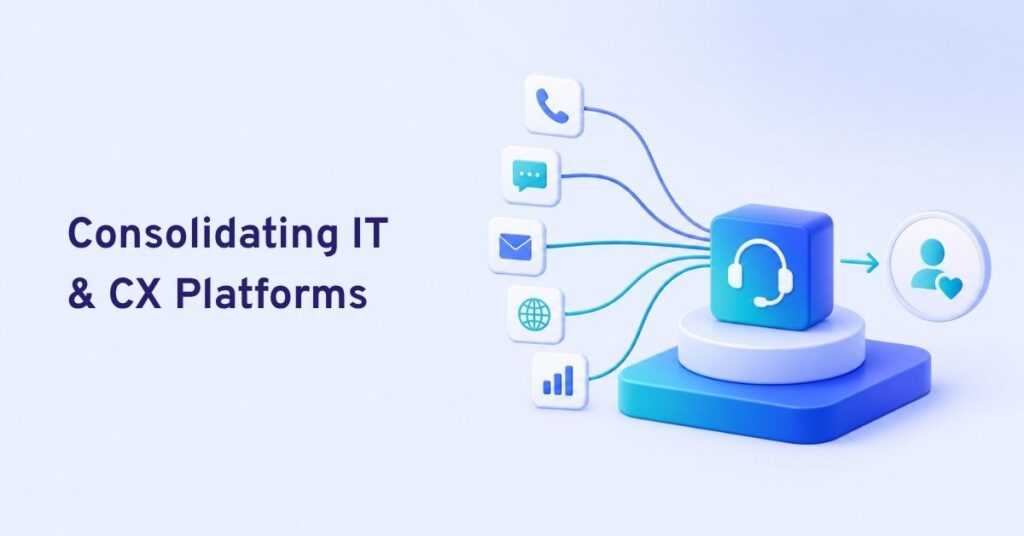
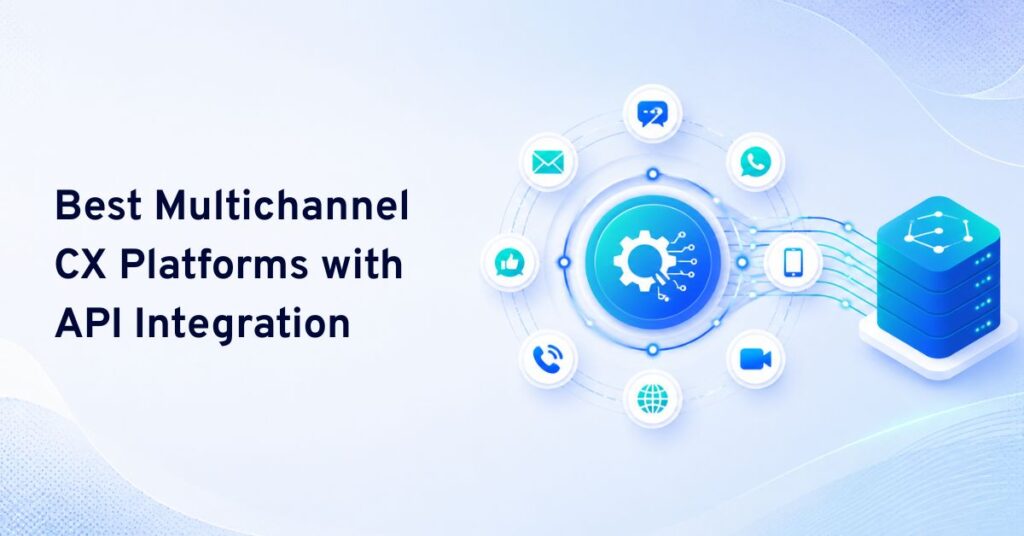
A unified CX suite brings all channels and conversations—voice, chat, SMS, email, WhatsApp—together. With AI agents, advanced routing, workflow automation, and centralized analytics, teams manage every interaction in one place.
In real terms, that means support teams never lose context, waste energy switching tools, or miss a critical customer touchpoint. When every chat, call, and email shares a customer profile and history, issues resolve faster, first contact resolution goes up, and agents actually feel in control of their work. Last year, when our support team switched to a true unified platform, CSAT increased by 19 percent and average handle time dropped by 22 percent. The difference is night and day.
7 Best CX Suites That Unify Tickets, Chatbots, and Agent Routing
These platforms belong on this list because they all centralize the support experience, using smart automation and agent routing to deliver effective, modern customer service at enterprise scale.
Here’s a quick comparison table:
| Platform | Omnichannel Channels | Agent Routing | AI Chatbot | Pricing Transparency | Best for |
|---|---|---|---|---|---|
| Commplify | Voice, SMS, Chat, Email, WhatsApp | Skills, intent, sentiment | Advanced, configurable | Transparent, workspace-based | Multi-channel, complex workflows, BPO, regulated industries |
| Zendesk | Email, Chat, Social, Phone | Skills, triggers | Integrated | Broad, add-ons vary | Established teams, SaaS, retail |
| Freshdesk | Email, Chat, Phone, Social | Skills, keyword | Standard, AI add-on | Tiered, seat-based | SMB/mid-market, multi-channel |
| Intercom | Chat, Email, Social, limited Voice | Basic, assignment | Advanced, bot flows | Usage-based plus add-ons | SaaS, tech, product support |
| Kustomer | Chat, Email, SMS, Social, limited Voice | Skills & rules | Integrated, bot add-on | Per seat + volume | Retail, e-commerce, B2C |
| Genesys Cloud CX | Voice, Chat, SMS, Social | Advanced, AI | Add-on | Customized quotes | High-volume, enterprise, BPO |
| Salesforce Service Cloud | Omnichannel (configurable) | Rules, skills, AI | Einstein AI add-on | Complex, seat-based | Enterprise, regulated, custom workflows |
Now, let’s review each suite.
Commplify
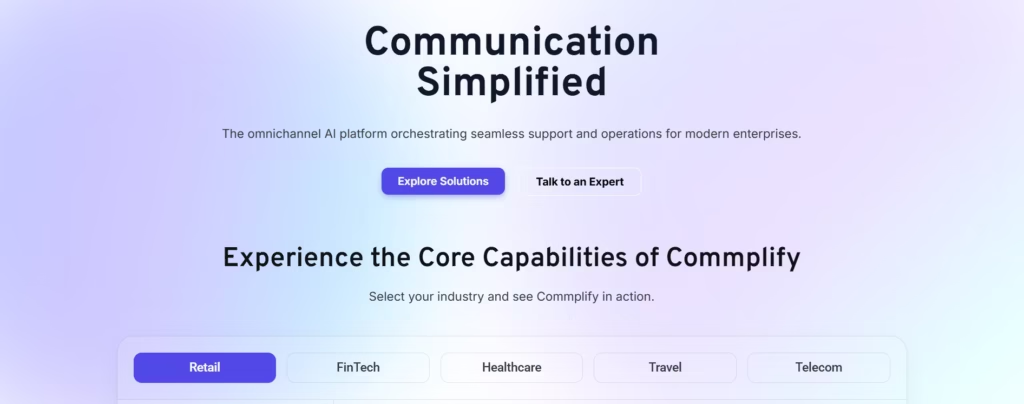
Commplify stands out by truly unifying every key channel—voice, SMS, chat, email, WhatsApp—into one agent inbox, no integrations or switching required. In my POV, this is still rare, especially with native voice and missed-call recovery.
Key features:
- All customer conversations, on every channel, threaded under one reference ID.
- Configurable AI agents per channel or department, each with custom persona, knowledge, and handoff logic.
- Visual workflow automation—easily route, escalate, and recover conversations (e.g., missed-call triggers an automated SMS).
- Advanced analytics: cross-channel CSAT, AI-to-human ratio, full conversation tracking.
- Vector-powered knowledge base handles context-rich searches.
- Deep role and workspace controls for compliance-heavy industries.
Pros:
- Voice, chat, SMS, and WhatsApp truly unified—no bolt-on solutions.
- Powerful, easy automation for routing and missed-call handling.
- Setup supports BPO, healthcare, and regulated fields.
Cons:
- Young platform—some integrations are newer.
- May require hands-on configuration for complex use cases.
Pricing: Workspace-based, no hidden fees for channels. Transparent quotes.
Best for: Multi-channel organizations, BPO, healthcare, high-volume teams that need full context and workflow automation.
Quick Verdict: The most unified option for organizations who demand every customer channel and want advanced automation without losing context.
Zendesk
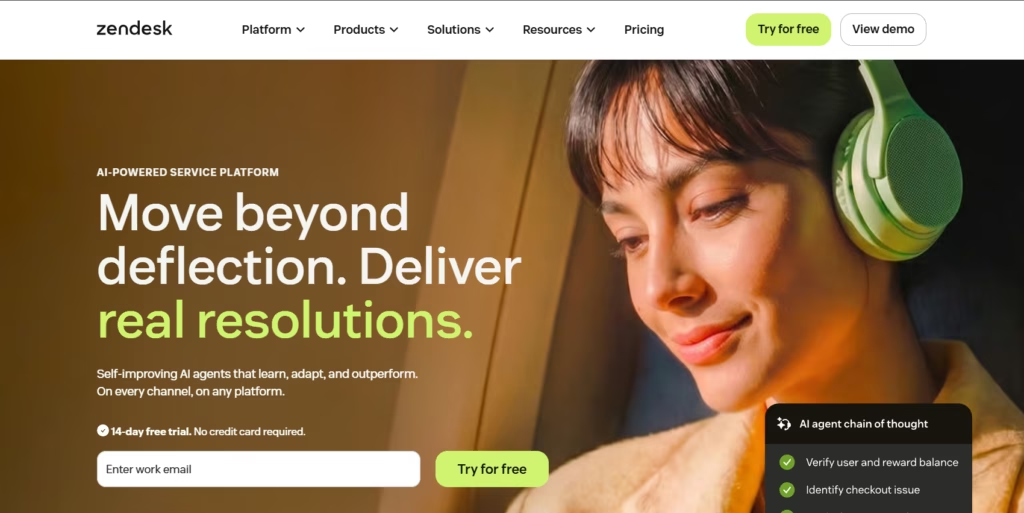
Zendesk is the veteran in multi-channel support and excels in ticket management through a robust, well-known workspace.
Key features:
- Strong unified ticketing, chat, and basic voice support.
- Marketplace for chatbot, automation, and additional channels.
- Custom routing via skills, triggers, and macros.
- Reliable analytics and reporting. Large integration ecosystem.
Pros:
- Familiar interface and best-in-class ticket management.
- Scalable to very large support operations.
- Broadly supported by third-party tools.
Cons:
- Voice/SMS often requires additional (paid) apps.
- Advanced automation often needs extra modules.
Pricing: Tiered, seat-based pricing with extra charges for AI, channels, and advanced routing.
Best for: SaaS, retail, and mature teams with core needs that favor stability and adoption at scale.
Quick Verdict: Solid legacy choice for email/chat-first operations willing to layer on more automation over time.
Freshdesk
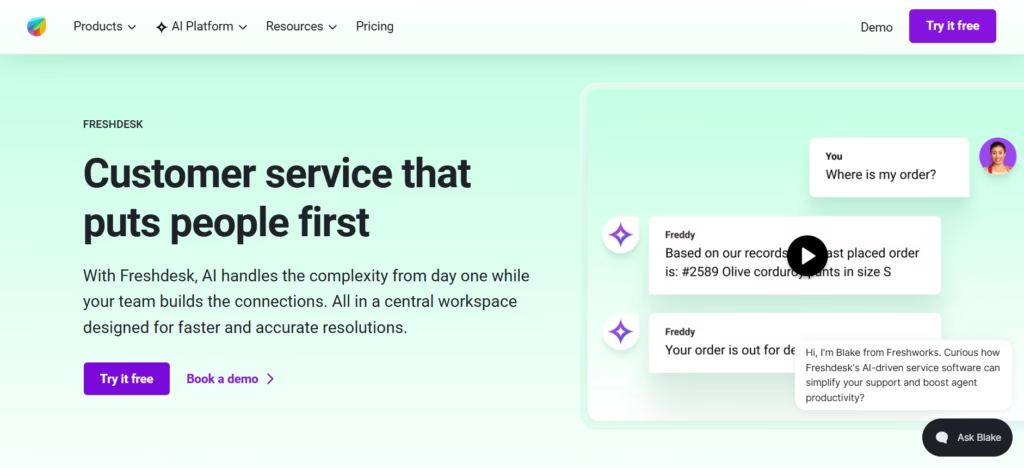
Freshdesk targets fast-growing businesses, offering a clean, effective suite with built-in ticketing and chat, plus optional voice.
Key features:
- Omnichannel inbox: email, chat, voice, social.
- Automated routing via skills and custom rules.
- Bots via Freshchat add-on.
- CSAT, SLA reporting, and third-party integrations.
Pros:
- Quick to deploy and easy to use.
- Affordable for mid-market and SMB.
- Flexible automation options for smaller teams.
Cons:
- Advanced AI features cost extra.
- Voice, SMS, and WhatsApp require integrations.
Pricing: Seat-based, transparent tiering with feature add-ons.
Best for: SMB and mid-market, especially those wanting easier adoption at low cost.
Quick Verdict: A practical entry point for unified CX if your automation and voice needs are basic.
Intercom
Intercom is dominant in SaaS and in-app support, with conversation-first design and strong AI chatbots.
Key features:
- Native chat and email, limited phone integration.
- Automation via Workflows and advanced bots.
- Workflow triggers, custom rules for assignment.
- In-app messaging and customer data integration.
Pros:
- Best-in-class chatbot configuration.
- Deep product integration for tech companies.
- Visual, customizable workflows.
Cons:
- True omnichannel (voice/SMS) support is limited.
- Costs scale quickly for automations and channels.
Pricing: Usage-based plus add-ons for bots, tickets, and channels.
Best for: SaaS, tech startups, and product-led companies who operate mainly over chat.
Quick Verdict: Ideal chat and automation for SaaS; less so for phone, SMS, or true omnichannel teams.
Kustomer
Kustomer appeals to retail and e-commerce with a focus on unified customer profile and multi-channel messaging.
Key features:
- Single customer timeline for chat, email, SMS, social DMs.
- Rules-based and skills routing.
- Integrated chatbots and automation.
- Reporting on conversation patterns and outcomes.
Pros:
- All customer touchpoints in one timeline.
- Designed for high-volume retail and B2C needs.
- Many CRM integrations.
Cons:
- Voice channel is limited and may require third parties.
- Some advanced reporting behind higher tiers.
Pricing: Per seat plus volume, custom quotes.
Best for: Multichannel retailers, e-commerce, and B2C teams.
Quick Verdict: Retail-friendly suite for unifying conversations—less ideal for advanced voice or blended BPO.
Genesys Cloud CX
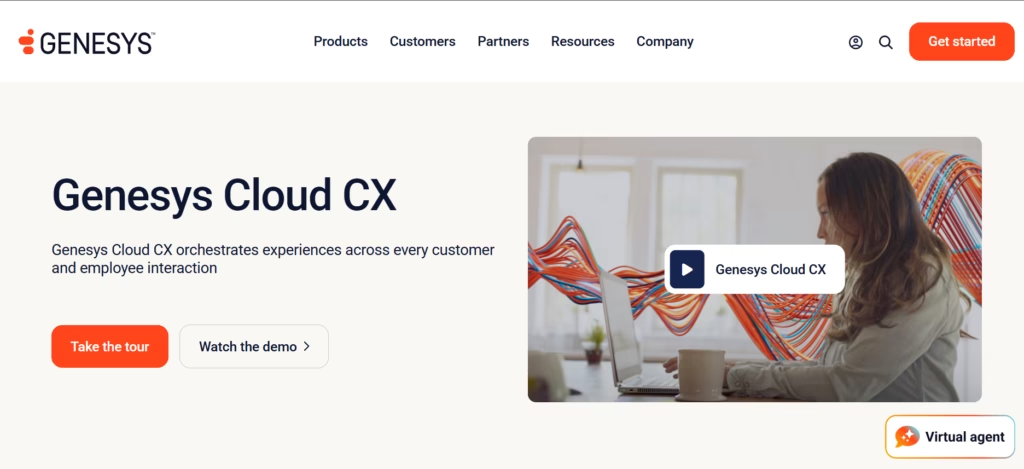
Genesys offers a robust, enterprise-grade suite with deep routing, analytics, and all channels—including advanced voice.
Key features:
- Native support for voice, chat, SMS, social.
- AI routing by skills, intent, sentiment, and value.
- Integrated bot and automation (AI add-on).
- Deep analytics dashboard, SLA, queue, and compliance reporting.
Pros:
- Unmatched routing for volume and complexity.
- Flexible for compliance-heavy and contact center needs.
- Scales from SMB to global enterprise.
Cons:
- Pricing is custom and can become complex.
- Setup time is longer for custom flows.
Pricing: Custom quotes, per-seat and usage components.
Best for: Contact centers, BPOs, or enterprises with complex routing and compliance needs.
Quick Verdict: The route to take for high-volume or nuanced routing, especially with heavy voice/SMS.
Salesforce Service Cloud
Salesforce Service Cloud is built for end-to-end customer management—omnichannel, deeply customizable, and packed with AI.
Key features:
- Handles every channel with configuration.
- AI-powered routing and Einstein chatbot add-on.
- Workflow automation, integration via Salesforce ecosystem.
- Reporting, compliance tools, fully custom objects.
Pros:
- Ultimate in custom workflows and integrations.
- Compliance and data governance are strong.
- Reliable at huge scale.
Cons:
- Expensive, with pricing that scales up quickly.
- Complex setup—often requires consultants or IT resources.
Pricing: Per seat, many modules for AI and advanced channels.
Best for: Enterprises with complex, custom workflows or regulatory constraints.
Quick Verdict: The heavyweight platform—ideal if customization and compliance are critical, and you have support resources for complex deployment.
What Makes a CX Suite “Truly Unified”?
Many suites claim omnichannel, but real unification means every conversation, regardless of channel, threads into a single agent workspace with contextual history and shared reference ID.
The mistake I see often is buying “multi-channel” tools that silo voice, chat, email, or social, making agents jump between tabs or lose conversation context. In truly unified platforms, bots hand off to humans with no data lost. Every action, from escalation to resolution, is tracked and analyzed in the same place.
Intelligent Agent Routing and Workflow Automation
Advanced routing is not just skills—it’s intent, sentiment, and compliance-aware. For example, when a call drops, automated SMS follow-ups keep the customer engaged under one thread.
I have seen agent workload drop by a third after moving to systems with rule-based and AI-driven routing. Modern suites, like Commplify, allow you to visually build automations for things like:
- Routing high-priority cases to senior agents
- Escalating compliance concerns to management
- Recovering lost calls with instant SMS workflows
AI Chatbots and Agent Assist
Conversational AI cuts resolution time and lets customers self-serve 24/7. Modern bots can be customized by department, persona, knowledge, and escalate when needed. More advanced platforms let you sandbox, test, and tweak AI response behavior before going live.
Agents benefit too—true agent assist provides suggested answers, context highlights, and prompt next steps. I have seen CSAT scores rise after teams move from rigid bots to these flexible, assistive AI agents.
Analytics and Reporting in Unified CX Platforms
Unified analytics tracks not just tickets but the end-to-end conversation—regardless of channel. Key reports include:
- CSAT and sentiment trends by channel
- Escalation mapping
- Attribution (what channels are driving resolutions)
The best platforms go further, offering intent analysis, AI-human conversation ratios, and actionable workflow intelligence. You know exactly where customers get stuck—and how to fix it.
Key Considerations When Choosing a Unified CX Suite
Choosing a CX suite is about fit for your specific needs, channel requirements, and operational reality. In my experience, teams make costly mistakes by chasing feature checklists instead of real business impact.
Consider these factors:
- Are all channels you serve natively unified (voice, chat, SMS, email, WhatsApp), or is it multi-channel with bolt-ons?
- How complex is migration—can you bring existing tickets, contacts, and knowledge without chaos?
- Does the workflow automation fit your actual escalation and handoff patterns?
- Are compliance, data governance, and reporting strong enough for your industry?
- How does pricing scale as your operation grows? Is it per seat, usage, or workspace, and which works best for how your teams are structured?
Most importantly—get past marketing claims. Ask for a complete demo with your actual workflows, or better yet, a sandbox where your team can try real scenarios.
How Commplify Empowers Unified CX
Commplify solves the most common CX pain: too many tools, no shared context, and lost opportunities when customers move between channels.
With one unified inbox—voice, chat, SMS, email, WhatsApp—all customer history and context are always present. AI agents can be configured per department or use case, each drawing from precise knowledge and custom escalation rules.
Workflow automation enables true intent and skills-based routing, multi-step escalation, and even missed-call recovery by triggering SMS outreach. For healthcare, BPO, or regulated industries, vector-powered knowledge search ensures only the right, approved information is used, reducing compliance risk and speeding up agent answers.
Reporting ties it all together—leaders see trends not just per channel, but across the entire customer journey, supporting both operational improvement and customer satisfaction at the top level.
Conclusion
Choosing the right unified CX suite is a strategic business decision. The best platforms unify every channel—ticketing, chatbots, routing—so support teams save time, preserve context, and deliver the kind of service today’s customers expect.
Commplify’s unified conversation management, custom AI agents, and advanced workflow automation make it a strong candidate, especially for organizations where voice, SMS, or compliance matter. But every suite in this list has its strengths—what matters most is matching capabilities to your real business demands and operational realities.
As more customer journeys cross channels, having a single platform with true context, automation, and intelligent routing is no longer a luxury—it is mission-critical. Investing in unified CX, now, means future-proofing both your team and customer reputation for the years ahead.
FAQs
What is an omnichannel CX suite and how does it benefit customer service?
It is a customer support platform that combines all channels—voice, chat, SMS, email, WhatsApp—into one workspace. This prevents lost context and lets agents resolve issues faster for better customer outcomes.
How do unified ticketing systems and chatbots work together in modern platforms?
Chatbots handle common questions and triage new requests. All conversations, whether started with bots or agents, are linked as tickets in a unified inbox for better handoff, tracking, and reporting.
What is skills-based routing, and why is it important for support teams?
Skills-based routing assigns each customer query to the best-suited agent based on skills, language, or expertise. This improves resolution time and customer satisfaction.
What features should I prioritize when evaluating CX platforms?
Prioritize native omnichannel inbox, advanced routing (skills, intent), workflow automation, configurable AI, and robust analytics with clear pricing and compliance controls.
How is AI changing the landscape of customer support software?
AI powers chatbots, agent assist, sentiment analysis, routing, and reporting. It automates routine queries, speeds up resolution, and lets agents focus on complex issues.
Are there unified platforms that handle voice, chat, SMS, and WhatsApp natively?
Yes. Platforms like Commplify and Genesys Cloud CX handle these channels natively, without requiring third-party add-ons.
What’s the best pricing model for my organization: per seat, usage-based, or workspace?
It depends on your team size, volume, and scaling plans. Per seat is predictable for small teams, usage-based suits variable volume, and workspace is efficient for large, multi-brand or multi-team setups.
How do I migrate my legacy support stack to an AI-native CX platform?
Plan your migration in phases: export and import tickets, contacts, and knowledge; train agents in the new workspace; test routing and automation before full rollout.
How can unified analytics improve agent performance and customer satisfaction?
Unified analytics reveal channel trends, handle times, escalation patterns, and AI-vs-human effectiveness, enabling targeted improvements and higher satisfaction rates.
Which platform is best for healthcare, BPO, or fintech use cases?
Platforms with true omnichannel unification, advanced compliance features, and custom workflow controls—like Commplify or Genesys Cloud CX—usually fit best in healthcare, BPO, or regulated fintech environments.
This page was last edited on 21 July 2026, at 6:24 am